TECH
Green Light Indication on Mobile: Security or Danger! Does your mobile phone have a green light? Learn more
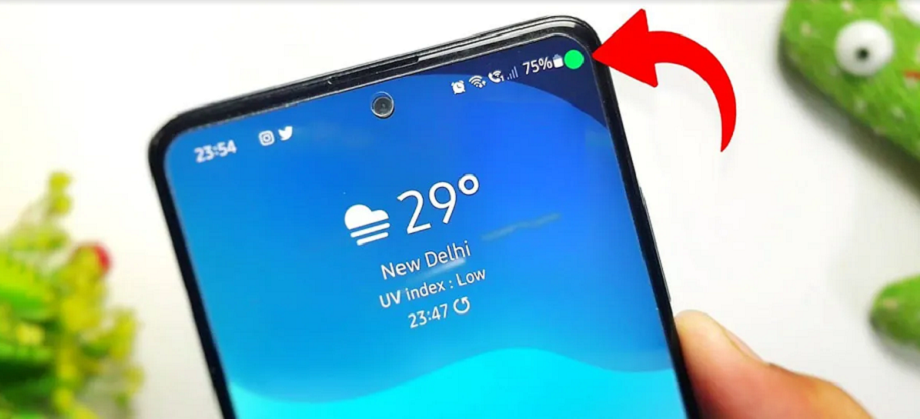
Mobile Green Light: Does your mobile phone have a green light on the side when you're talking? You've probably wondered what it is.
As much as the use of technology is making our lives easier, it is equally dangerous for us. While using it, we need to be careful about small things and details. If not, you never know when your personal details will become public. This fraud happens not only online but also through changes made in mobile phones. If you are an Android user, you need to be extra cautious. However, companies make changes from time to time to update the phone and protect it from fraud.
Is your phone flashing a green light that wasn't there before? If you've bought a new phone and the green light on the battery side glows when you're on a call, you've undoubtedly wondered why. If not, in this article, we're going to answer that question.
What does green light mean?
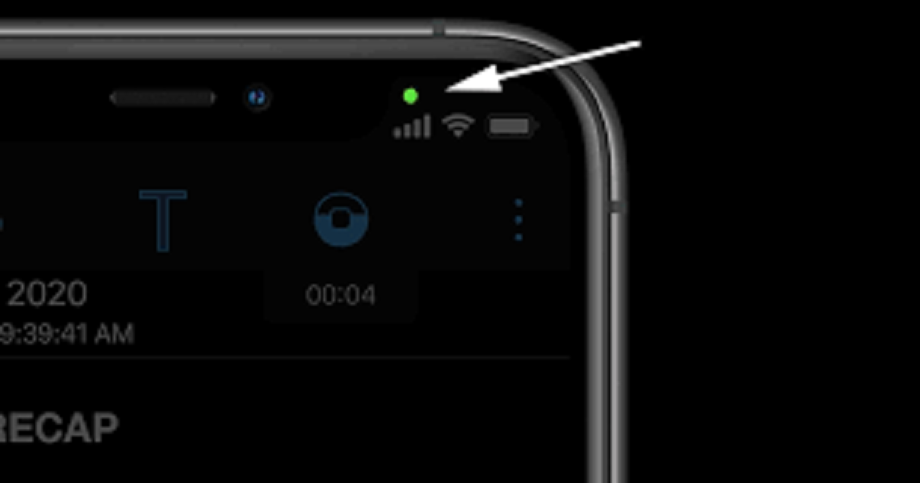
When you see a green dot in the upper corner of your phone screen, usually near the battery icon, it simply and positively means that
Camera Active - Your phone's camera is being used. Simply put, when you take a photo, record a video, or are on a video call.
Microphone active - Your phone's microphone is being used. When you're on a voice call, recording or unmuting a call, or using a voice assistant like Google Assistant.
This feature was introduced by Google and Apple to protect your privacy. It instantly alerts you to which feature (camera or mic) is active.
In which situation does the burning of this light signal danger?
This green light can be a red flag if you're not using any apps. That is, if you're not using any apps with a camera or microphone on your phone, like WhatsApp , Instagram, Camera, or Recorder, and yet the green light is constantly on.
This means an unauthorized app is secretly accessing your camera or microphone in the
Now what should be done in such a situation? (Safety Tips)
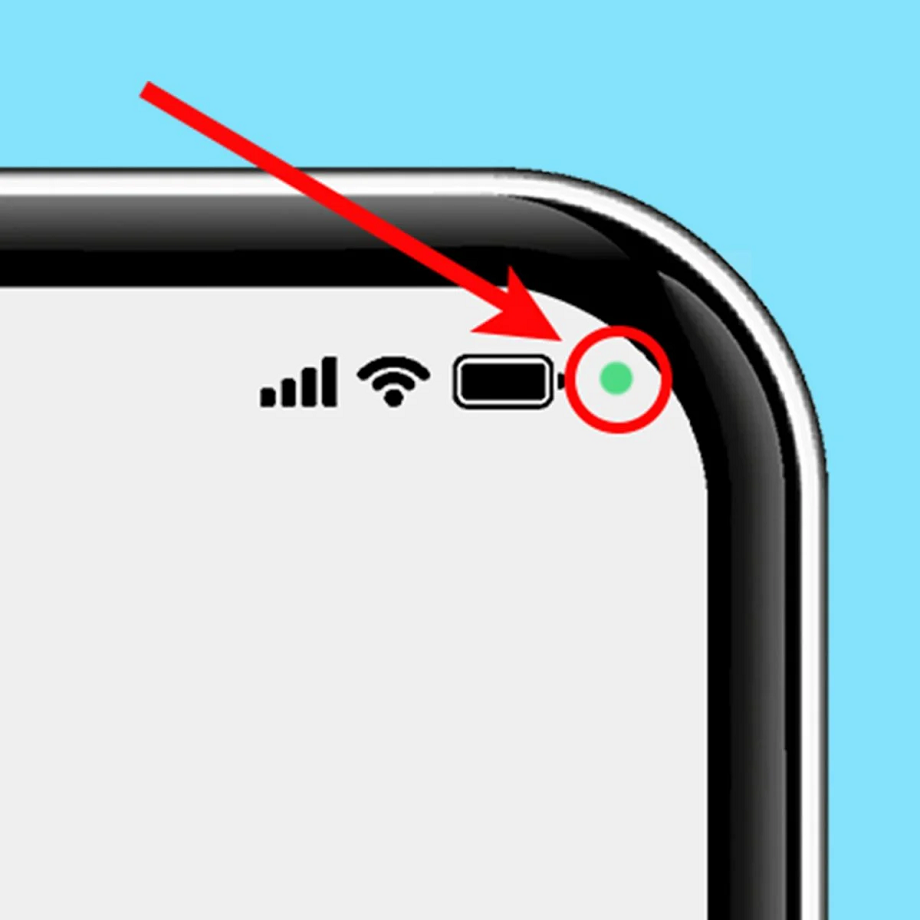
If you see this green light flashing without any reason, then instead of getting worried or panicking, follow the steps given below-
- First, check which app is currently running. On many phones, tapping the green light will also reveal which app is using the camera or microphone .
- Go to the permission settings of that app and see if it has permission to the microphone or camera.
- To do this, go to Settings > Privacy > Permissions Manager > Camera/Microphone.
- If you feel that any app does not need camera/mic, then immediately give its permission Don't Allow.
- If you identify any app that seems suspicious to you, uninstall it immediately along with turning off the camera/mic permissions.
PC:Herzindagi