TECH
Government Warns: Your Smart TV May Be Recording Home Conversations — Check These Settings Immediately

If you use a Smart TV at home for entertainment, it’s time to be cautious. The television sitting in your bedroom or living room may be recording your private conversations and sending them to company servers. This warning has been issued by the Indian Cyber Crime Coordination Centre (I4C) under the Ministry of Home Affairs.
According to I4C, incorrect privacy settings on Smart TVs can allow the device to listen to your conversations, record audio, and automatically upload this data to cloud servers whenever the TV is connected to the internet. In simple terms, your entertainment device could also be spying on you. The government has advised all Smart TV users to immediately review and configure their privacy settings.
How Smart TVs Listen
Most modern Smart TVs come with advanced voice-recognition features. For these features to work, the microphone must remain active at all times. Whether you say “OK Google,” “Hey TV,” change a channel, or have a casual conversation at home, the Smart TV may capture all surrounding audio.
Once connected to the internet, this voice data may get uploaded to the company’s cloud servers—possibly for voice analysis, targeted advertising, consumer behavior tracking, or other purposes that users may not be aware of.
It’s Not Just the Microphone — Cameras Can Be Active Too
Some premium Smart TVs also include facial-recognition capabilities. This allows the TV to scan your face and display personalized ads based on age or gender. These devices can also track what you watch, how long you watch, and even how many people are present in the room. Incorrect privacy settings may allow all this information to be transmitted to the company servers.
The Major Risk
With Smart TV usage increasing rapidly in India, cyberattacks on IoT devices have also risen. Poor privacy settings can lead to:
• Leakage of private conversations
• Exposure of family habits and daily routines
• Tracking of your location
• Unauthorized control of smart home devices
• Identity theft and data misuse
This puts both your privacy and home security at risk.
How to Protect Yourself
I4C and Cyberdost have recommended the following steps:
• Review privacy settings during Smart TV setup
• Disable voice recognition when not required
• Block microphone and camera access
• Turn off unnecessary data-sharing options
• Connect the TV to the internet only when needed
• Disable location services
• Avoid installing unknown or unverified apps
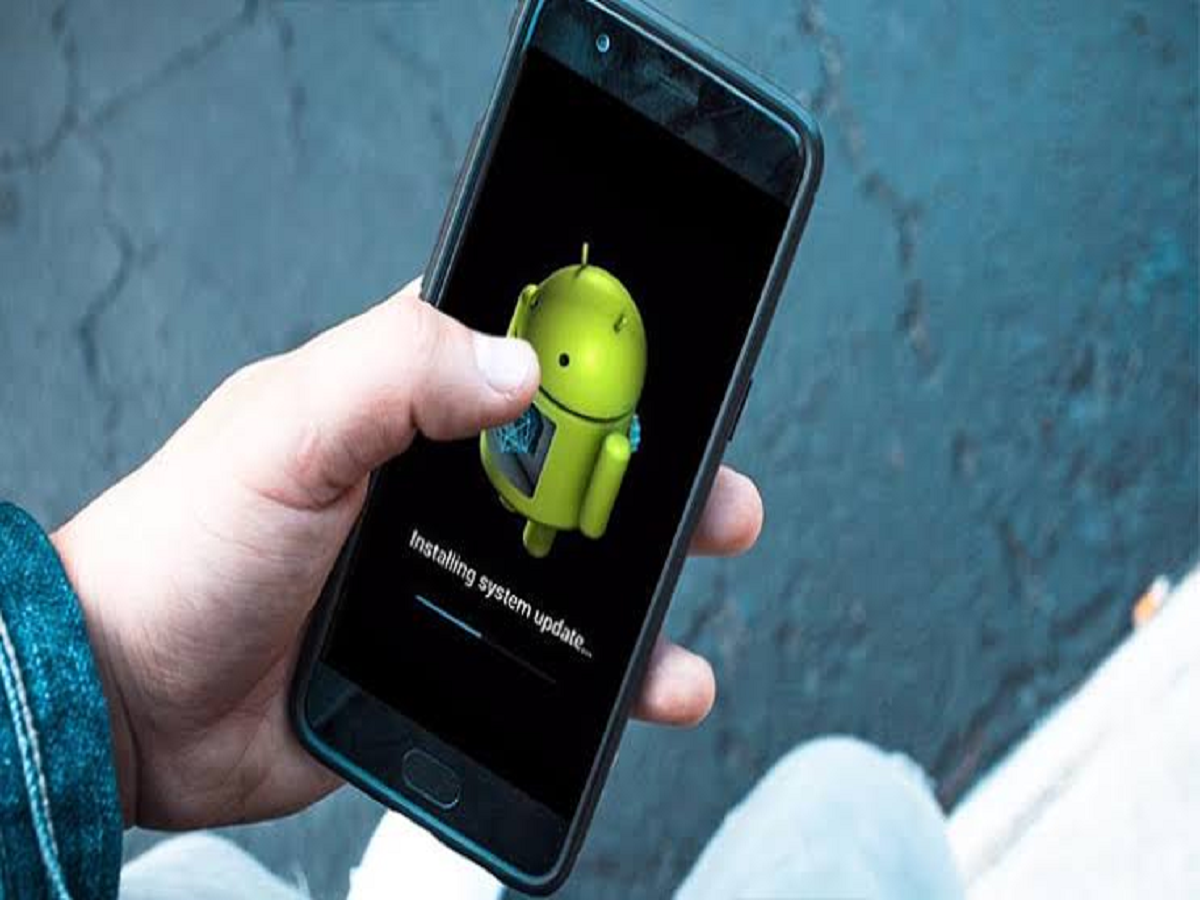
• Keep software and firmware updated
And importantly, if you or anyone you know becomes a victim of cybercrime, immediately contact the Cyber Helpline at 1930 or file a complaint at cybercrime.gov.in. Quick reporting significantly increases the chances of resolution.