In today’s fast-moving digital era, keeping essential government documents accessible on your phone or computer has become more important than ever. After identity credentials like Aadhaar, the Permanent Account Number (PAN) card is one of the most crucial documents for Indian residents. From opening a bank account to filing income tax returns, a PAN card is required for a wide range of financial and legal activities. But what if you suddenly need it and don’t have the physical copy with you? That’s where the e-PAN card becomes extremely useful.
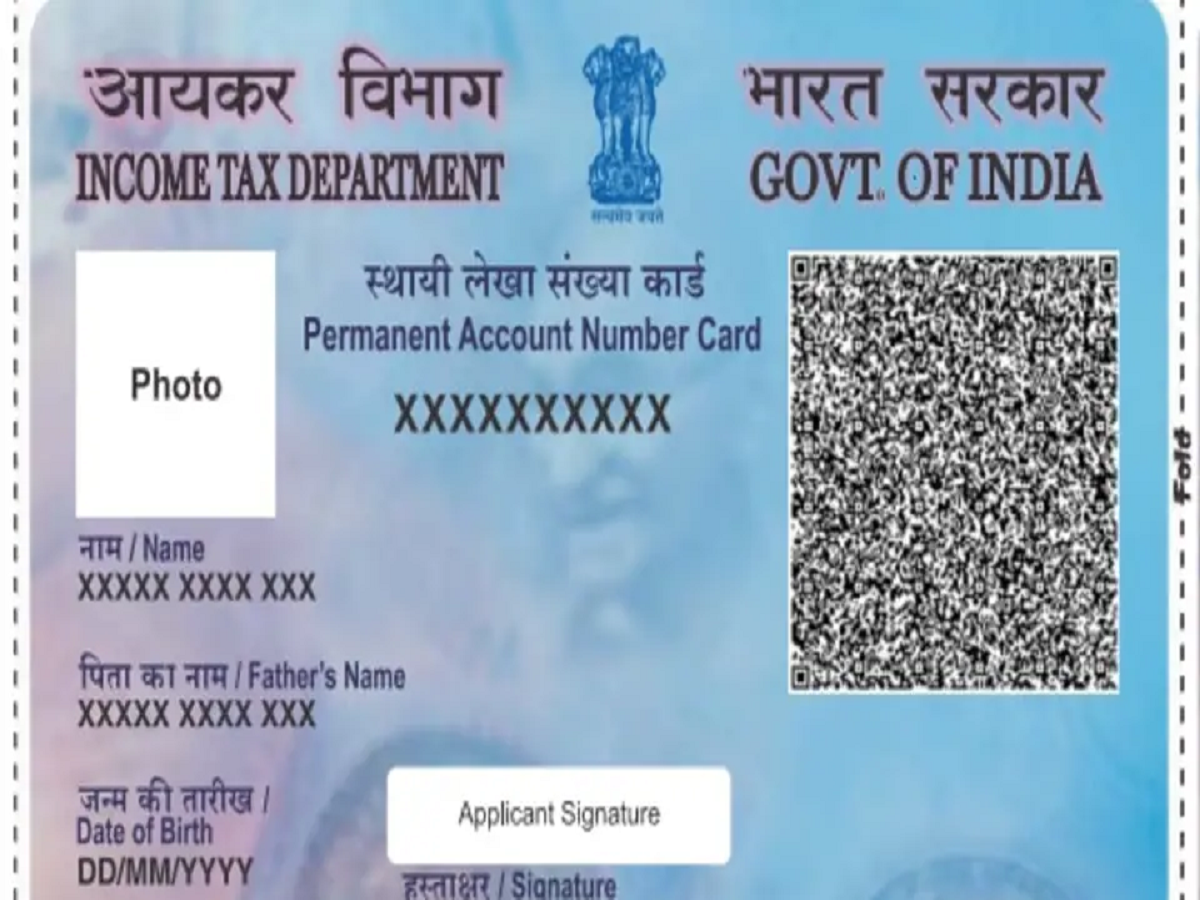
An e-PAN is a digitally issued version of your physical PAN card provided by the Income Tax Department. It carries the same legal validity as the printed card and can be used for identification and financial transactions. Because it’s stored digitally, you don’t have to worry about misplacing or damaging it. This initiative aligns with India’s broader push toward paperless governance and digital public services.
What Is an e-PAN and Why It Matters
An e-PAN is essentially a secure PDF file containing your PAN details, photograph, and signature. It is digitally signed and officially recognized for all purposes where a PAN card is required. Whether you’re completing KYC verification, submitting financial forms, or verifying identity, the electronic version works just like the physical one.
Having a digital copy also saves time in emergencies. Instead of waiting for a replacement card to arrive by post, you can download your e-PAN instantly and use it whenever needed.
Update Photo and Signature Easily Online
Many people still use old PAN cards where the photo appears faded or the signature no longer matches their current one. Previously, updating these details involved paperwork and long processing times. Now, the process is much simpler.
You can request updates through official service providers such as NSDL or UTIITSL. All you need to do is upload scanned copies of your latest photograph and signature, submit required documents, and pay a nominal processing fee. After verification, your updated e-PAN will be generated and made available for download.
Step-by-Step Guide to Download e-PAN
Follow these simple steps to download your digital PAN card:
-
Visit the official e-filing portal of the Income Tax Department.
-
Locate the Quick Links section on the homepage.
-
Click on Instant e-PAN.
-
Enter your Aadhaar number and verify it using the OTP sent to your registered mobile number.
-
Once verification is complete, you can download your e-PAN in PDF format.
If you want a version with updated photo or signature, navigate to the PAN Correction section instead and submit the required files.
Important Security Tips
While downloading digital documents, always ensure you’re using only official government or authorized service provider websites. Avoid clicking on suspicious links or sharing personal details on unknown portals, as these may be phishing attempts.
Typically, an e-PAN PDF file is password-protected. In most cases, the password is your date of birth in DDMMYYYY format. Entering this unlocks the document securely.
Benefits of Using an e-PAN
-
Instant access: Available anytime on your phone or laptop
-
Legally valid: Accepted for all official and financial purposes
-
Eco-friendly: Eliminates the need for plastic or paper cards
-
Secure: Digitally signed and password-protected
Digital public services have transformed how citizens manage official paperwork. The ability to download and update your PAN card online is a perfect example of how technology is simplifying everyday administrative tasks. If you haven’t yet saved your e-PAN, now is a good time to do it and ensure your essential financial identity document is always within reach.