Smartphones have become an essential part of everyday life, helping us make calls, send messages, manage online payments, browse social media and complete work-related tasks. However, even a powerful smartphone can sometimes become slow. Apps may take longer to open, the touchscreen may stop responding, or the device may freeze unexpectedly.
In such situations, restarting the phone is often the first solution people try. But does restarting actually improve performance, and is it necessary to do it every day?
The answer is that restarting can resolve certain temporary software problems, but it will not permanently make an ageing or overloaded smartphone faster. Understanding when and why to restart can help you maintain your device more effectively.
What Happens Inside Your Phone When You Restart It?
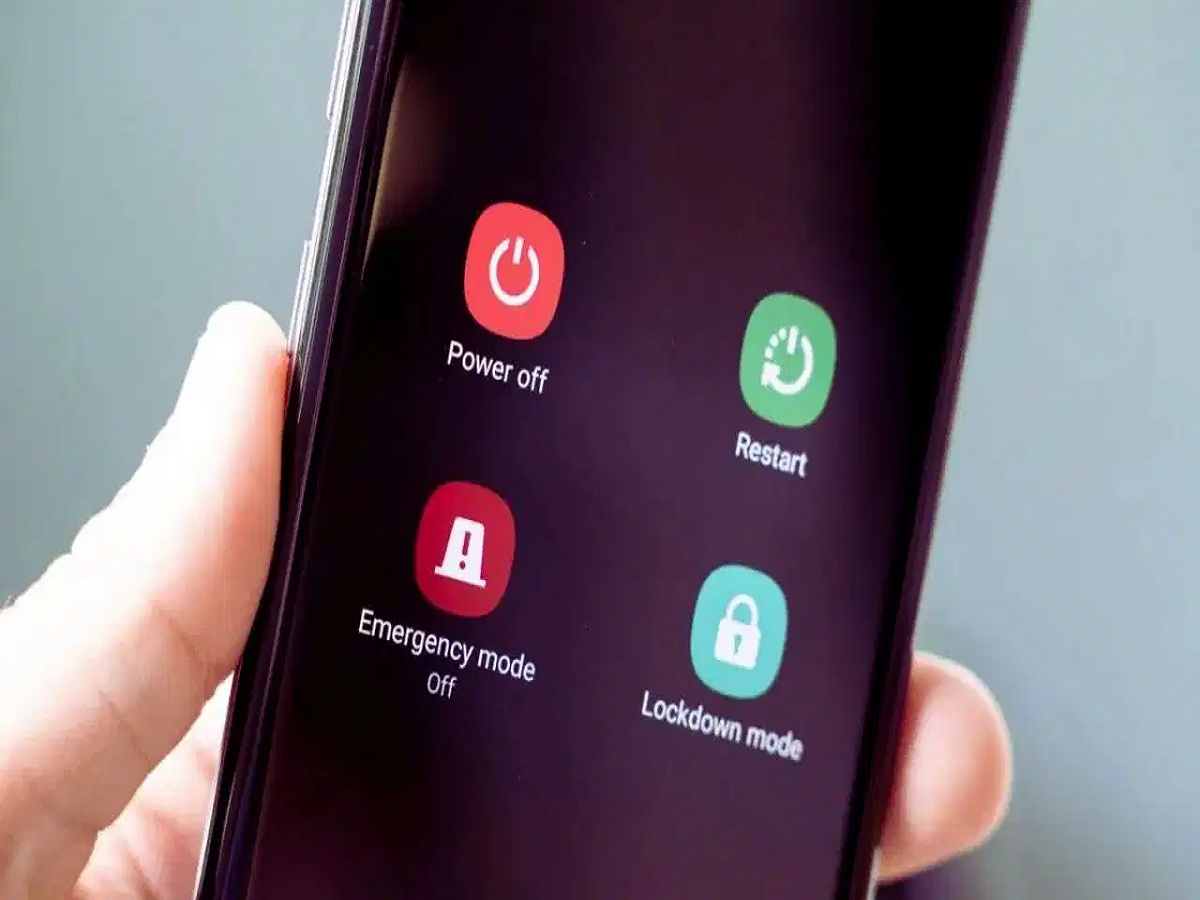
When you restart an Android smartphone or an iPhone, the operating system shuts down and starts again. Running applications and many temporary system processes are closed, and essential services are reinitialised.
This process can help resolve minor software glitches. For example, an application that has stopped responding may work normally after a restart. Similarly, temporary connectivity problems or unusual system behaviour may disappear once the device starts again.
Restarting can also clear certain temporary states that may be contributing to performance issues.
However, it does not erase your personal files, photos or installed applications under normal restart conditions. It is different from performing a factory reset, which can erase data.
Does Restarting Make Your Smartphone Permanently Faster?
No. Restarting does not permanently increase your phone's processing power, expand its storage capacity or improve the physical condition of its battery.
If an application is consuming excessive memory or a 's instructions for a forced restart. The button combination varies by model.
How to Make Your Smartphone Faster Without Restarting It
If your phone remains slow, try these practical steps instead of repeatedly turning it off and on.
1. Free Up Storage Space
When storage becomes nearly full, installing updates, saving files and managing app data can become difficult. Delete unwanted downloads, remove unused applications and move backed-up photos or videos to another storage location when appropriate.
Avoid deleting unfamiliar system files or app data without understanding the consequences.
2. Update Your Apps and Operating System
Software updates often include bug fixes, security improvements and performance enhancements. Check for updates through your phone's official settings and app store.
If the slowdown started immediately after a particular update, check for subsequent fixes or known issues.
3. Identify Apps That Consume Too Many Resources
Some applications may use excessive battery, memory or processing power. Check your phone's battery and app usage settings to identify unusual activity.
Update, restrict or uninstall problematic applications where appropriate.
4. Keep Your Phone Cool
Smartphones may reduce processor performance when they become too hot. Heavy gaming, charging in hot environments and prolonged camera use can increase temperatures.
Allow the device to cool naturally and avoid exposing it to direct sunlight for extended periods.
5. Avoid Unnecessary Cleaning and Booster Apps
Apps that promise to dramatically increase speed by constantly clearing RAM or killing background processes may offer little benefit. Some can even consume additional resources by running continuously.
Use built-in device maintenance tools and the operating system's own resource-management features instead.
Does Restarting an iPhone Work Differently From Restarting Android?
The basic principle is similar on both platforms. Restarting closes and reinitialises system processes, which can resolve temporary software issues.
The exact troubleshooting options differ between devices, but neither platform requires daily restarts for routine performance management.
If an iPhone or Android phone remains slow despite restarting, check storage, software updates, battery condition and resource-heavy apps before considering more drastic measures.
Final Verdict
Restarting your smartphone is a useful troubleshooting step, not a permanent speed-boosting trick. It can resolve temporary glitches, restore certain functions and help an application recover from an error.
However, it cannot fix a failing battery, insufficient storage, outdated hardware or every software problem. You also do not need to restart your phone every day simply to keep it fast.
For better long-term performance, keep your software updated, maintain adequate free storage, monitor demanding applications and avoid overheating. If your phone continues to freeze or slow down frequently, investigate the underlying cause rather than relying on repeated restarts.