TECH
Be careful! Apps hidden in the phone can steal your photos and wallet details, know how to avoid this digital trap

Some apps, despite being present on the Play Store and App Store, are secretly stealing your photos and crypto wallet details.
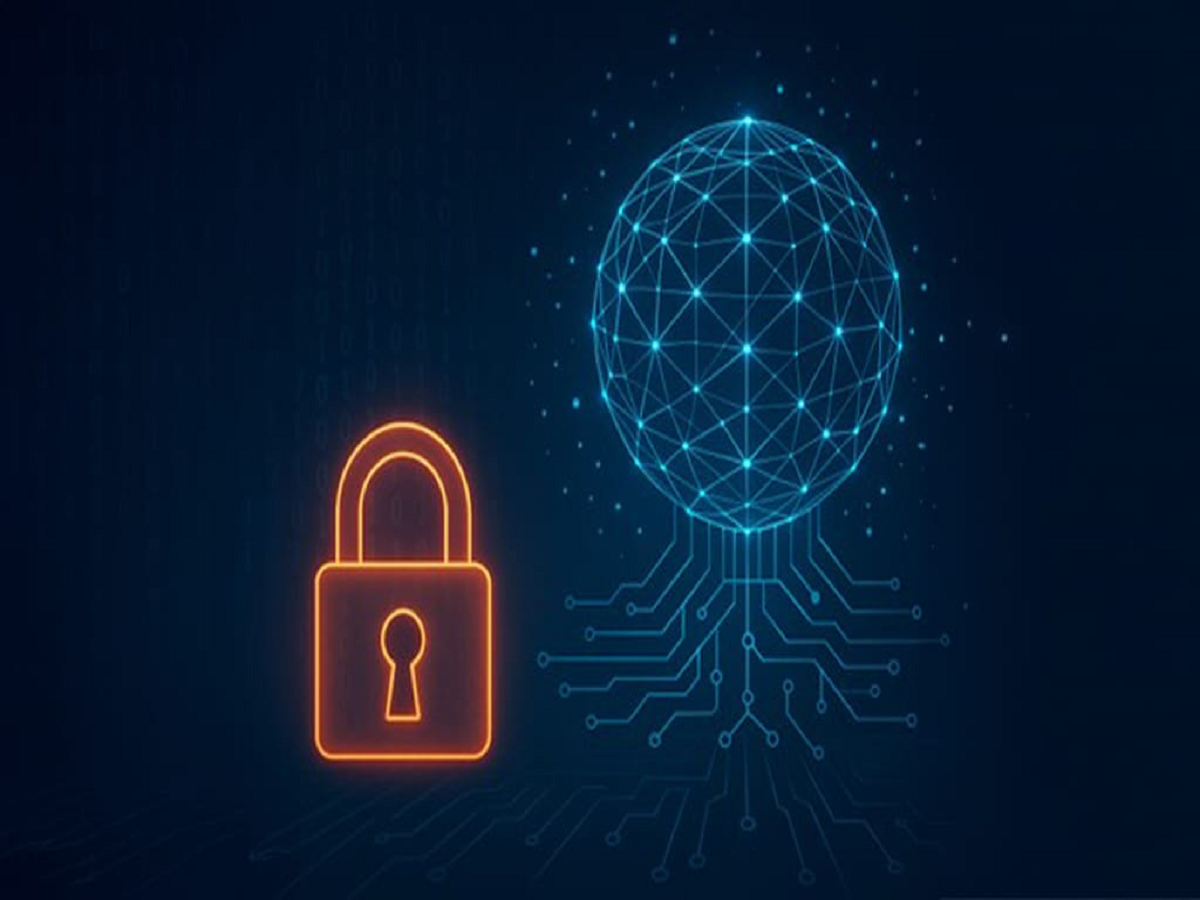
Now just downloading apps from Play Store or App Store is not a guarantee of your safety. Nowadays some apps have become so clever that they enter your phone and secretly access your photos and even crypto wallet details. The latest case is of a new malware "SparkKitty", which is targeting people through very common looking apps.
Simple in appearance, but dangerous in work
This virus, called SparkKitty, is hidden in some apps that offer messaging, photo editing or crypto-related features. These apps look completely normal and have been downloaded thousands of times. But as soon as you install them, they ask for permission to access the photo gallery. Most of us click "Allow" without thinking.
What does this malware do?
Once the permission is granted, this app starts scanning your photo gallery. The malware hidden in it uses OCR (Optical Character Recognition) technology to read the text in the photos. If you have ever taken a screenshot of your crypto wallet's recovery phrase or password, this malware can recognize and steal it.
Where is the danger spread?
- This virus works on both Android and iPhone
- Not only official stores, its apps have been found on third party sites as well
- Constantly checks your gallery to see if any new photos have arrived
- The stolen information is sent directly to the hackers' servers
How to avoid this danger?
1. Think before you download an app – Install only those apps whose developers and reviews are trustworthy
2. Pay attention to permissions – It is important to know why an app is asking for access to your photos, files or camera
3. Do not store crypto details in photos – Never take screenshots of passwords or recovery phrases
4. Use a password manager – Secure storage or password manager is best for important information
5. Use antivirus apps – Make sure to keep a trustworthy security app on your phone that can identify such malware
Not just money, privacy is also at risk
This type of virus not only takes away your crypto wallet information, it can also leak your personal photos. No blackmail case has been reported so far, but the danger still remains.
PC:ABPNews