TECH
Apple MacBook vs Windows Laptop: Which Offers Better Performance, Battery Life and Value for Money?
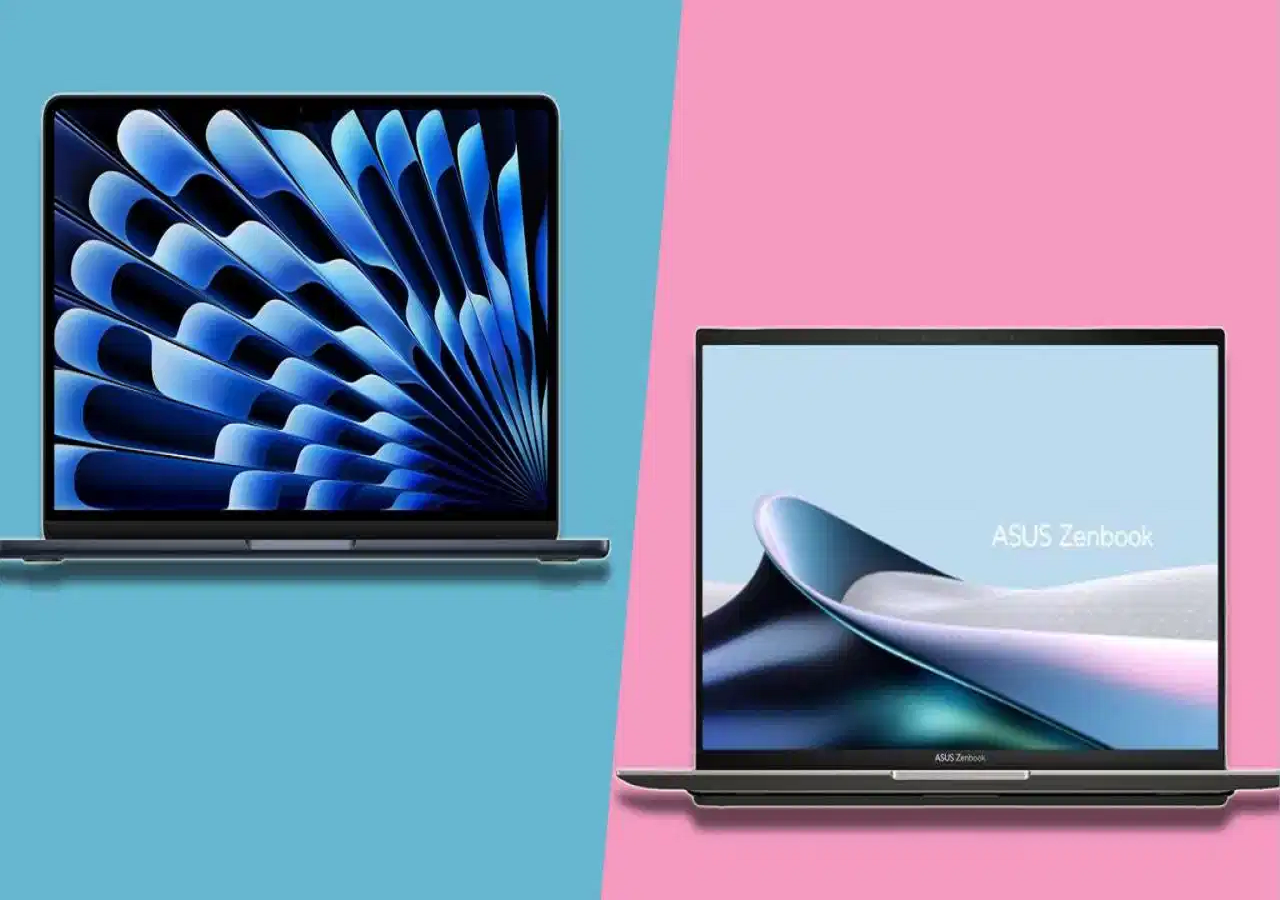
Buying a new laptop involves more than choosing a popular brand or a powerful processor. Battery life, speed, display quality, portability, software compatibility and price all play an important role in determining which device offers the best experience.
Two of the most popular choices are Apple's MacBooks, powered by its silicon chips, and Windows laptops available from brands such as Dell, ASUS, Lenovo and Samsung. While MacBooks are known for their power efficiency and integration with Apple's ecosystem, Windows laptops offer a wider variety of designs, configurations and price points.
So, which platform should you choose? The answer depends on how you plan to use your laptop and how much you want to spend.
Apple M-Series vs Windows: Understanding the Performance Difference
Apple's M-series processors combine CPU, graphics and other processing capabilities in a unified chip architecture. This design helps deliver responsive performance while managing power consumption efficiently.
MacBooks are well suited to everyday productivity, programming, photo editing and many video-editing workflows. Their performance also benefits from Apple's ability to optimise macOS and its hardware together.
Windows laptops, meanwhile, use processors from manufacturers such as Intel, AMD and Qualcomm. Performance varies considerably depending on the processor, cooling system, memory and overall laptop design.
A powerful Windows laptop can outperform a MacBook in certain demanding applications, particularly when it includes dedicated graphics hardware. Windows also offers a broader selection of gaming laptops and machines designed for specialised professional software.
Therefore, comparing processor names alone is not enough. The specific laptop configuration and the applications you use matter just as much.
Which Offers Better Battery Life?
Battery life is one of the areas where MacBooks have built a strong reputation. Apple's hardware and software integration can deliver long runtimes, particularly during everyday activities such as browsing, document editing, video calls and media playback.
Windows laptops can also offer excellent battery life, but results vary more widely across models. A thin-and-light laptop designed for office work may last considerably longer than a gaming laptop with a high-performance processor and dedicated graphics.
Actual battery life depends on screen brightness, workload, background applications, battery capacity and other factors. For a fair comparison, look for independent battery tests rather than relying exclusively on manufacturers' advertised figures.
Eight Laptop Options to Consider
Here are four MacBook configurations and four Windows laptops mentioned in the supplied product list. Prices are the listed figures and may change with retailer offers, bank discounts and configuration differences.
Apple MacBook options
1. Apple MacBook Neo 13-inch
<text>Listed price: ₹68,390</text>
Featuring an A18 Pro chip according to the supplied listing, this model is positioned for everyday computing, studies and general productivity. Its compact design makes it suitable for users who frequently carry their laptop between home, college and the office.
2. Apple MacBook Air 15-inch
<text>Listed price: ₹1,66,990</text>
The listed configuration includes an M5 chip, 16GB RAM and 512GB storage. Its larger display could appeal to users who want more screen space for multitasking, creative projects and entertainment while retaining a slim, fanless design.
3. Apple MacBook Air 13-inch
This compact MacBook Air option is designed for users who value portability. The supplied description mentions a 12MP Center Stage camera for video calls, although a price was not provided.
4. Apple MacBook Air 13-inch with 24GB RAM
<text>Listed price: ₹1,94,990</text>
The listed configuration combines 24GB RAM with a 1TB SSD. Additional memory and storage can be useful for demanding multitasking, larger coding projects and creative workflows, although performance will also depend on the applications involved.
Windows laptop options
1. Samsung Galaxy Book4
<text>Listed price: ₹68,500</text>
This configuration includes a 13th-generation Intel Core i5 processor, 16GB RAM and a 512GB SSD. It is intended for everyday productivity, office work and studies, with a slim design suited to portability.
2. Dell 15 AI-powered laptop
<text>Listed price: ₹77,990</text>
The supplied specifications include an Intel Core Ultra 5 processor, 16GB DDR5 RAM and a 512GB SSD. Its 15.6-inch anti-glare display could be useful for users who spend long hours working with documents, spreadsheets and browser tabs.
3. ASUS Vivobook S14
<text>Listed price: ₹92,990</text>
Featuring an Intel Core Ultra 5 processor, 16GB RAM and 512GB storage, this model is aimed at users looking for a portable productivity laptop. Its stated weight of approximately 1.4kg could make it convenient for commuting. The supplied listing also mentions Microsoft Office 2024.
4. Lenovo ThinkBook 16
<text>Listed price: ₹94,990</text>
This configuration is listed with an Intel Core Ultra 9 processor, 16GB RAM, a 512GB SSD and a 16-inch WUXGA display. The larger screen may be useful for coding, spreadsheets, multitasking and working across multiple windows.
Note: These product details and prices come from the supplied information and have not been independently verified. Check the exact model number, processor generation, configuration and current price before purchasing.
MacBook vs Windows Laptop: Quick Comparison
| Feature | Apple MacBook | Windows laptop |
|---|---|---|
| Battery life | Often excellent, depending on model and workload | Varies widely by model |
| Everyday performance | Smooth for productivity and supported creative apps | Ranges from basic to high-performance |
| Gaming | More limited game selection | Wider choice, especially with gaming GPUs |
| Software compatibility | Best suited to macOS-compatible applications | Supports a broad range of Windows software |
| Hardware choices | More limited product range | Extensive options across budgets and designs |
| Touchscreen options | MacBooks do not offer conventional touchscreen displays | Available on selected models |
| Ecosystem | Strong integration with iPhone and other Apple devices | Broad compatibility with Windows devices and services |
Which Laptop Should You Buy?
The right choice depends on your priorities.
Choose a MacBook if you value long battery life, a lightweight design, quiet operation and integration with other Apple devices. It can be particularly appealing for people who already use an iPhone and other Apple products.
Consider a Windows laptop if you need specific Windows-only software, want a touchscreen, prefer a wider range of configurations or need dedicated graphics for gaming and specialised workloads. Windows also offers more choices across different budgets.
For students and office users, a laptop with 16GB RAM and an SSD is a sensible starting point for comfortable multitasking. For coding, video editing or other demanding work, consider the software requirements and memory needs before deciding.
Ultimately, neither platform is universally better. Compare similarly priced models, check independent battery and performance tests, and make sure the laptop supports the applications you actually use. That approach will help you choose a device that delivers the best combination of performance, battery life and value for your needs.