TECH
AI Deepfakes Are Getting Harder to Spot: 7 Simple Ways to Check Whether a Photo or Video Is Real
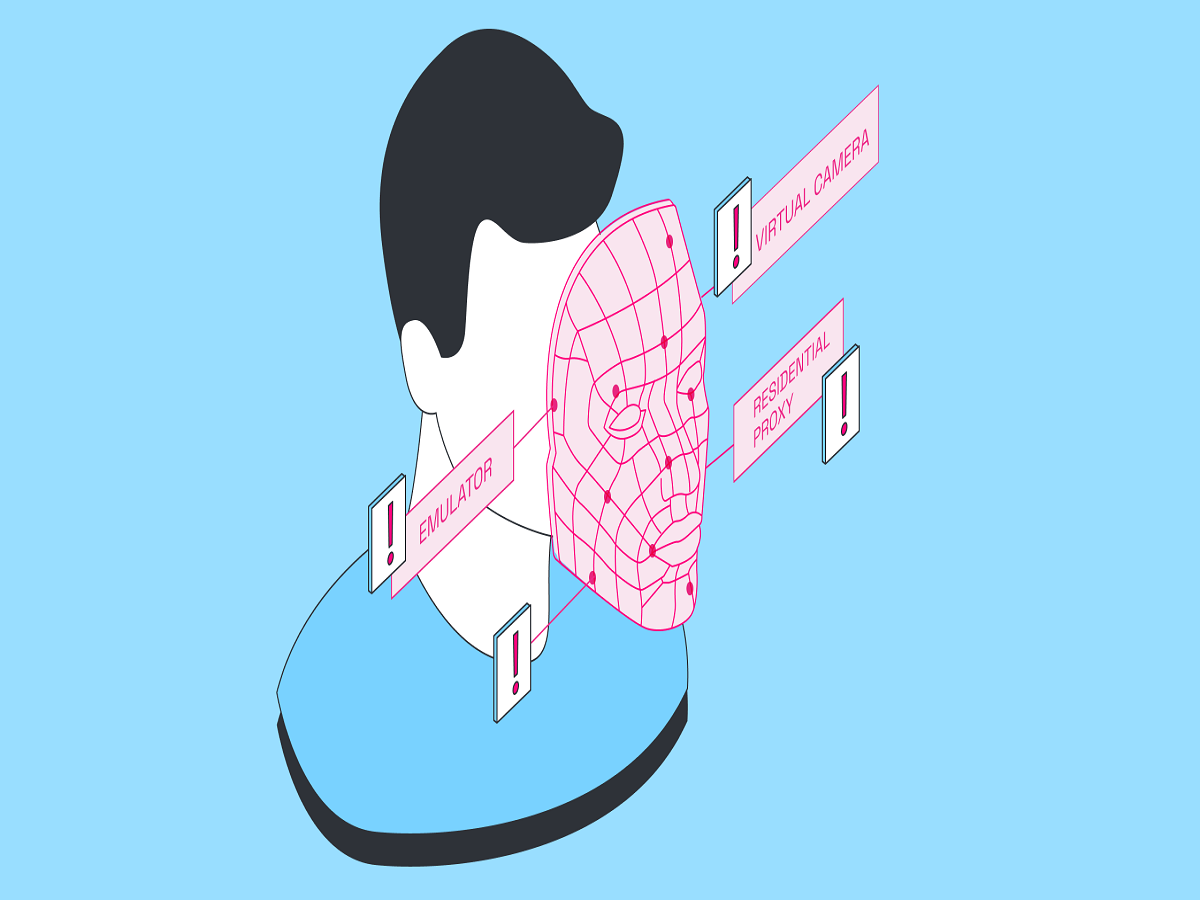
A photo or video appearing on your phone can look completely authentic and still be artificially generated or manipulated. With generative AI becoming more advanced, creating realistic faces, voices and videos no longer requires professional editing skills.
This has made deepfakes one of the biggest challenges for internet users. From fake celebrity videos to manipulated political clips and fraudulent video calls, AI-generated content can be used to spread misinformation or trick people into sharing money and personal information.
The good news is that there are several ways to identify suspicious content before believing or forwarding it.
What exactly is a deepfake?
A deepfake is digitally manipulated or AI-generated content in which a person's face, voice or actions are altered or completely fabricated.
Modern AI tools can generate highly realistic images and videos from simple text prompts. They can also clone someone's voice from a relatively short audio sample.
This means that simply looking at a video and deciding that it "looks real" is no longer a reliable way to verify it.
1. Look closely at the face
AI-generated faces can sometimes reveal subtle inconsistencies.
Pay attention to:
-
Unnatural blinking
-
Strange facial expressions
-
Teeth that appear distorted
-
Earrings or glasses changing shape
-
Hair merging strangely with the 't trust the voice blindly
AI voice cloning has become remarkably convincing.
If you receive an unexpected voice message or phone call supposedly from a family member, friend or senior executive asking for money, don't immediately act on it.
Instead, contact the person through another known phone number or communication channel and confirm the request.
A familiar-sounding voice is no longer sufficient proof of identity.
4. Check where the content came from
One of the most effective ways to detect misinformation is to examine the original source.
Ask yourself:
Who uploaded this?
When was it uploaded?
Is the same image or video appearing on credible websites?
Does the person or organisation shown in the content have an official account?
A dramatic video shared only through WhatsApp or an anonymous social-media account deserves more scrutiny than information published through a verified official source.
5. Use reverse image search
If you receive a suspicious photograph, you can use a reverse-image-search service to see whether the same image appeared online earlier.
This can reveal that an image supposedly showing a recent event was actually taken years ago or originally came from an entirely different country.
This technique is particularly useful when checking viral photographs.
6. Look for AI-generated images with extra caution
Some AI images contain visual details that don't make sense when examined closely.
For example, signs may contain meaningless text, objects may have impossible shapes,