Aadhaar-based online services often require users to verify their identity using a one-time password (OTP) sent to their registered mobile number. However, delayed SMS messages, weak network coverage and technical issues can sometimes interrupt the verification process.
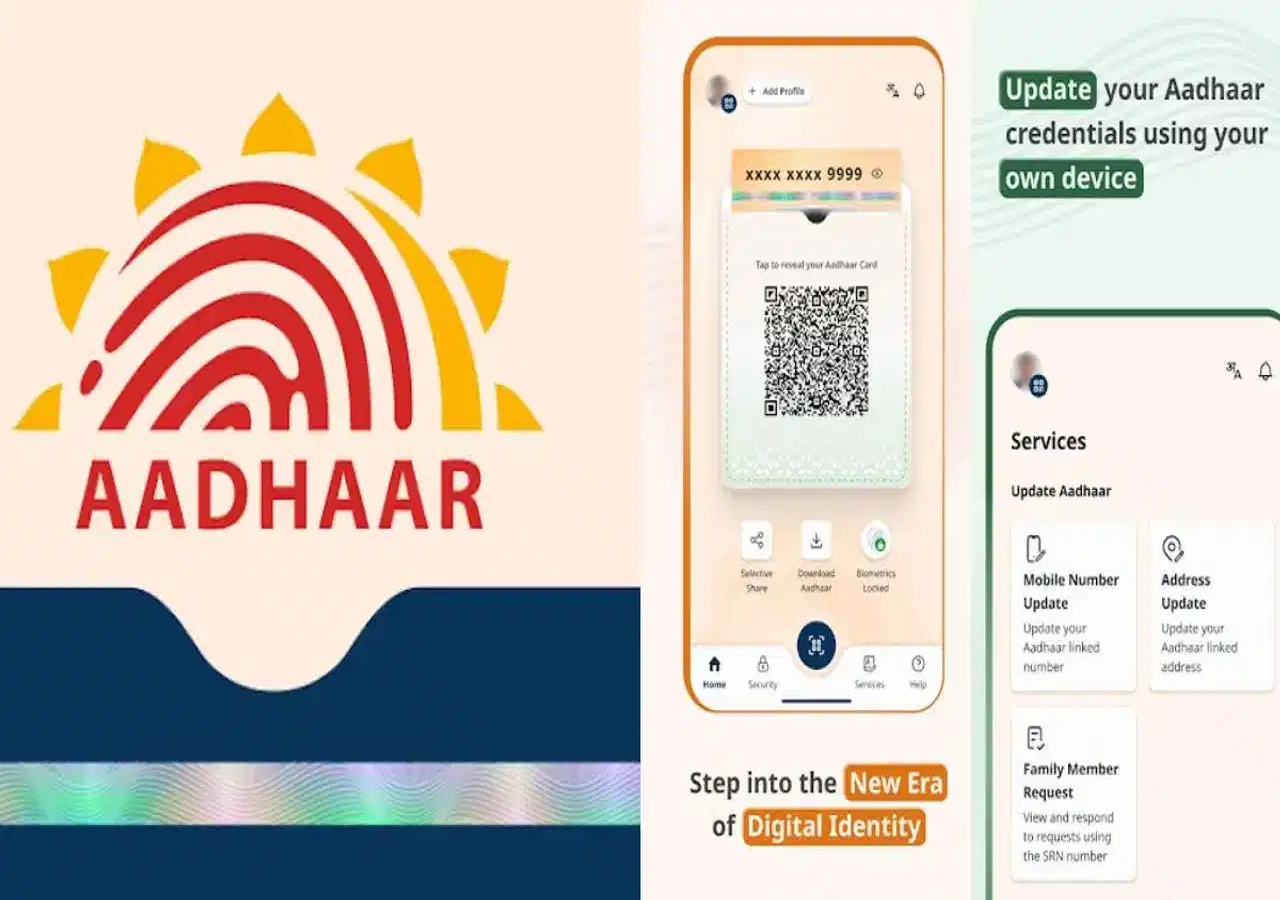
To make authentication more convenient, the Aadhaar app offers a Time-based One-Time Password (TOTP) feature. It allows users to generate a temporary verification code directly through the app instead of waiting for an SMS.
The feature can be especially useful when a supported Aadhaar service offers TOTP as a verification option. However, it cannot replace SMS OTPs on websites that do not support this method.
What Is Aadhaar TOTP and How Does It Work?
TOTP stands for Time-based One-Time Password. It is a temporary security code generated using a time-based system rather than being delivered through an SMS message.
According to the feature details described in the report, the Aadhaar app generates an eight-digit code that changes every 30 seconds.
Because the code is generated on the device, users do not need to wait for an SMS each time they request one. The phone's date and time settings must be correct for time-based authentication to work reliably.
TOTP can be particularly convenient when mobile network coverage is weak or SMS delivery is delayed. However, the service being accessed must specifically support TOTP verification.
TOTP vs SMS OTP: What Is the Difference?
Both methods are designed to verify a user's identity, but they deliver authentication codes differently.
SMS OTP
-
Sent to the registered mobile number through a text message.
-
May be delayed because of network or messaging issues.
-
Requires access to the registered number to receive the message.
Aadhaar TOTP
-
Generated directly through the Aadhaar app.
-
Does not require a new SMS for each code.
-
Uses a time-based system, so the code expires and changes periodically.
-
Works only when the website or service supports TOTP authentication.
TOTP can reduce dependence on SMS delivery, but it does not automatically make every transaction more secure. Keeping the phone and app protected remains essential.
How to Generate TOTP in the Aadhaar App
If you want to use this feature, start by installing or opening the official Aadhaar app and completing any required setup.
Follow these general steps:
-
Open the official Aadhaar app on your smartphone.
-
Complete the required login or authentication process.
-
Look for the TOTP or security-related option available in the app.
-
Select the option to generate a TOTP, if available.
-
Note the temporary code displayed on the screen.
-
Enter the code on the Aadhaar-related website or service that offers TOTP verification.
The exact menu names and navigation may vary with the app version. If you cannot find the option, check the app's latest instructions or official UIDAI guidance.
Why Is TOTP Useful When SMS OTPs Are Delayed?
One of the main advantages of TOTP is that generating a code does not depend on receiving a new SMS.
For example, if you are trying to complete an Aadhaar-related verification process and the SMS OTP is delayed, a supported TOTP option may allow you to continue without waiting for the message.
This can be helpful in areas with weak mobile coverage or during temporary SMS delivery problems.
However, if the website displays only an SMS OTP field and does not offer TOTP verification, you cannot simply enter a TOTP in its place.
Important Precautions While Using Aadhaar TOTP
Although TOTP can make verification more convenient, users should follow basic security precautions.
Keep your phone's time settings correct: Enable automatic date and time so the device's clock remains synchronised.
Use the code promptly: A temporary code is valid only for a limited period. If it expires, generate a fresh one.
Protect your phone and Aadhaar app: Use a screen lock and avoid allowing unauthorised people to access your device.
Never share verification codes: Do not disclose OTPs or TOTPs to callers, unknown individuals or anyone claiming to be an official who asks you to reveal the code.
Use official applications and websites: Download Aadhaar-related apps from trusted sources and verify that you are using the genuine service.
Can TOTP Completely Replace SMS OTP?
No. TOTP is an alternative only where the relevant service supports it. Some Aadhaar-related services may continue to require SMS OTP authentication.
Before relying on TOTP, check the verification options offered by the particular service you want to access. Also, refer to official UIDAI instructions for the current app interface and supported features.
Final Word
The Aadhaar TOTP feature can make online identity verification more convenient by reducing dependence on SMS delivery. Instead of waiting for a message, users can generate a temporary code through the app when the service supports this authentication method.
For the smoothest experience, keep the app updated, ensure your phone's time is correct and never share your verification codes with anyone. These simple precautions can help make Aadhaar-based digital services easier and safer to use.