BUSINESS
Aadhaar Biometric Lock: Protect Your Aadhaar from Misuse by Activating This Important Security Feature
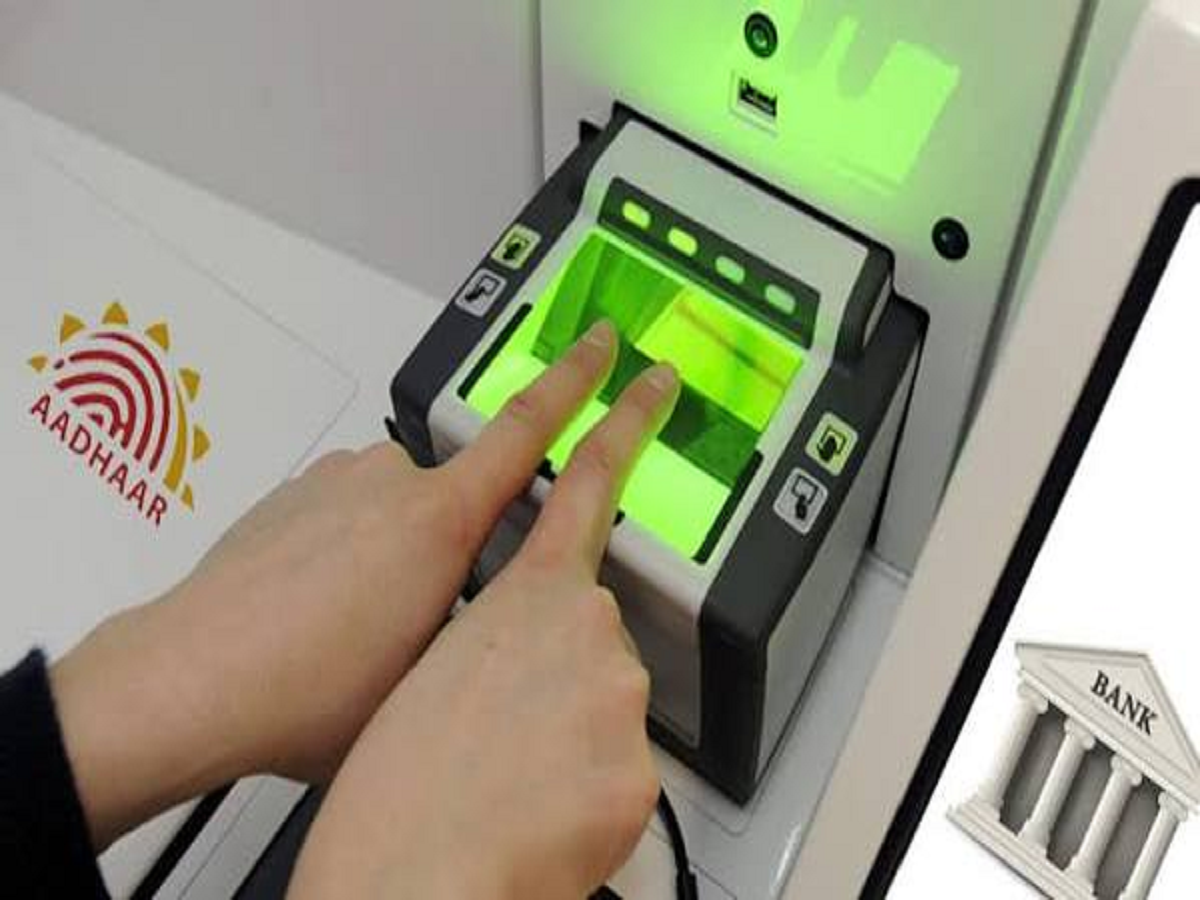
Aadhaar has become an important identity document for millions of Indians. It is used for identity verification, accessing government benefits and completing several financial and administrative services. However, as Aadhaar-based authentication becomes increasingly common, protecting personal information and biometric data is equally important.
To improve security, the Unique Identification Authority of India (UIDAI) offers a biometric lock and unlock facility. This feature allows Aadhaar holders to restrict the use of their fingerprints, iris scans and other biometric information for authentication.
What Is the Aadhaar Biometric Lock Facility?
The biometric lock facility allows Aadhaar holders to temporarily disable biometric authentication. Once the feature is activated, authentication using fingerprints and iris scans will not be permitted until the biometrics are unlocked.
This provides an additional layer of protection against unauthorised biometric authentication.
It is particularly useful for people who want greater control over when their biometric information can be used.
How to Lock Your Aadhaar Biometrics Online
You can activate the biometric lock facility through UIDAI's official website or the authorised Aadhaar application.
Follow these steps:
-
Visit the official UIDAI website at uidai.gov.in.
-
Navigate to the Aadhaar services section.
-
Select the biometric lock or unlock facility.
-
Enter your Aadhaar number and complete the required authentication.
-
Follow the instructions displayed on the screen to activate the lock.
You may also be able to use the official Aadhaar application, depending on the services available to your account.
How to Unlock Aadhaar Biometrics When Required
If you need fingerprint or iris authentication for a service, you can temporarily unlock your biometrics.
Visit the UIDAI portal or use the available official application, complete the required verification and select the unlock option.
In some cases, UIDAI also provides a temporary unlock facility. Your biometric security settings may automatically return to the locked state after the permitted period, so check the instructions displayed during the process.
Does Biometric Lock Affect OTP-Based Aadhaar Verification?
No. Locking your Aadhaar biometrics does not generally prevent OTP-based authentication.
However, it restricts authentication methods that depend on your locked biometric information. Services that require fingerprints or iris scans may not work until you unlock the biometrics.
Why Should You Activate This Feature?
The biometric lock facility gives Aadhaar holders greater control over the use of their biometric information. It can help reduce the risk of unauthorised biometric authentication and is a useful precaution for people concerned about identity security.
However, it is not a replacement for other security measures. You should also avoid sharing your Aadhaar details and OTPs with unknown individuals.
Important Things to Remember
Always use the official UIDAI website or authorised Aadhaar application for managing biometric settings. Never share your Aadhaar OTP, PIN or other authentication details with anyone claiming to offer assistance.
Before visiting a bank, government office or service centre where fingerprint verification may be required, check whether your biometrics are locked. Unlock them when necessary and activate the security feature again afterwards.
Aadhaar biometric locking is a simple security measure that can help you exercise greater control over how your identity is authenticated.