TECH
Your Smartphone Could Be Tracking You More Than You Think! 5 Privacy Settings You Should Check Right Now
Smartphones have become an essential part of daily life, helping us navigate, shop, bank, and stay connected. But every app you install can also collect information about your location, contacts, camera, microphone, and browsing habits. While much of this data collection is used to improve app functionality, giving unnecessary permissions can put your privacy at risk. Fortunately, a few simple settings can help you take back control of your personal information.
One of the first settings you should review is location access. Many apps continue to track your location even when you're not actively using them. Navigation apps need this permission, but a flashlight, calculator, or wallpaper app usually doesn't. Setting location access to "While Using the App" instead of "Always" can significantly reduce background tracking without affecting everyday use.
Another important permission is access to the microphone and camera. Some apps request these permissions even though they don't require them to function. It's a good idea to regularly review which apps have access and revoke permissions that no longer make sense. Both Android and iPhone now display indicators whenever the camera or microphone is being used, making it easier to spot unexpected activity.
Your phone's advertising ID is another feature worth checking. This unique identifier helps advertisers show personalized ads based on your activity across different apps. Resetting or limiting ad tracking can reduce the amount of personalized data shared with advertising networks. While it won't stop ads entirely, it can improve your overall privacy.
Background app activity is another area that often goes unnoticed. Many apps continue syncing data, refreshing content, and collecting usage information even when you're not using them. Restricting background activity for apps that don't need constant updates can not only improve privacy but also extend battery life and reduce mobile data usage.
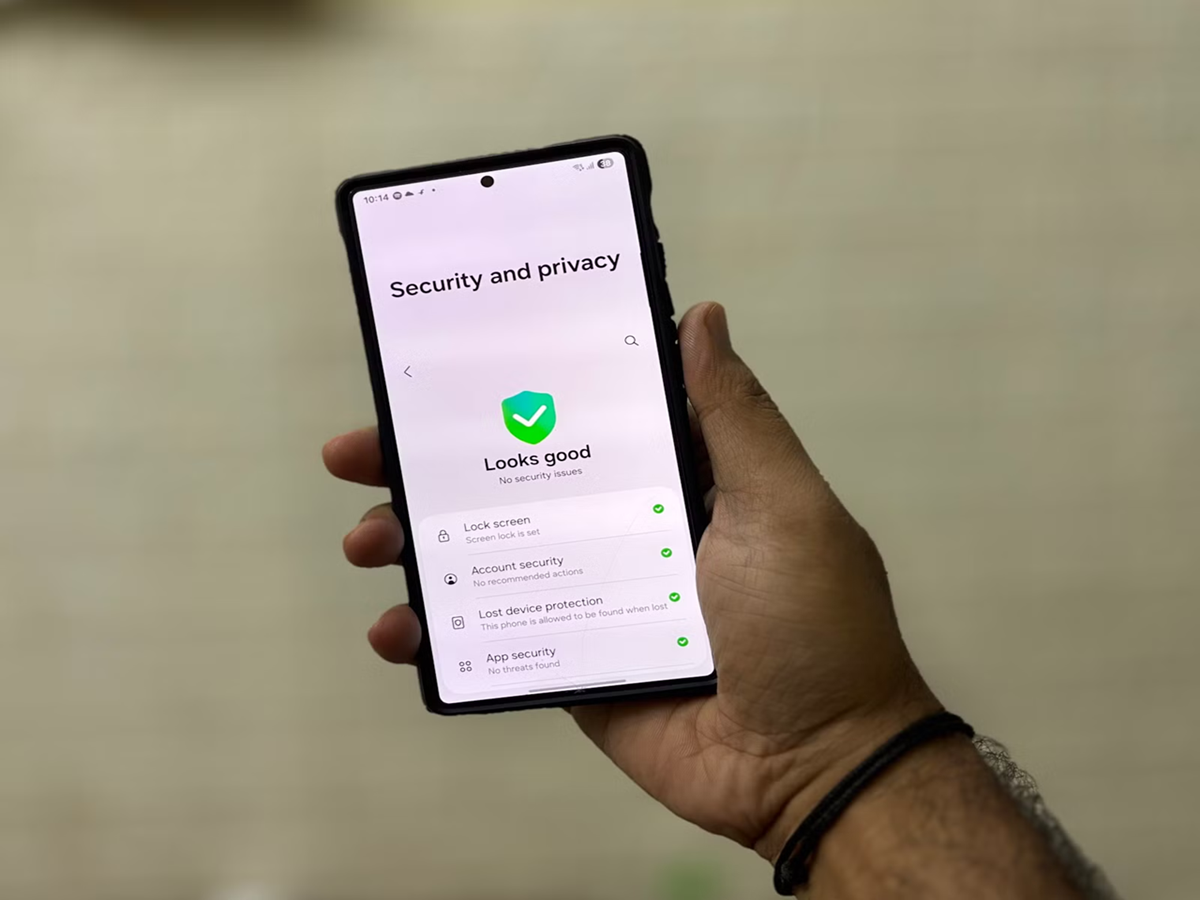
Many smartphones also include a Privacy Dashboard or Permission Manager, where you can see which apps have recently accessed your location, contacts, camera, microphone, or files. Reviewing this section every few weeks can help identify apps that may be requesting more access than necessary.
Another habit that improves privacy is downloading apps only from trusted sources such as the Google Play Store or Apple App Store. Installing apps from unknown websites or unofficial stores increases the risk of malware, spyware, and data theft. Before installing any app, it's also worth reading user reviews and checking the permissions it requests.
Keeping your phone updated is equally important. Software updates often include security patches that fix newly discovered vulnerabilities. Delaying updates may leave your device exposed to threats that have already been addressed by the manufacturer.
Your smartphone contains some of your most personal information—from photos and messages to banking apps and passwords. Spending just a few minutes reviewing privacy settings can greatly reduce unnecessary data collection and help keep your digital life more secure. In an era where personal data has become increasingly valuable, taking control of your privacy is one of the smartest things you can do.