TECH
Your Phone Knows More About You Than You Think: 7 Hidden Privacy Settings You Should Check Today
Your smartphone may look like an ordinary device, but it quietly collects a huge amount of information about how you use it. From your location and app activity to your photos, microphone and browsing habits, many apps can access more data than you realize.
The good news is that you can take control of much of this information by changing a few privacy settings.
1. Check Which Apps Can See Your Location
Many apps ask for location access even when they don't necessarily need your exact location.
Go to your phone's privacy or location settings and review which apps have access. For apps that don't require constant tracking, consider changing access to "While Using the App" or disabling it completely.
This can also help reduce unnecessary background location activity.
2. Review Microphone and Camera Permissions
Your camera and microphone are among the most sensitive permissions on your phone.
Check which apps have access to them and remove permission from apps that don't genuinely need it.
On many modern smartphones, indicators also appear when an app is actively using the microphone or camera.
3. Stop Apps From Tracking You Across Other Apps and Websites
Some apps use tracking technologies to understand your activity across different services.
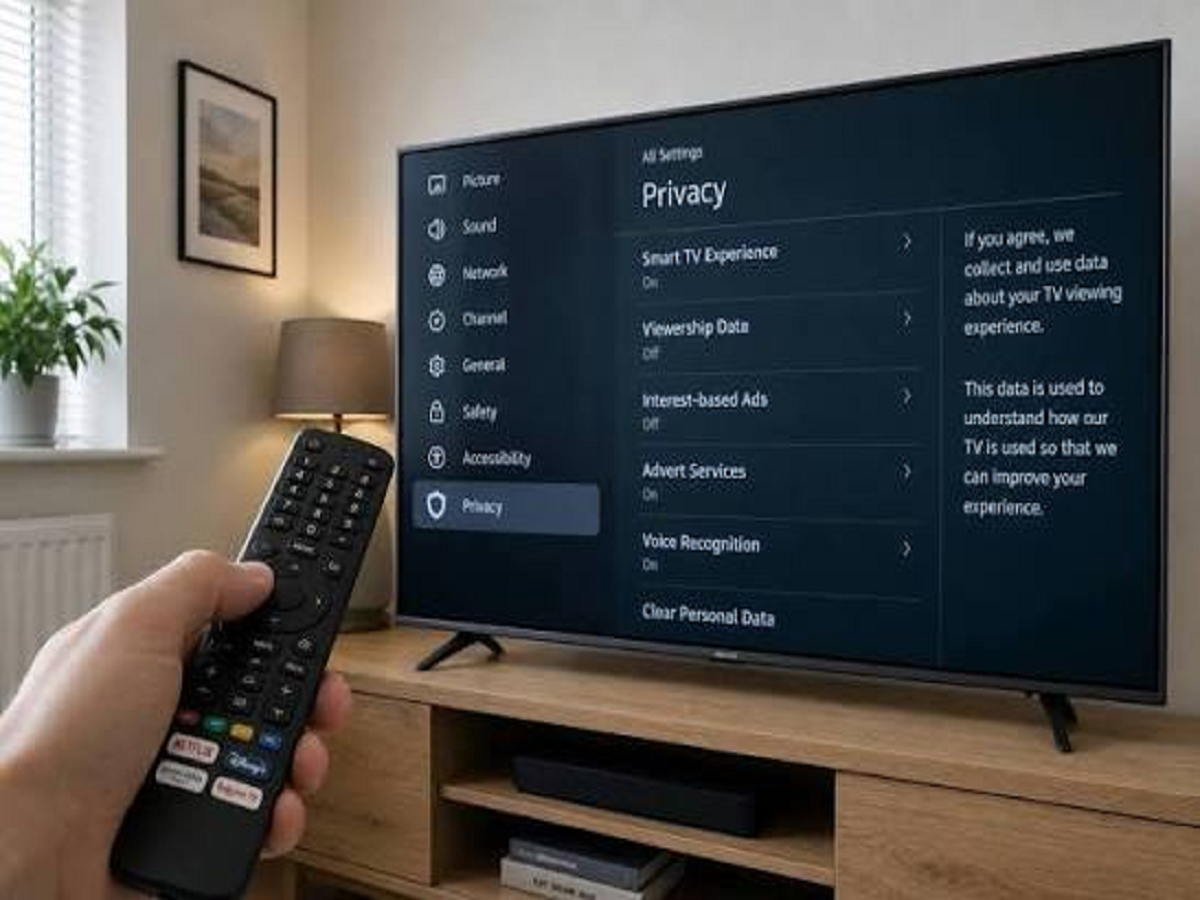
Both Android and iPhone offer privacy controls that can limit certain types of tracking. Reviewing these settings can reduce how much information is shared for advertising and personalization.
4. Don't Give Every App Access to Your Photos
A photo-editing or social-media app may need access to your pictures, but that doesn't necessarily mean it needs access to your entire photo library.
Where supported, choose selected photos instead of giving an app unrestricted access.
This is especially useful if your gallery contains personal documents, screenshots, IDs or other sensitive images.
5. Check Which Apps Can Run in the Background
Some applications continue working even when you aren't actively using them.
Background activity can consume battery and mobile data, while certain apps may also collect information during this period.
Review your battery and background-app settings and restrict unnecessary activity where appropriate.
6. Turn On Two-Factor Authentication
A strong password isn't always enough to protect an online account.
Two-factor authentication adds another layer of security by requiring an additional verification method when someone attempts to sign in.
Enable it for important accounts such as your email, social-media accounts and cloud storage.
7. Check Your Account's Logged-In Devices
This is one privacy check that many people overlook.
Your Google, Apple, Microsoft or social-media account may show the phones, computers and other devices currently signed in.
If you see a device you don't recognize, investigate it immediately and consider signing it out and changing your password.
One Simple Habit Can Improve Your Digital Privacy
You don't need to become a cybersecurity expert to protect your personal information.
Every few months, spend a few minutes checking your app permissions, account sessions, location access, camera and microphone permissions, and security settings.
Your phone should work for you—not quietly collect more information than you intended to share.