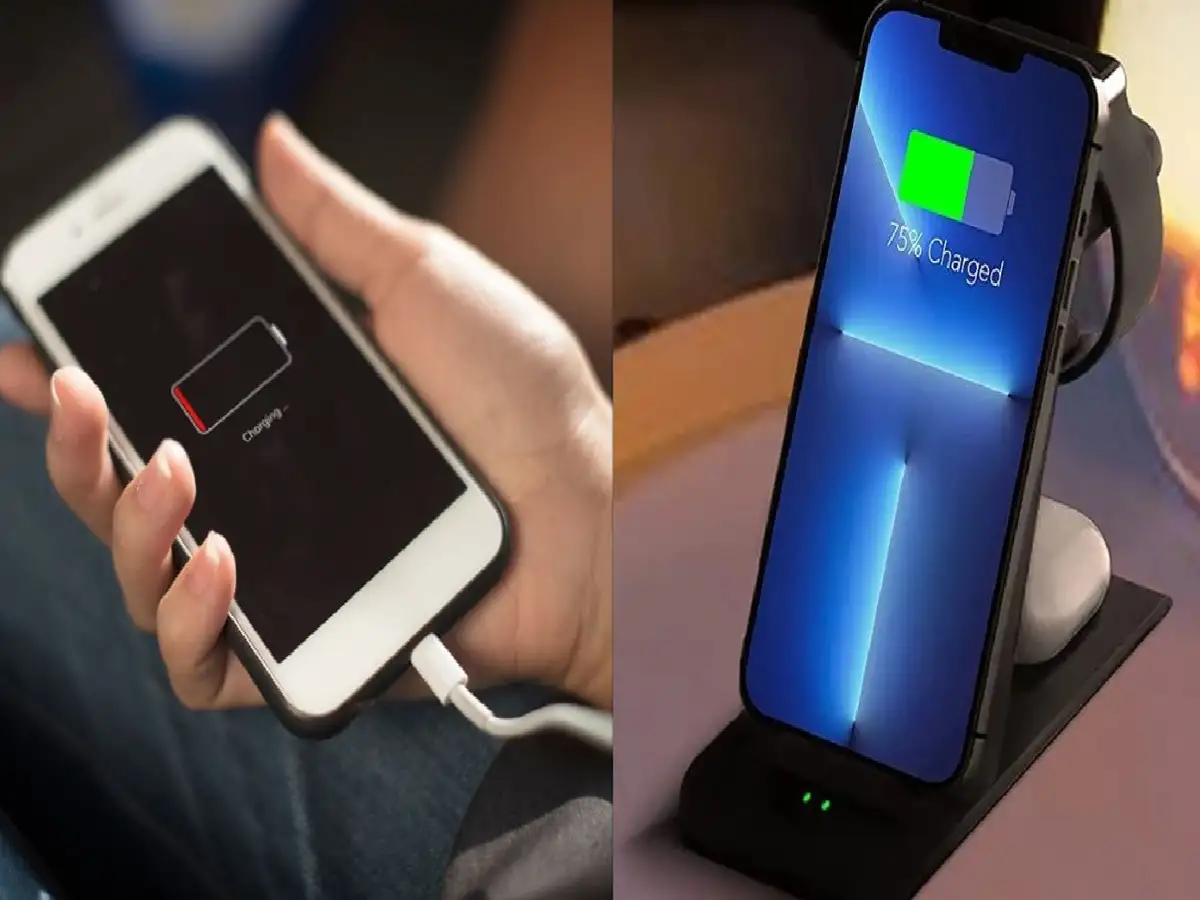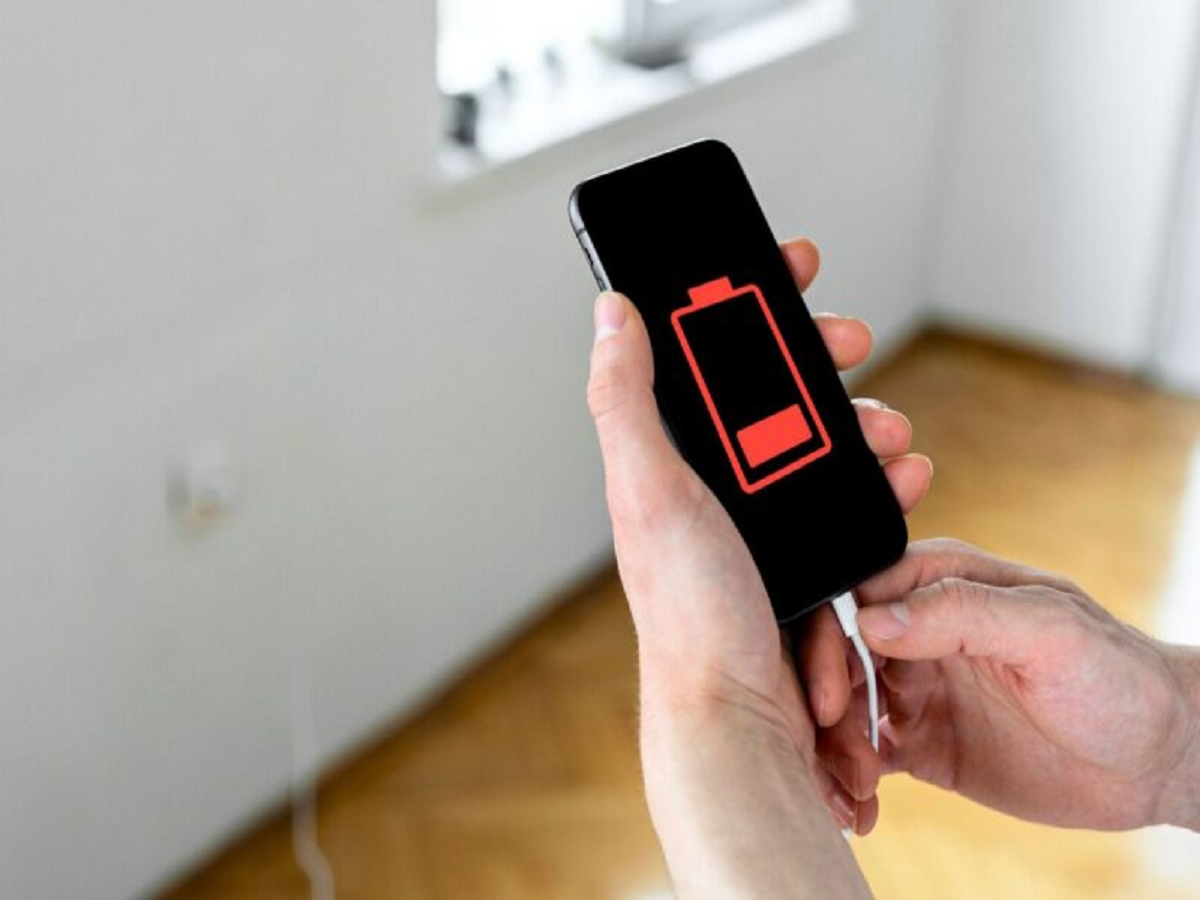
If your smartphone battery seems to disappear much faster than it used to, the problem may not always be an old battery. Several apps and settings can continue working in the background, consuming power even when you're not actively using the phone.
Before buying a new battery or carrying a charger everywhere, check these settings.
Find the apps consuming the most battery
Both Android and iPhone provide battery usage information. Open the battery section in Settings and check which apps have consumed the most power.
If an app you rarely use appears near the top, consider restricting its background activity or uninstalling it.
Reduce unnecessary background activity
Many apps refresh their content even when they're not open. Email, social media, shopping and news apps can repeatedly connect to the internet in the background.
Restrict background activity for apps that don't need to provide constant updates.
Check location access
Continuous location tracking can increase battery consumption. Review which applications have access to your location and change unnecessary "Always" permissions to "While Using."
You may also find apps that don't need location access at all.
Be careful with high screen refresh rates
A 90Hz, 120Hz or higher refresh rate makes scrolling feel smoother, but it can consume more power than a standard refresh rate.
If battery life is more important than extremely smooth animations, switching to an adaptive or standard refresh rate can help extend usage.
Use dark mode where it actually helps
On phones with OLED or AMOLED displays, dark mode can reduce power consumption because darker pixels require less energy.
However, the battery benefit varies depending on the display and how you use the phone, so don't expect dark mode alone to transform battery life.
Reduce unnecessary notifications
Every notification can wake the display, activate the processor and sometimes trigger network activity.
Go through your notification settings and disable alerts from apps that don't need to notify you constantly. This can also make your phone less distracting.
Don't keep every connectivity feature active
Bluetooth, hotspot, location services and other connectivity features don't necessarily drain huge amounts of battery individually, but unnecessary background activity can add up.
Turn off features you're not using, particularly mobile hotspot.
The battery-saving habit that matters most
Don't wait until your phone reaches 1% before thinking about battery health. Avoid excessive heat, use a reliable charger and keep your phone's software updated.
And if your battery suddenly starts draining much faster than usual despite changing these settings, check battery health and look for a recently installed or updated app that could be responsible.