TECH
Your Phone Battery Drains Even When You're Not Using It? 8 Hidden Reasons and Easy Ways to Fix the Problem
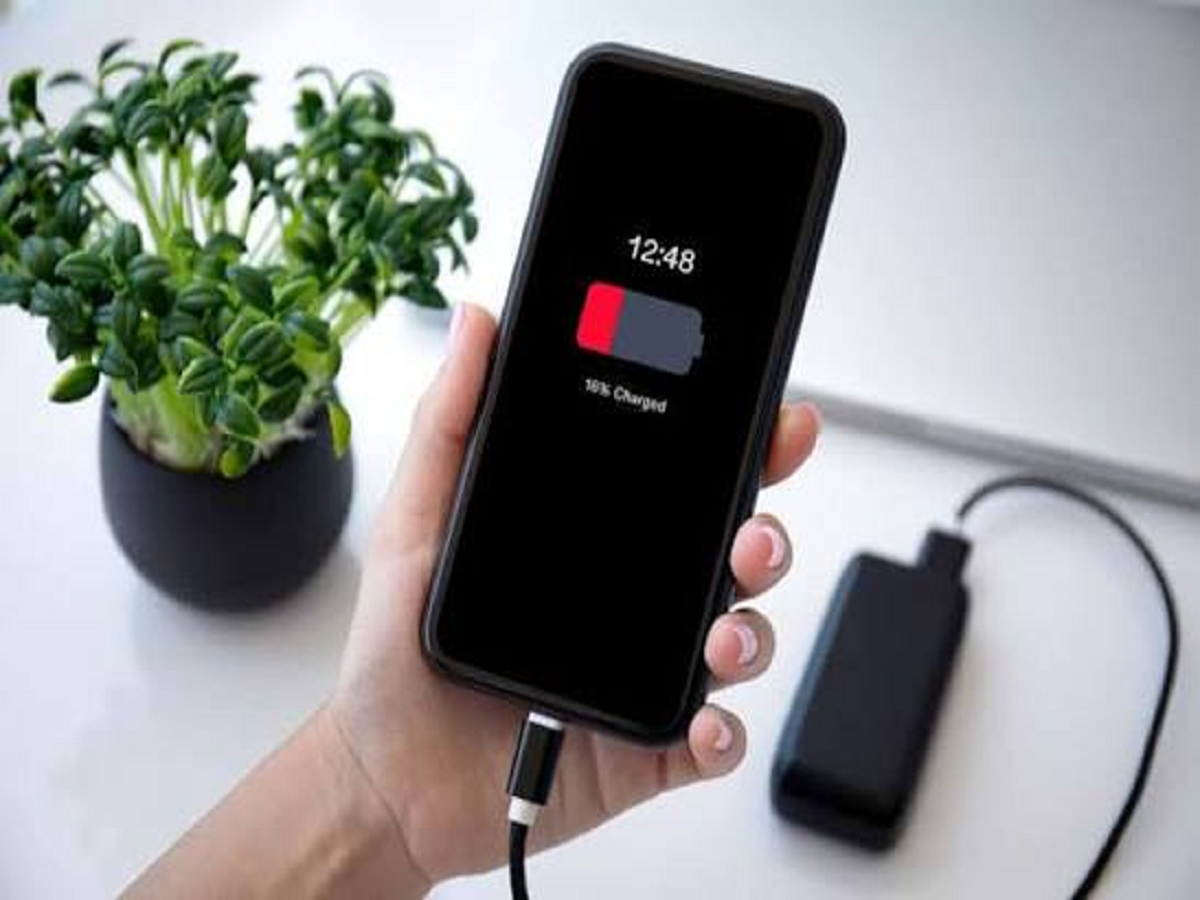
Have you ever charged your smartphone to 100% before going to bed, only to wake up and discover that the battery has dropped significantly overnight? Or noticed that your phone loses power even when you are not actively using it?
Battery drain is one of the most frustrating smartphone problems. While many users immediately blame an ageing battery, the actual reason could be running applications, "false">
-
Enable Battery Saver or Low Power Mode when necessary.
-
Reduce unnecessary screen brightness.
-
Turn off Bluetooth, Wi-Fi or location services when they are not needed.
-
Use dark mode on supported OLED displays.
-
Avoid unnecessary widgets and constantly refreshing live backgrounds.
Final Thoughts
A smartphone losing battery power quickly does not always mean that it needs a new battery. Sometimes, the problem is caused by background applications, weak network signals, excessive notifications or unnecessary system activities.
Start by checking your battery usage statistics and identifying the applications consuming the most power.
Making a few adjustments can improve everyday battery performance and help you get more out of your existing smartphone without spending money on a replacement.