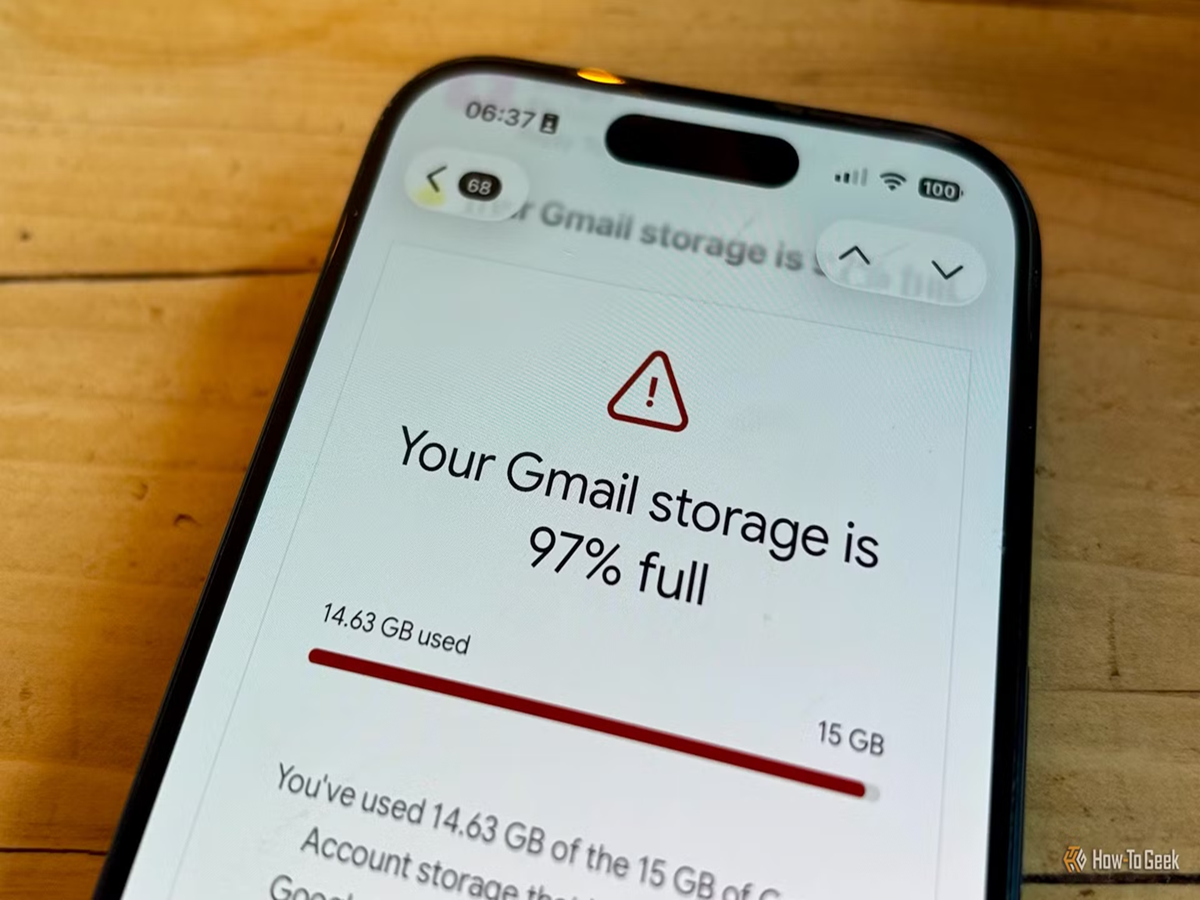
If you've recently received a notification saying your Google Account storage is almost full, you're not alone. Millions of users unknowingly fill up their free 15GB Google storage with years of old emails, forgotten attachments, duplicate photos, and unnecessary files stored in Google Drive. Once the storage limit is reached, Gmail stops receiving new emails, Google Photos can no longer back up pictures, and Drive uploads may fail.
The good news is that you don't need to buy extra storage immediately. In many cases, you can free up several gigabytes within minutes by removing files you no longer need.
One of the quickest ways to reclaim space is by deleting emails with large attachments. Gmail allows you to search for these messages using filters such as has:attachment larger:10M, which instantly displays emails containing files larger than 10MB. Old presentations, videos, and ZIP files often consume a surprising amount of storage. After deleting them, remember to empty the Trash folder, as deleted emails continue to occupy storage for 30 days unless permanently removed.
Google Photos is another major contributor to storage usage. Blurry screenshots, duplicate images, memes, and unnecessary videos can silently consume several gigabytes over time. Reviewing and deleting unwanted media can free up significant space. Google's storage management tools also help identify large photos, videos, and items already backed up.
Google Drive deserves attention as well. Many users forget about old PDFs, movies, software installers, and project files stored in Drive. Sorting files by size makes it easy to identify the biggest space consumers. Deleting outdated documents and then clearing the Drive Bin ensures the storage is actually recovered.
Another useful trick is unsubscribing from promotional newsletters that flood your inbox every day. These emails may seem small individually, but thousands of them can occupy considerable storage over the years. Cleaning out promotional and social email categories can noticeably reduce mailbox clutter while making future maintenance easier.
You can also visit Google's Storage Manager, which provides a complete breakdown of how your 15GB is being used across Gmail, Google Photos, and Google Drive. It highlights large files, spam, deleted items, and suggestions for freeing up space, allowing you to clean your account without searching manually.
If you regularly work with high-resolution photos or large documents and still find yourself running out of storage after cleaning up, upgrading to Google One may be worth considering. Paid plans offer additional storage along with benefits such as automatic phone backups, family sharing, and extra security features. However, for many users, a simple cleanup every few months is enough to stay comfortably within the free storage limit.
Taking just 10 to 15 minutes to organise your Google Account can prevent missed emails, failed backups, and storage warnings. A little digital housekeeping today can save you from major inconvenience later while keeping your Gmail, Google Photos, and Google Drive running smoothly.