TECH
Wi-Fi Signal Weak in One Room? 8 Easy Tricks to Boost Internet Speed Without Buying a New Router
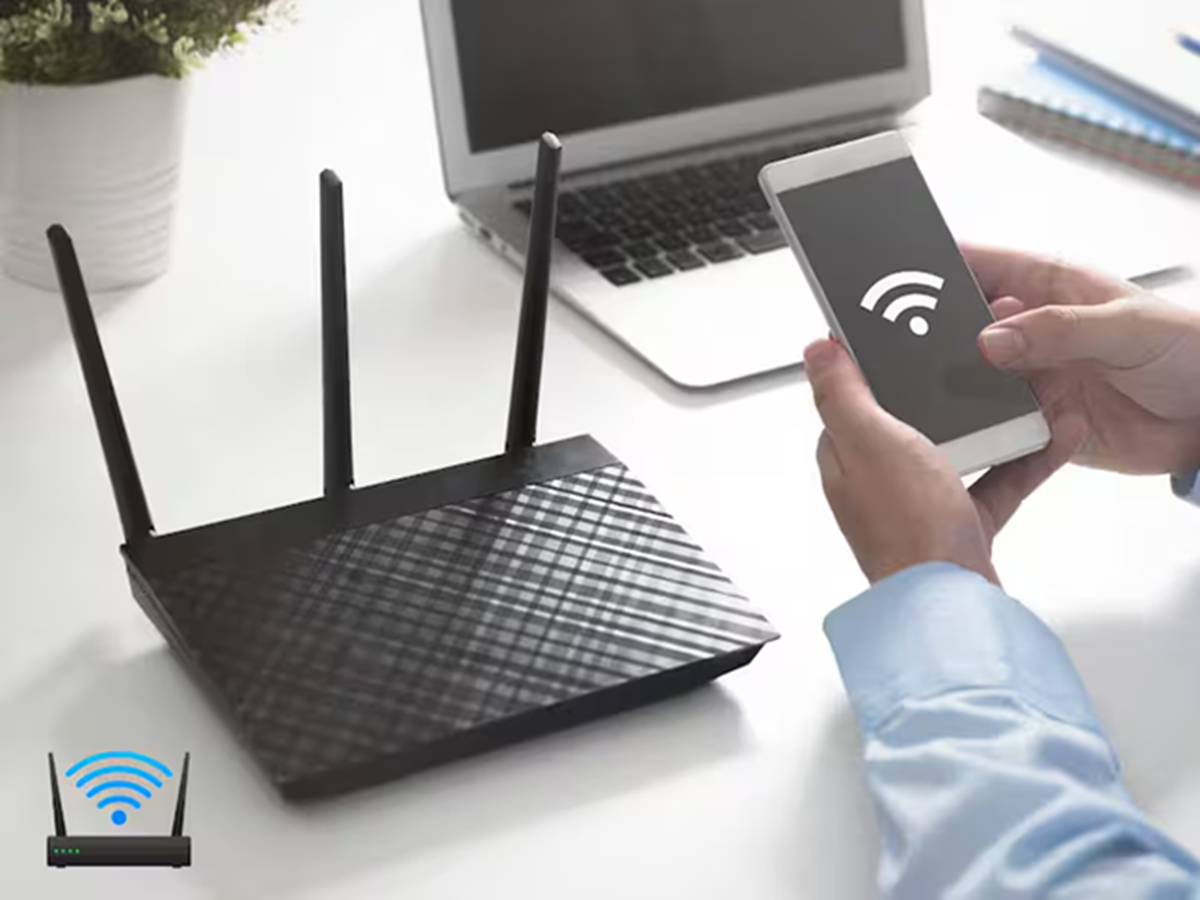
Few things are more frustrating than having fast internet near the router but poor Wi-Fi in the bedroom, balcony, or another room. Many people assume they need to upgrade their broadband plan or buy a new router, but in most cases, a few simple changes can significantly improve Wi-Fi coverage.
Here are eight practical tips to get stronger and more stable Wi-Fi throughout your home.
1. Place the Router in the Right Location
The position of your router has a huge impact on signal strength. Keep it in a central, open area of the house rather than inside a cupboard, behind a TV, or on the floor. The higher the router is placed, the better the signal usually spreads.
2. Switch Between 2.4GHz and 5GHz
Most modern routers offer two Wi-Fi bands:
- 2.4GHz provides better range and can pass through walls more effectively.
- 5GHz delivers higher speeds but works best when you're closer to the router.
Choose the band that suits your distance from the router.
3. Restart Your Router Regularly
A simple restart can clear temporary issues and improve performance. If your internet has become slow, switch off the router for about 30 seconds before turning it back on.
4. Keep the Router Away from Electronic Devices
Microwave ovens, cordless phones, Bluetooth devices, and even some smart home gadgets can interfere with Wi-Fi signals. Place your router away from such electronics whenever possible.
5. Secure Your Wi-Fi Network
If too many unknown devices are connected to your network, your internet speed may suffer. Use a strong password with WPA2 or WPA3 security and disconnect devices you no longer use.
6. Update Your Router's Firmware
Router manufacturers periodically release firmware updates that improve security, fix bugs, and enhance performance. Checking for updates every few months can help keep your network running smoothly.
7. Reduce Obstacles
Concrete walls, mirrors, metal furniture, and large appliances can weaken Wi-Fi signals. If possible, position the router where there are fewer physical barriers between it and your devices.
8. Use a Wi-Fi Extender Only If Necessary
If your home is very large or has multiple floors, a Wi-Fi extender or mesh Wi-Fi system can help eliminate dead zones. However, try optimising your existing router placement first before spending money on additional equipment.
Bonus Tip: Check Which Devices Are Using the Most Bandwidth
If someone in your home is downloading large files, streaming 4K videos, or playing online games, other users may experience slower internet. Most routers allow you to see connected devices and, in some cases, prioritise important ones.