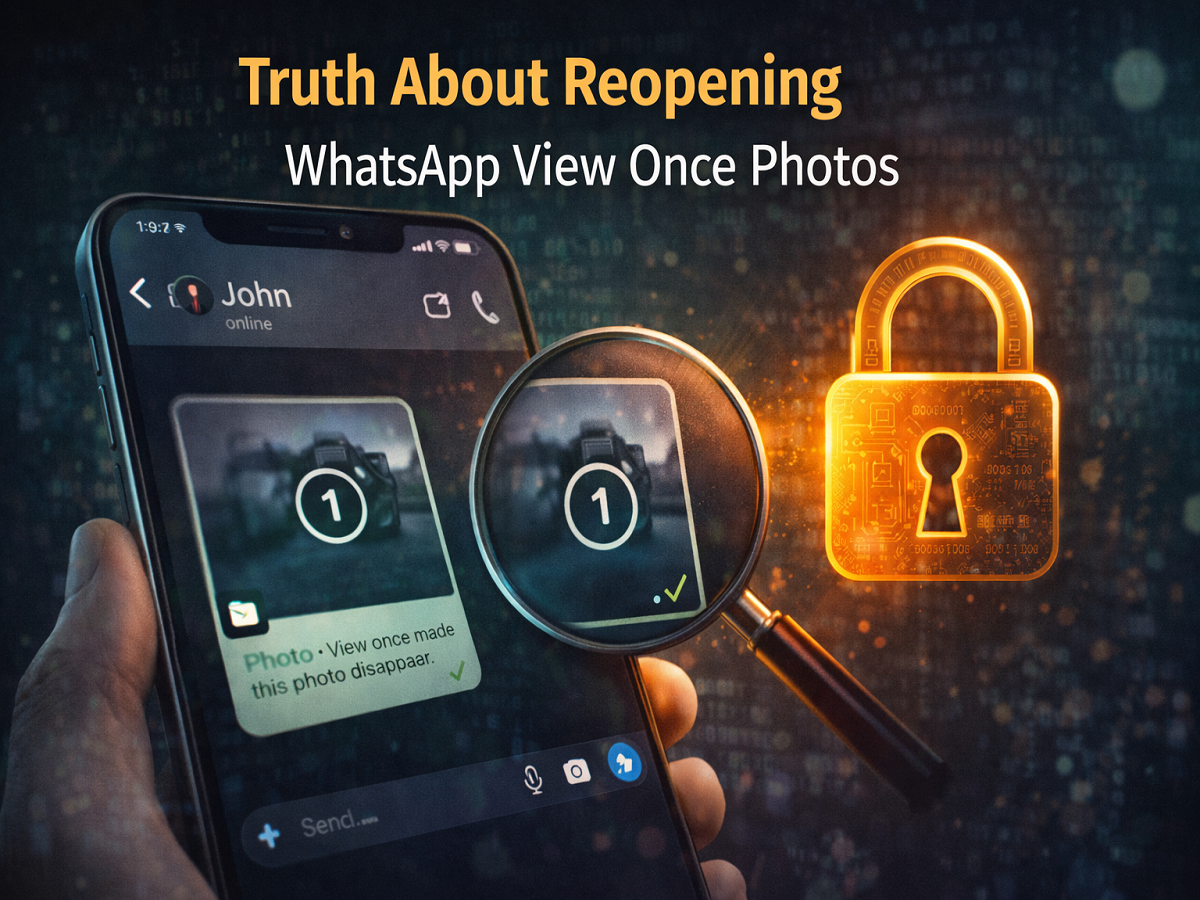
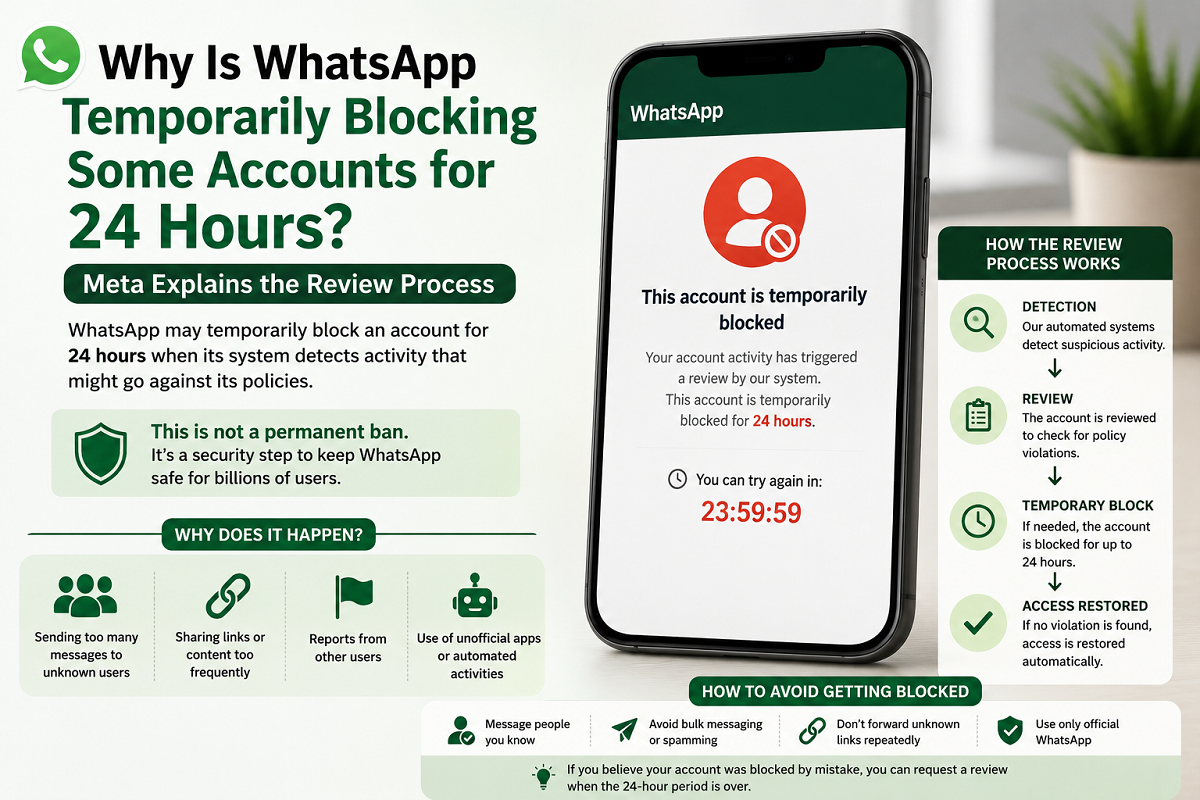
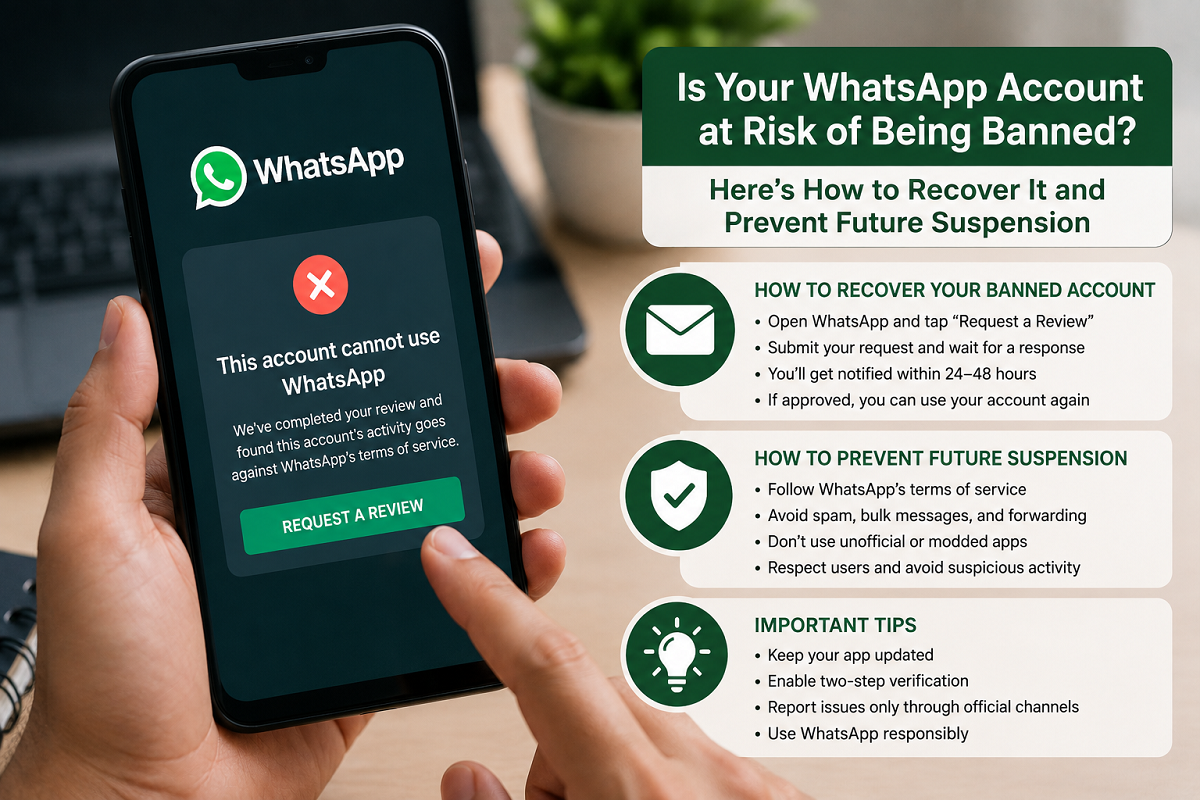
The WhatsApp “View Once” feature was introduced to enhance user privacy by allowing photos and videos to be viewed only a single time. Once opened, the media disappears automatically, ensuring sensitive content isn’t stored or shared further.
However, a viral “secret trick” claims that users can reopen and view these images multiple times. But how true is this claim? Let’s break down the reality and understand what’s actually possible.
What Is WhatsApp’s View Once Feature?
The View Once feature is designed for privacy-focused sharing. When a sender enables it:
- The photo or video can be opened only once
- It disappears immediately after viewing
- It cannot be forwarded, saved, or starred
This makes it ideal for sharing confidential or personal content.
The Viral Trick: Can You Really Reopen View Once Photos?
Many online posts suggest that you can revisit View Once images by accessing hidden storage sections within WhatsApp settings. The method often involves navigating through:
- Settings
- Storage and Data
- Manage Storage
- Selecting specific chats
While this approach may show certain cached media files in rare cases, it is not a reliable or officially supported way to recover View Once content.
In most cases, once a View Once photo is opened, it is permanently deleted from the chat and cannot be accessed again.
Why This “Hack” Doesn’t Always Work
There are several reasons why this trick is inconsistent:
- WhatsApp uses strong privacy protocols to prevent reuse
- Media files are not stored like regular images
- Temporary cache data may not always be accessible
- Updates to the app often close such loopholes
This means users should not depend on such methods to recover View Once media.
Important Privacy Note
Trying to bypass privacy features can raise ethical and security concerns. The View Once feature exists to respect the sender’s intention of limited visibility.
Attempting to access such content repeatedly may:
- Violate user privacy
- Break platform guidelines
- Lead to potential security risks
Legitimate Alternatives
If you need to keep a photo for future reference, consider these safer options:
- Ask the sender to resend the image without View Once
- Request permission before saving sensitive content
- Use regular photo sharing instead of View Once
Tips to Use View Once Safely
For senders:
- Use it only for truly private content
- Double-check before sending
For receivers:
- View the image carefully the first time
- Avoid relying on unofficial tricks
Final Takeaway
Despite viral claims, there is no guaranteed or official way to reopen WhatsApp View Once photos after they are viewed. The feature is built to ensure privacy, and most workarounds are either unreliable or outdated.
If something is important, it’s always better to request the sender to share it again rather than relying on questionable tricks.
Disclaimer: This article is for informational purposes. Users should respect privacy guidelines and platform policies while using messaging apps.