
Figuring out whether someone has blocked you on WhatsApp has always been confusing. It's even more difficult when someone hides their profile photo or last seen status. However, a new trick involving WhatsApp's intelligent assistant, Meta AI, can help you figure it out.
If you send someone a message and it just shows a tick, you might think they've blocked you or simply aren't connected to the internet. Some users are now trying a different way to find out, using Meta's AI chatbot, Meta AI.
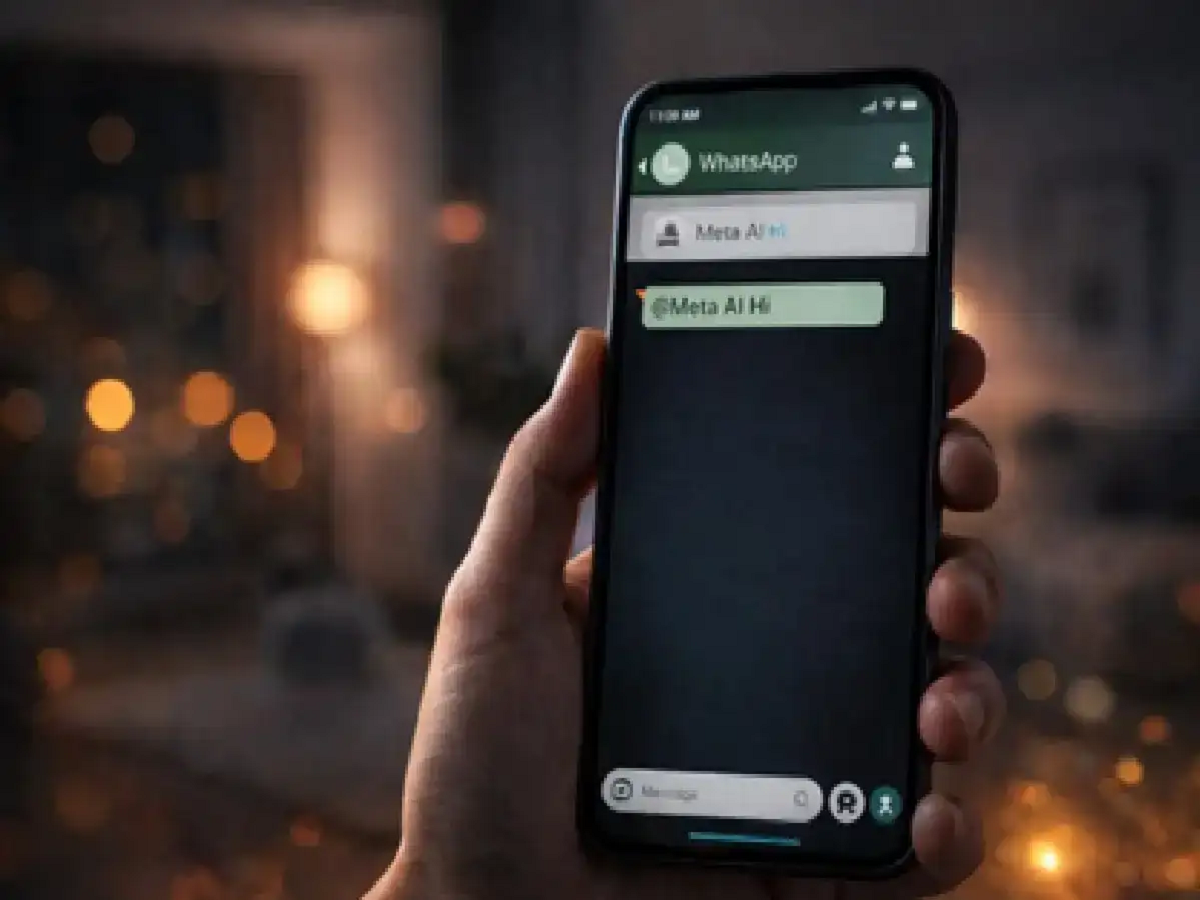
The trick is simple: open a chat with the person you suspect blocked you and type @Meta AI, followed by a short message like "Hi." If Meta AI replies in that chat, it means your messages are still reaching WhatsApp servers and you probably haven't been blocked.
Important things to keep in mind
This method isn't completely reliable. There are several reasons why it might not work properly:
Meta AI is not yet available for every WhatsApp account.
In some countries or app versions, this feature may not be active.
Sometimes app updates, network issues, or server problems can prevent the AI from responding.
Because of these limitations, the Meta AI trick should only be considered a possible indicator, not final proof.
How to Try the Meta AI Method
If you suspect a contact has blocked you, you can try these steps:
Open a chat.
Go to a conversation with the person you think blocked you.
Call Meta AI
In the message box, type @Meta AI.
Send a message
Write a short message like “Hi” or a simple question and send it.
If the Meta AI responds, it means you haven't been blocked because the message has been successfully processed by WhatsApp's system. If there's no response and your message remains stuck with a tick for a long time, it could be a sign that you've been blocked.
Other signs that you may be blocked
Besides the meta AI trick, there are a few other signs that can help you figure it out:
1. Group Test
Try adding the person to a new WhatsApp group. If you get an error like "Can't add participant," it could mean the person has blocked you.
2. WhatsApp calls
when someone blocks you; your calls usually never connect. You'll just see "Calling" instead of "Ringing."
Avoid third-party apps
You may find several apps on the Google Play Store that claim to tell you "who blocked me on WhatsApp." It's best to avoid these. These apps often ask for unnecessary permissions and can steal personal data or compromise your WhatsApp account.
It's usually safer to use a built-in feature like Meta AI because it's part of the official platform.
WhatsApp's approach to privacy
According to WhatsApp's privacy policy, the platform intentionally doesn't send a direct notification when someone blocks you. This design helps protect users' privacy.
PC:Amarujala


