TECH
WhatsApp Tech Tip: Photo and video quality won't deteriorate on WhatsApp; turn on the Default HD Quality feature like this

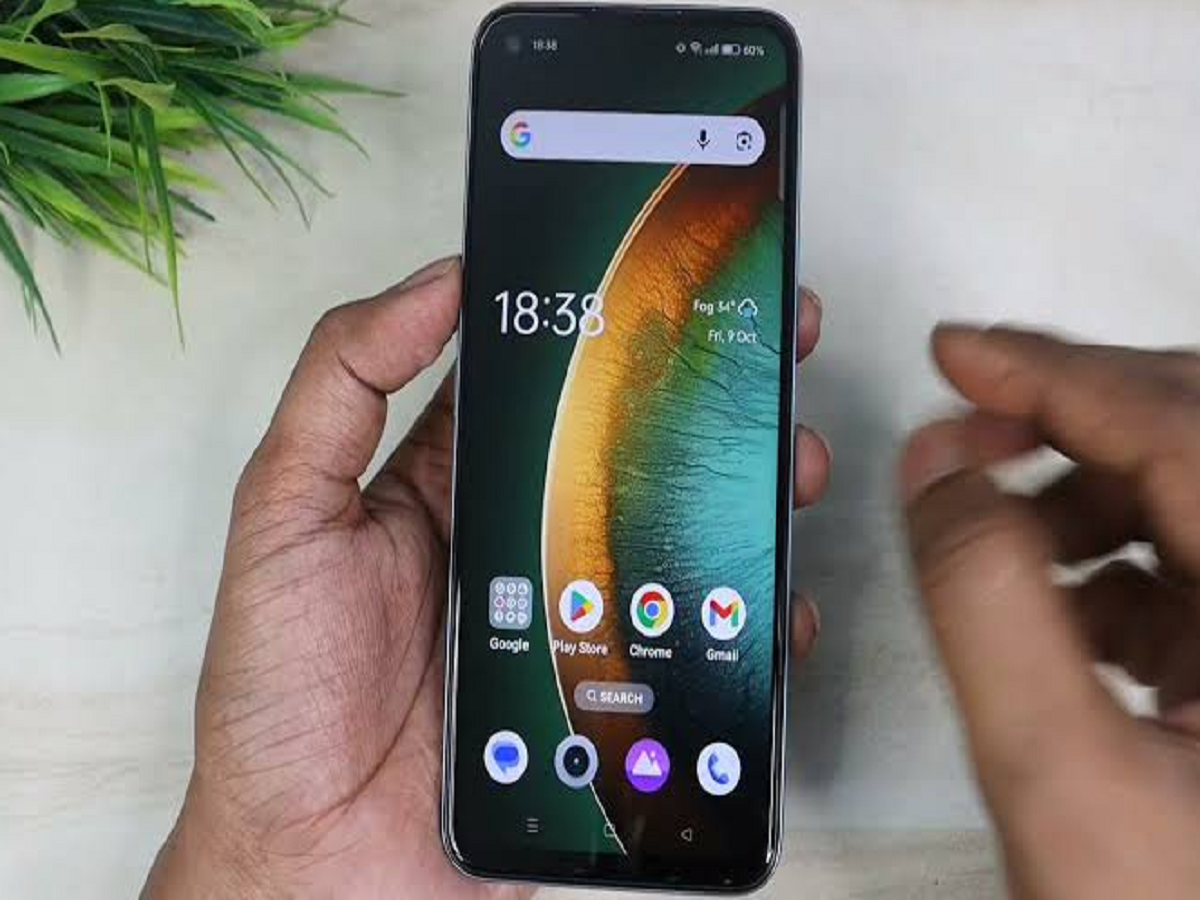
When you send photos or videos to someone on WhatsApp, their quality often becomes degraded (compressed). Although WhatsApp offers the option to send media in HD, selecting HD separately each time can be quite a hassle. The good news is that you can now send all your photos and videos in original/HD quality by default with a simple setting.
SmartWatch TV
How to turn on Default HD Upload setting?
Open WhatsApp on your phone.
Tap the Three Dots (or Settings icon at the bottom for iPhone users) in the top right corner.
Go to the Settings menu.
Click on the Storage and Data option.
Scroll down and tap Media Upload Quality.
Here you'll find two options—Standard Quality and HD Quality. Select HD Quality.
PC: India TV