WhatsApp continues to expand its platform with new tools designed to improve communication and information sharing. One of the most notable additions in recent times is the Channels feature, which allows creators, organisations, and individuals to broadcast updates to a large audience. Similar to broadcasting tools on social media platforms, WhatsApp Channels provides a simple way for administrators to share messages, announcements, and important information with followers.
A helpful feature within WhatsApp Channels is the ability to edit updates after they have been posted. This ensures that mistakes, typos, or outdated details can be corrected without needing to delete the entire update. If you manage a WhatsApp Channel and want to revise a message that has already been published, the platform makes the process straightforward.
In this guide, we explain how to edit a WhatsApp Channel update, the time limit for editing, and key rules users should keep in mind.
What Is the WhatsApp Channels Feature?
WhatsApp Channels is a one-way broadcasting tool that enables administrators to share content with a large number of followers. The feature was initially introduced in select markets and later rolled out globally, including India.
Unlike normal chats on WhatsApp, Channels function differently. Updates shared through a channel are broadcast messages, meaning followers can receive information but cannot reply directly in the chat. This helps maintain a structured feed of announcements and updates.
Another important aspect is privacy. When someone follows a channel, their phone number and identity remain hidden from the channel administrator and other followers. Similarly, followers cannot see the phone number of the channel owner.
All updates from channels appear in a separate “Updates” or “Channels” tab within the WhatsApp app. This keeps channel broadcasts separate from personal conversations and calls, helping users manage their messages more efficiently.
Can You Edit Updates on WhatsApp Channels?
Yes. WhatsApp allows channel administrators to edit updates after they have been posted. This feature is useful for correcting spelling mistakes, clarifying information, or updating details in a previously shared message.
However, there is a specific time frame within which edits can be made. Channel updates can only be modified within 30 days of posting. After that period, the message becomes permanent and cannot be edited.
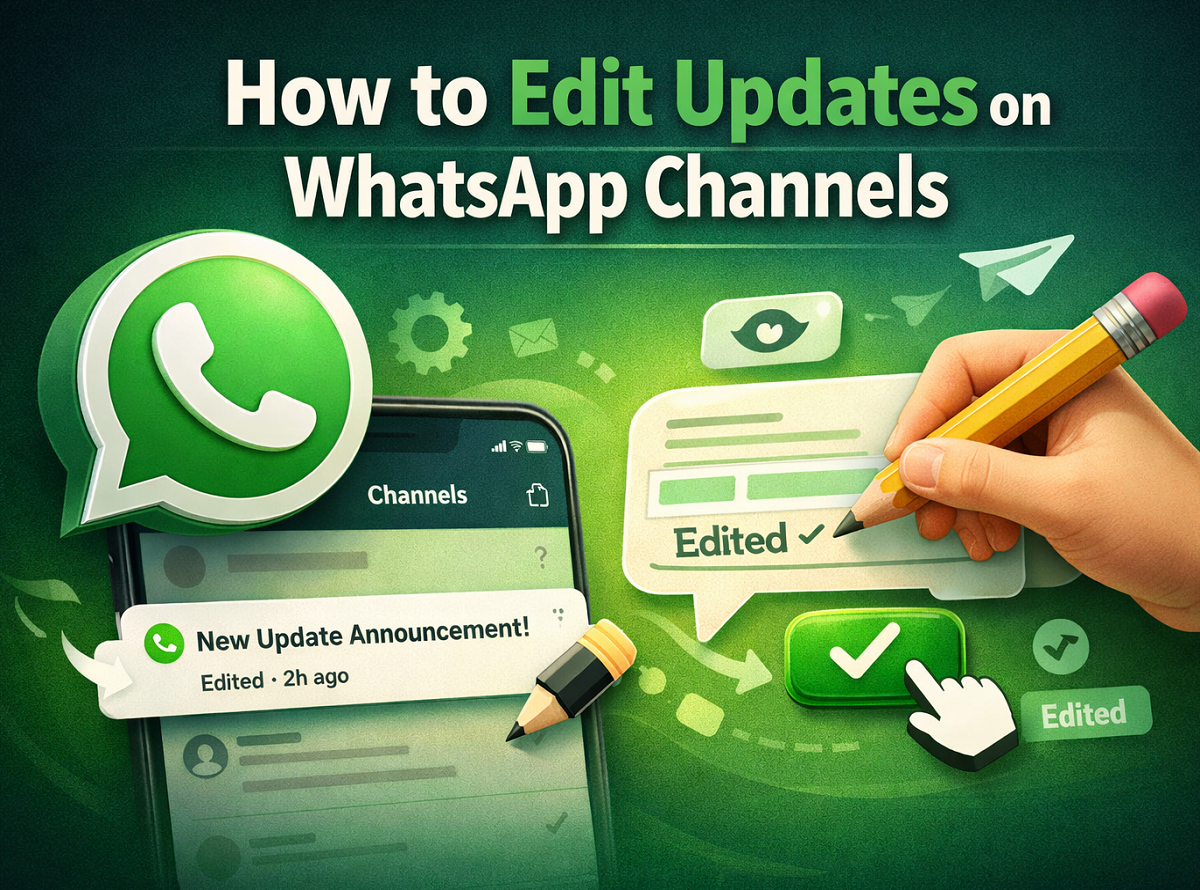
When a channel update is edited, WhatsApp automatically displays an “edited” label next to the message timestamp. This ensures transparency and lets viewers know that the content has been modified.
Step-by-Step: How to Edit a WhatsApp Channel Update
If you want to make changes to a message that has already been shared in your channel, follow these simple steps:
Step 1: Open WhatsApp
Launch the WhatsApp application on your smartphone or desktop.
Step 2: Go to the Channels section
Navigate to the Updates or Channels tab where all channel broadcasts are displayed.
Step 3: Select the update you want to edit
Find the specific channel update that needs correction.
Step 4: Access editing options
Hover over or tap on the update, then click on the menu or drop-down icon.
Step 5: Choose the “Edit” option
Tap the Edit button to modify the content of the message.
Step 6: Make the required changes
Update the text as needed and ensure the information is correct.
Step 7: Save the update
Click the checkmark or confirmation icon to save your edited message.
Once saved, the revised message will appear in the channel with the “edited” tag beside the timestamp.
Important Things to Remember
Before editing your WhatsApp Channel updates, keep the following rules in mind:
-
Editing time limit: Channel updates can only be edited within 30 days of posting.
-
No notifications sent: Followers will not receive a notification when you edit a channel update.
-
Media cannot be edited: Photos, videos, and other media files cannot be modified after posting. Only text updates can be edited.
Why Editing Channel Updates Is Useful
The editing option is particularly beneficial for channel administrators who regularly share updates with large audiences. It helps maintain accuracy, professionalism, and clarity without needing to remove a message entirely.
For example, if a channel shares event information, announcements, or news updates, administrators can quickly fix errors or update details without disrupting the overall message flow.
Final Thoughts
WhatsApp Channels has quickly become a powerful tool for broadcasting information to large audiences while maintaining user privacy. The ability to edit channel updates within a 30-day window adds flexibility and ensures that administrators can correct mistakes or update content when needed.
By understanding how this feature works and following the simple editing steps, channel owners can keep their updates clear, accurate, and useful for followers.