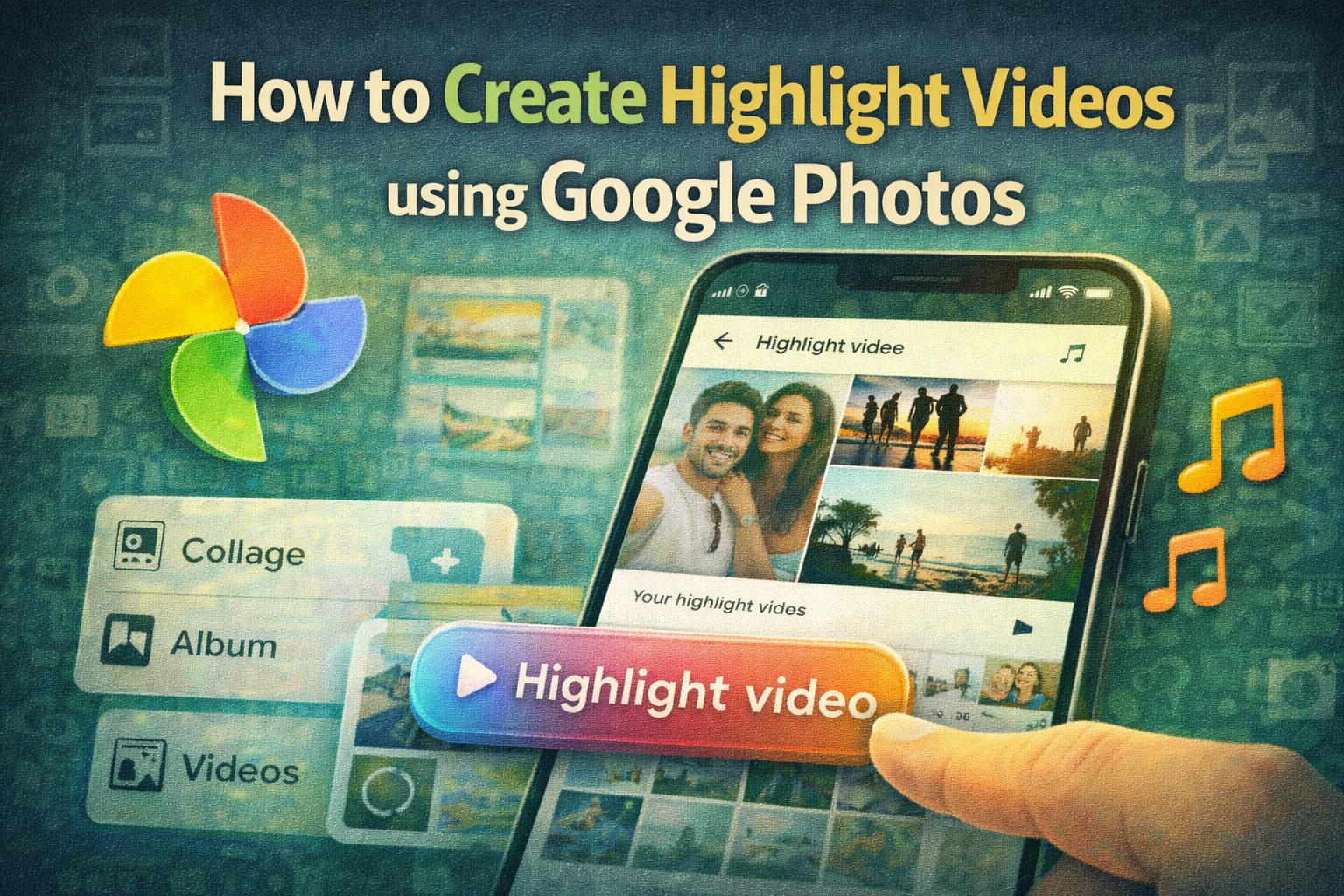
Creating short, engaging videos from your favorite photos and clips has become easier than ever thanks to highlight videos in Google Photos. The feature allows users to transform their personal memories into beautifully edited videos within minutes using artificial intelligence.
Over the years, Google Photos has evolved from a simple backup tool into a powerful gallery application packed with advanced features like Magic Eraser, Photo Unblur, and AI-powered editing tools. Now, Google has introduced Highlight Videos, a smart feature designed to automatically create short videos using your selected photos and video clips.
This new functionality replaces the older movie maker tool and uses AI to automatically select the best moments, add background music, and synchronise visuals with the soundtrack.
If you enjoy sharing memories with friends and family on social media, highlight videos can help you quickly create engaging video compilations without using complicated editing software.
What Are Highlight Videos in Google Photos?
Highlight videos are short video compilations created from your photos and videos stored in Google Photos. The feature uses artificial intelligence to identify key moments and combine them into a visually appealing video.
The AI system can automatically:
-
Select the best photos and clips
-
Arrange them in a smooth sequence
-
Add background music
-
Synchronise visuals with the soundtrack
The final result is a one-minute highlight video that showcases your favorite memories in a dynamic and engaging way.
Users who prefer more control can also edit the video manually, adjusting the clips and sequence to match their creative vision.
Key Features of Google Photos Highlight Videos
The highlight video feature offers several useful capabilities that make video creation simple and fun:
AI-assisted editing
Artificial intelligence automatically selects and arranges the best clips.
Built-in music integration
The feature adds music that synchronises with the visuals.
Easy editing tools
Users can trim clips and rearrange media using the built-in editor.
Quick sharing options
Videos can be saved directly to your device or shared instantly on social media.
Cross-platform availability
The feature is gradually rolling out to both Android and iOS versions of the Google Photos app.
Step-by-Step Guide to Create Highlight Videos in Google Photos
If you want to turn your photos and videos into a highlight video, follow these simple steps.
Step 1: Open the Google Photos App
Launch the Google Photos app on your Android smartphone or iPhone.
Make sure the app is updated to the latest version to access the new feature.
Step 2: Tap the “+” Icon
Look for the plus (+) icon located near the Sharing tab in the app interface.
Tap on it to open the creation menu.
Step 3: Select “Highlight Video”
From the list of available options, choose Highlight Video.
Other options such as Collage, Album, Animation, and Cinematic Photo may also appear in this section.
Step 4: Choose Your Photos and Videos
Select the photos and video clips you want to include in the highlight video.
You can pick multiple images and clips from your library.
Step 5: Let AI Create the Video
After selecting your media, Google Photos will use AI technology to automatically generate a highlight video.
The app will create a short video (usually around one minute) and add preset background music.
Step 6: Edit the Video (Optional)
If you want more control, you can open the editor and:
-
Trim clips
-
Rearrange the sequence
-
Remove unwanted images or videos
This allows you to customise the video according to your preferences.
Step 7: Save or Share the Video
Once you are satisfied with the final result, you can either:
-
Save the highlight video to your device, or
-
Share it directly through social media, messaging apps, or email
Feature Availability
Google has started rolling out highlight videos gradually. If you cannot see the option in your app yet, try the following:
-
Update the Google Photos app from the Play Store or App Store
-
Restart the app after updating
-
Wait for the feature to become available in your region
At the moment, there is no official confirmation about when this feature will be available on the web version of Google Photos.
Why Highlight Videos Are Useful
Highlight videos are perfect for creating quick video memories from important moments such as:
-
Vacations
-
Weddings
-
Birthdays
-
Family gatherings
-
Anniversaries
-
Festivals and celebrations
Instead of manually editing videos using complex tools, users can now create professional-looking videos in just a few taps.
The new highlight video feature in Google Photos makes it easier than ever to turn everyday moments into memorable video stories. With AI automatically selecting clips, adding music, and arranging scenes, even beginners can create impressive videos quickly.
Whether you want to relive special memories or share them with friends and family, highlight videos offer a simple yet powerful way to bring your photos and videos to life.
As Google continues to expand AI-powered tools in Google Photos, features like highlight videos demonstrate how technology can make creative content creation accessible to everyone.