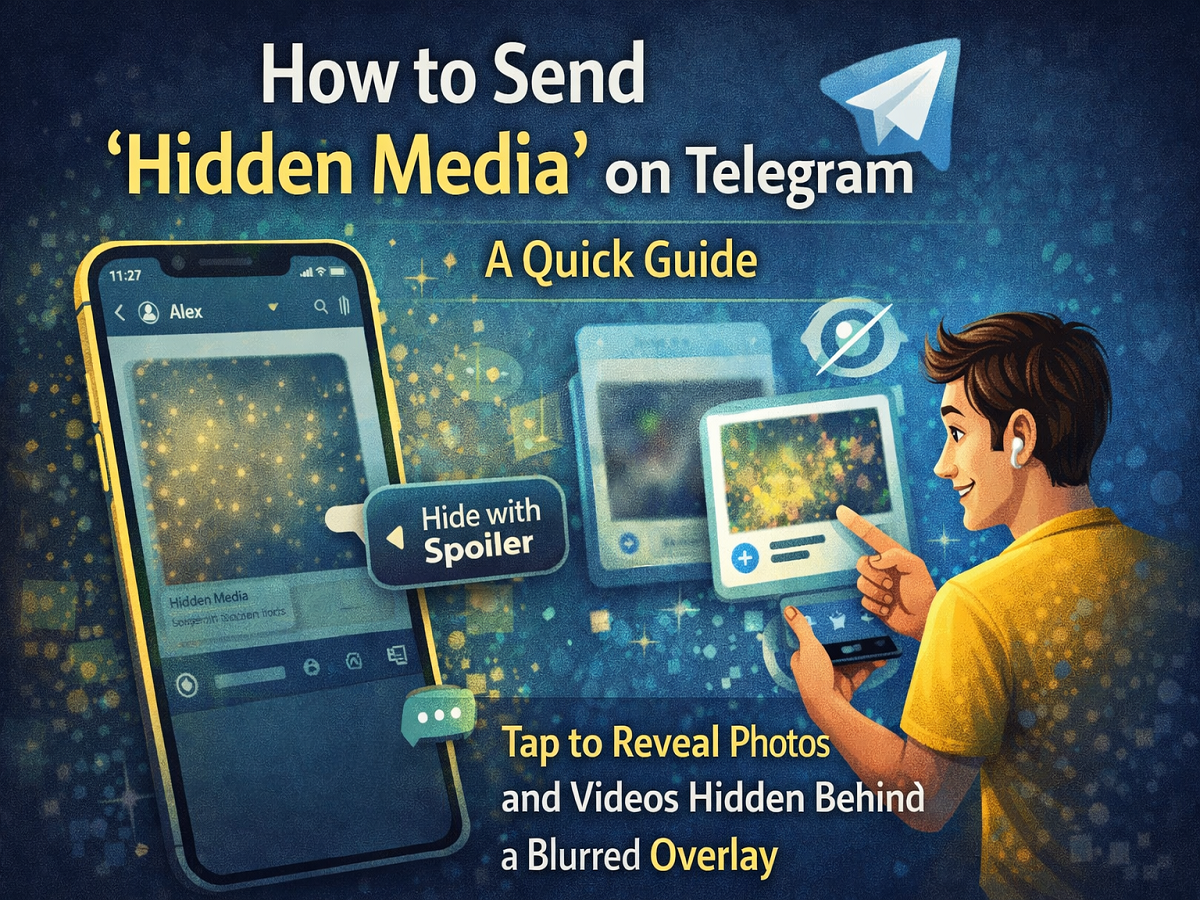
Telegram continues to expand its feature set with tools designed to enhance privacy, creativity, and user control. Among its recent additions is the Hidden Media or “spoiler” feature, which allows users to conceal photos and videos behind a blurred, shimmering overlay. This function is perfect for sharing surprises, sensitive visuals, or content you don’t want immediately visible on someone’s screen.
Unlike disappearing messages, hidden media does not vanish after viewing. Instead, it stays in the chat but remains obscured until the recipient taps on it. This subtle but powerful tool gives senders greater control over how their content is revealed.
What Is Telegram’s Hidden Media (Spoiler) Feature?
Telegram has long supported spoiler formatting for text, allowing users to hide sentences or words until tapped. The platform has now extended this concept to multimedia files.
When you send a photo or video using the spoiler effect:
-
The media appears blurred with a shimmering animation
-
Recipients must tap to reveal the content
-
The file remains saved in the chat after viewing
-
It can still be downloaded or shared afterward
This makes it ideal for non-permanent surprises, avoiding accidental exposure, or preventing spoilers for movies, games, or events.
How It Differs From “View Once” Features on Other Apps
Many messaging apps offer temporary media that disappears after being opened. Telegram’s approach is different.
Key distinctions include:
-
Hidden media is not automatically deleted
-
Recipients can view it multiple times
-
The file remains stored on the device
-
It prioritizes concealment rather than ephemerality
In short, it hides content visually rather than restricting access permanently.
Requirements Before Using the Feature
To access spoiler media, ensure that:
-
Your Telegram app is updated to the latest version
-
You are using a supported device (Android or iOS)
-
The recipient also has a relatively updated app for proper display
Updating is important because the feature may not appear in older versions.
Step-by-Step Guide: How to Send Hidden Photos or Videos
Follow these simple steps to share concealed media:
-
Open the Telegram app on your smartphone.
-
Navigate to the chat where you want to send the media.
-
Tap the Attach (paperclip) icon in the message bar.
-
Select the photo or video you wish to send.
-
Tap the three-dot menu on the selected file.
-
Choose Hide with Spoiler (or similar wording).
-
Send the message.
Once delivered, the image or video will appear blurred with a sparkling overlay, signaling that it contains hidden content.
When Should You Use Hidden Media?
This feature is useful in many everyday situations, such as:
-
Sharing birthday surprises 🎁
-
Avoiding movie or sports spoilers 🎬
-
Sending sensitive images discreetly 🔒
-
Preventing accidental previews in public spaces 👀
-
Creating fun, interactive conversations
Because the content isn’t deleted, it balances privacy with convenience.
Additional Enhancements in Recent Telegram Updates
The hidden media tool is part of a broader wave of Telegram improvements aimed at making the app more versatile. Recent updates have also introduced features such as improved storage management, advanced drawing tools, profile suggestions, and flexible sign-up options without a SIM card in some cases.
These additions reinforce Telegram’s reputation as one of the most feature-rich messaging platforms available today.
Telegram’s spoiler media feature offers a simple yet effective way to control how visual content is revealed. Whether you want to protect sensitive images, avoid ruining surprises, or just add a playful element to your chats, this tool delivers flexibility without complexity.
By hiding photos and videos behind a tap-to-reveal layer, Telegram gives users more control over their digital interactions while keeping conversations engaging and secure.
If you enjoy sharing content but prefer discretion, this feature is definitely worth trying.