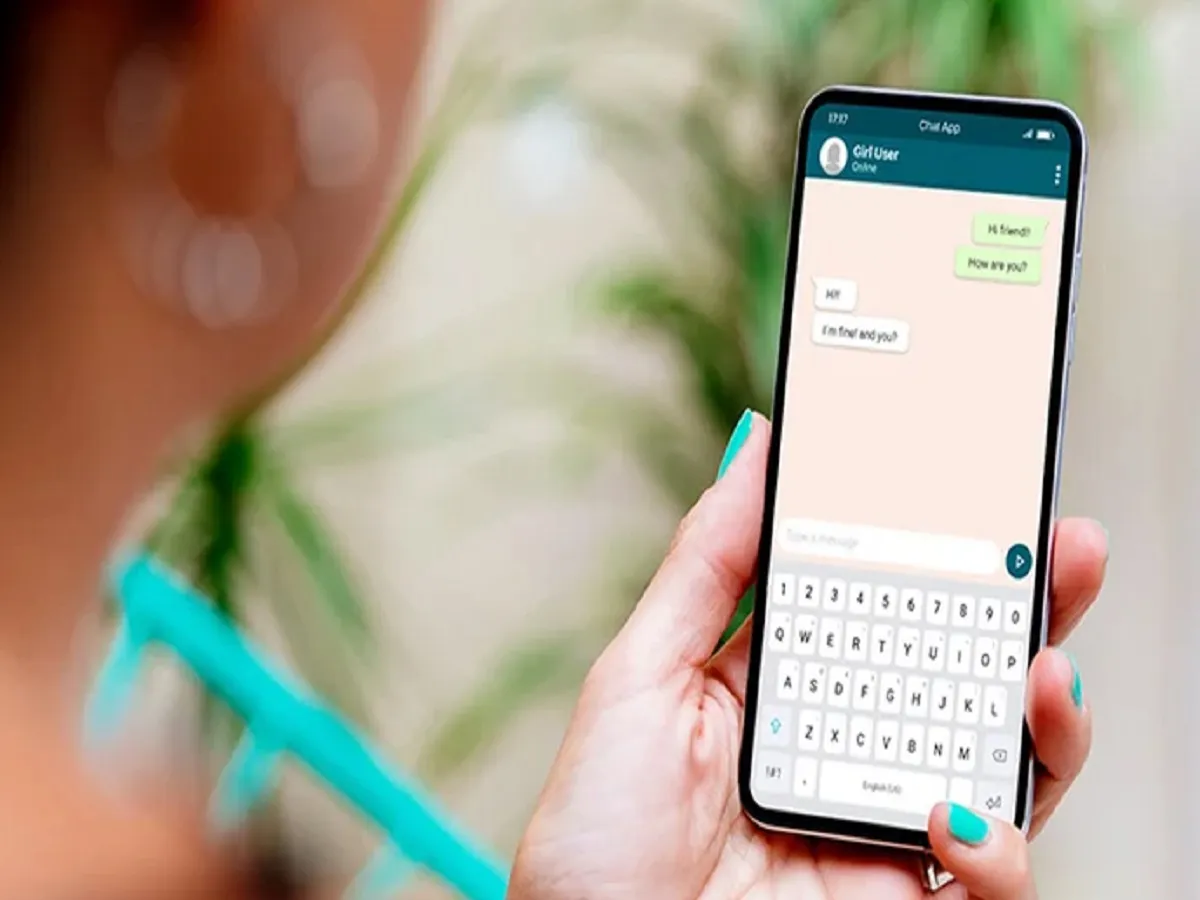
Very few people know that a single WhatsApp account can be used on multiple devices. Today, we're going to provide you with information about this. Due to a lack of information, people often struggle to do so.
You can do this using the Linked Devices feature in WhatsApp. To do this, open your WhatsApp account on your primary phone, tap the three dots in the top right corner, and select the Linked Devices option. Now, on your iPhone, go to Settings and then Linked Devices. Tap the Link a Device option.
Open WhatsApp Web on the other phone, tablet, or computer you want to use WhatsApp on and scan the QR code from your main phone. Your WhatsApp account will be linked to the other device. Now you can use it easily.
PC: avast