TECH
Switching to a New Smartphone? Here's How to Transfer Your eSIM Without Visiting a Service Centre

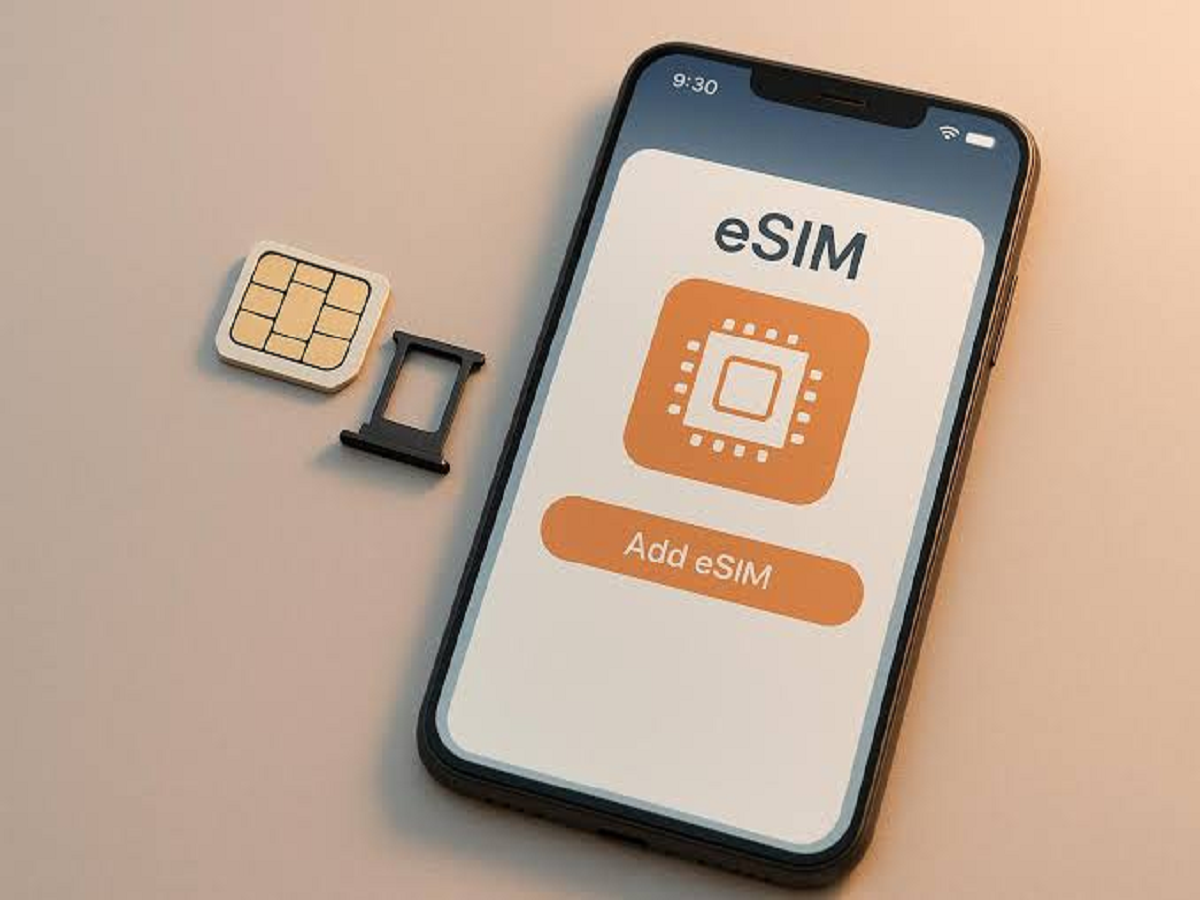
As smartphones become increasingly digital, eSIM technology is gradually replacing traditional physical SIM cards. Unlike regular SIM cards, eSIMs are built into compatible devices, eliminating the need to insert or remove a physical card whenever you change phones.
However, switching to a new smartphone can raise an important question: How do you transfer your existing eSIM to your new device?
The process can be particularly confusing for people who use two numbers, whether through a combination of a physical SIM and an eSIM or two eSIMs. The good news is that many users can transfer their eSIM through their telecom operator's app or their smartphone settings without visiting a service centre.
Here's a step-by-step guide for Jio and Airtel users, along with the options available on iPhones and Android devices.
Important Things to Check Before Transferring Your eSIM
Before starting the transfer, make sure your new smartphone supports eSIM functionality. Keep your old phone with you until the new device successfully connects to the mobile network.
You should also ensure that your new smartphone is connected to a stable Wi-Fi network during the process.
If you use two eSIM-enabled numbers, remember that you may need to submit a separate transfer request for each number.
How Jio Users Can Transfer Their eSIM
Jio users can initiate the transfer through the MyJio application. Follow these steps:
-
Dial *#06# on your new smartphone to find its 32-digit EID number.
-
Open the MyJio app on your old phone.
-
Search for 'eSIM' and select the 'Switch to eSIM' option.
-
Verify your registered email address and enter the EID number of your new smartphone.
-
Complete the verification process using the OTP received on your registered Jio number.
-
After the two-hour cooling period, you will receive an automated call from Jio. Follow the instructions to confirm your request.
-
Once the request is processed, you will receive a notification or email containing a QR code for your new eSIM profile.
-
Scan the QR code or follow the installation instructions on your new phone to activate the eSIM.
Once the activation is complete, your Jio number should become available on the new device.
How Airtel Users Can Transfer Their eSIM
Airtel users can also initiate the process through the Airtel Thanks app.
-
Open the Airtel Thanks app and look for the 'Manage Services' or 'Upgrade to eSIM' option.
-
Select 'Get eSIM for another device'.
-
Enter the EID number of your new smartphone carefully.
-
Complete the verification process using the OTP received on your registered mobile number.
-
Grant permission for the automated verification call, if requested.
-
Once the request is approved, open the settings on your new smartphone.
-
Download and activate the eSIM profile by following the on-screen instructions.
After successful activation, your Airtel number will be available on your new device.
Transferring an eSIM Between iPhones and Android Phones
Some smartphones also offer a built-in eSIM transfer facility, making the process more convenient.
For iPhone users:
If you are switching from an older iPhone to a newer one, you may be able to transfer your eSIM directly.
-
Open Settings on your new iPhone.
-
Select Mobile Service and then Add eSIM.
-
Choose the option to transfer from a nearby iPhone, if available.
-
Keep both iPhones close to each other with Bluetooth and Wi-Fi enabled.
-
Approve the transfer request on your old iPhone and follow the instructions displayed on the screen.
This feature depends on device compatibility and support from your mobile operator.
For Android users:
Some newer Android smartphones also offer an option to transfer an eSIM from another device. Jio supports this facility on compatible smartphones running Android 14 or newer.
The exact steps may vary depending on the smartphone manufacturer, operating system and telecom operator.
Avoid These Mistakes While Transferring Your eSIM
There are a few important precautions to follow during the transfer process.
-
Do not delete your old eSIM immediately: Keep it on your old phone until the new device has successfully activated the number and started receiving network signals.
-
Maintain an internet connection: Keep the old and new devices connected to the internet whenever required during the transfer.
-
Check SMS availability: SMS services may remain unavailable for up to 24 hours after an eSIM transfer as a security measure. Plan any important banking or UPI-related activities accordingly.
-
Follow operator-specific instructions: Transfer procedures and verification requirements can vary between telecom operators and devices.
Switching to a new smartphone does not necessarily mean you need to visit a service centre to activate your existing number. With compatible devices and support from your telecom operator, the eSIM transfer process can often be completed digitally. Always check the latest instructions from your operator before beginning.