TECH
Smartphone Security Tips: Your personal data won't be leaked! Lock your phone's apps without downloading any apps
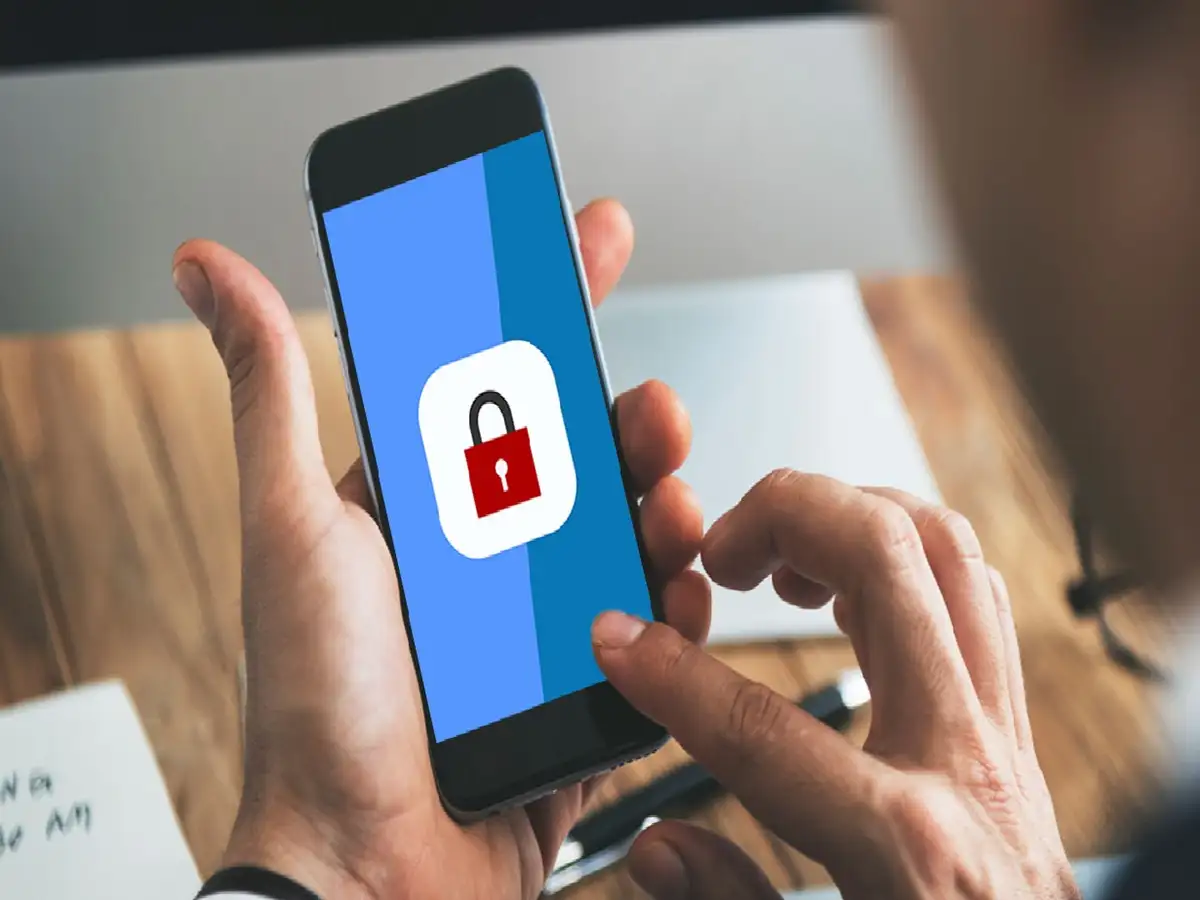
Nowadays, everyone has Google Pay, Paytm, WhatsApp, Photo Gallery, and various social media apps on their phones. Often, when we lend our phone to a friend or family member, we're worried that someone might see our personal chats or photos.
Text and instant messaging
To avoid this fear, many people download third-party "App Lock" apps from the Google Play Store. However, these apps not only harm your phone's battery and speed, but can also pose a threat to your data privacy. The reality is that Android phones have a built-in app lock feature.
How to enable the built-in App Lock on an Android phone?
If you want to protect your important apps with a fingerprint or PIN without using any third-party apps, follow these simple steps:
First of all go to the Settings of your smartphone.
Scroll down and click on the option that says 'Apps' or 'Security & Privacy'.
Here you will see the option of 'App Lock' (if you don't find it directly then type 'App Lock' in the search bar of Settings).
Enter your new security PIN, pattern, or fingerprint.
You'll now see a list of all your phone's apps. Turn on the toggle button next to the app you want to lock (e.g., WhatsApp, Gallery, PayTM).
PC: World press themes