TECH
Public Wi-Fi Can Be Dangerous! These Simple Mistakes Could Put Your Bank Account and Personal Data at Risk
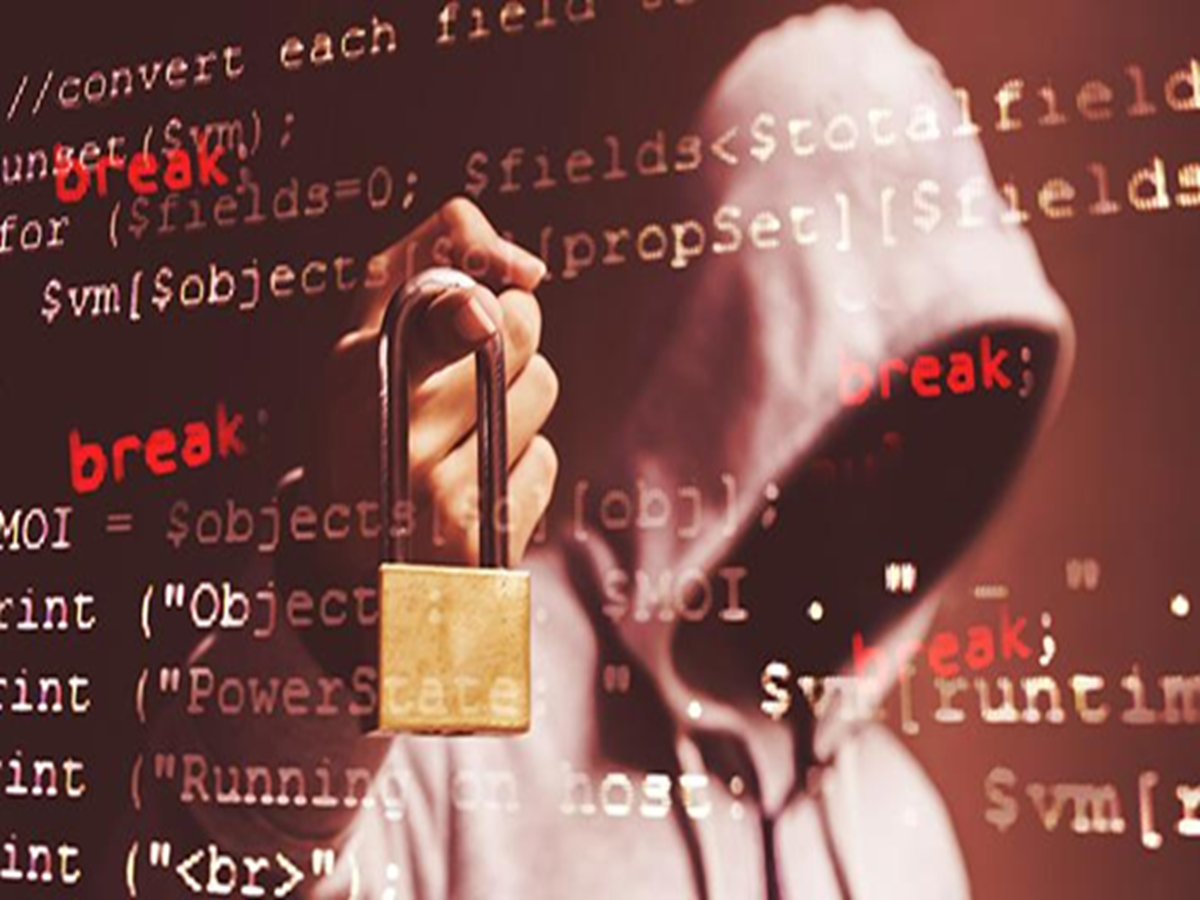
Free Wi-Fi at airports, railway stations, shopping malls, cafés, hotels, and public places is incredibly convenient. Whether you're checking emails, streaming videos, or making online payments, connecting to an open network often seems harmless. However, cybersecurity experts warn that public Wi-Fi is one of the easiest ways for hackers to steal sensitive information if users are not careful.
Unlike your home Wi-Fi network, many public hotspots are either unsecured or shared by hundreds of people at the same time. This makes it easier for cybercriminals to intercept internet traffic, create fake Wi-Fi networks, or trick users into revealing personal information. In some cases, simply connecting to the wrong network can expose your browsing activity and login credentials.
One of the biggest mistakes people make is logging into banking apps or making online payments while connected to public Wi-Fi. If the network isn't properly secured, attackers may attempt to capture sensitive information such as usernames, passwords, or payment details. Even though most banking apps use encryption, cybersecurity experts still recommend avoiding financial transactions on public networks whenever possible.
Another common risk is fake Wi-Fi hotspots. Hackers often create networks with names that closely resemble legitimate ones, such as "Airport_Free_WiFi" or "Cafe_Guest." Unsuspecting users connect to these networks, believing they are genuine, while all of their internet activity passes through the attacker's device. Before connecting, it's always wise to confirm the exact network name with the establishment.
Keeping file sharing and device discovery enabled is another overlooked security risk. These features are useful on trusted home networks but can expose your device to strangers on public Wi-Fi. Disabling them before connecting to a public hotspot reduces the chances of unauthorized access.
Many people also ignore software updates, even though they frequently contain important security patches. Smartphones, laptops, browsers, and apps that are running outdated software may have vulnerabilities that hackers can exploit more easily on public networks. Keeping devices updated is one of the simplest ways to improve cybersecurity.
Using a Virtual Private Network (VPN) is another effective way to enhance security. A VPN encrypts your internet traffic, making it much more difficult for others on the same network to monitor your online activity. While it doesn't eliminate every risk, it provides an additional layer of protection when using public Wi-Fi.
It's equally important to disconnect from public Wi-Fi once you're finished using it. Many smartphones automatically reconnect to previously saved networks without notifying the user. If a fake hotspot uses the same network name, your device could connect automatically the next time you're nearby.
Cybersecurity is no longer just an issue for businesses—it's something every smartphone and laptop user should take seriously. A few simple precautions, such as verifying the correct Wi-Fi network, avoiding online banking on public connections, keeping software updated, and using a VPN when necessary, can go a long way in protecting your personal information from cybercriminals.:::