
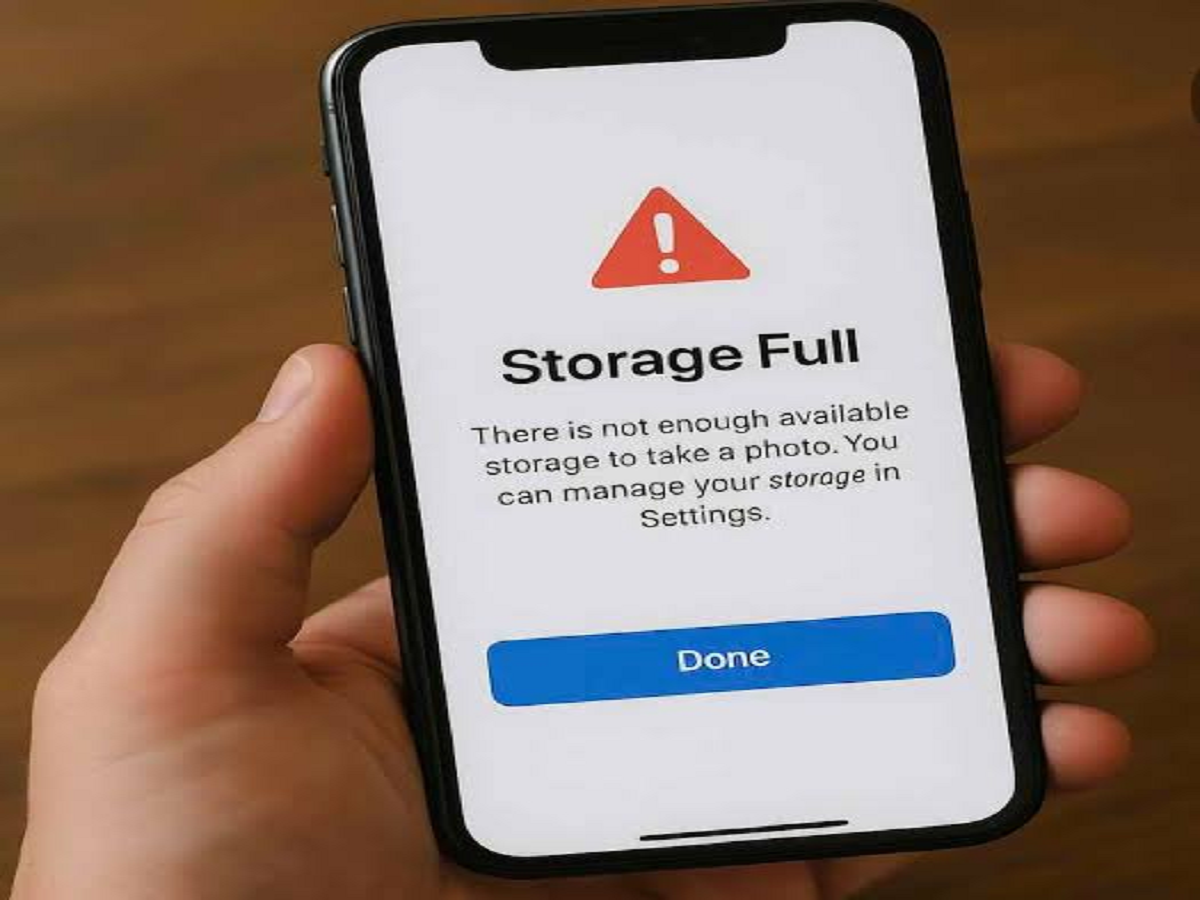
“Storage almost full” is one of the most annoying warnings you can see on a smartphone. When it appears, most people immediately start deleting photos, videos or important apps. But your personal files may not always be the main reason your phone is running out of space.
Temporary files, app caches, offline downloads, old messaging attachments and forgotten files can quietly occupy several gigabytes of storage over time.
Before deleting your favourite photos, check these commonly overlooked areas.
1. App Cache Can Grow Over Time
Many apps temporarily store images, videos and other information on your phone so that content can load faster the next time you open the app.
This cached data can gradually increase, especially if you regularly use social media, browsers, shopping apps or streaming services.
Android phones generally provide options to review the storage being used by individual apps. Be careful, however, not to confuse clearing cache with clearing app data, as the latter may remove settings or locally stored information.
2. WhatsApp and Other Messaging Apps Can Store Huge Files
Messaging apps can become major storage consumers without users realizing it.
Photos, videos, GIFs, documents and voice notes received through individual and group chats may remain stored on the device. Busy groups can accumulate a particularly large amount of media.
Instead of deleting entire conversations, check the app's storage-management section and identify unusually large or unnecessary files.
Important documents and personal media should be backed up before deletion.
3. Check the Downloads Folder
Remember that PDF you downloaded six months ago? Or the video, APK, ZIP file or document you opened only once?
Your Downloads folder can contain a surprising amount of forgotten data.
Open the phone's file manager and review the folder carefully. Sorting files by size can make it easier to identify the biggest storage consumers.
Never delete a file if you're unsure what it contains or whether an app still needs it.
4. Streaming Apps May Have Offline Content
Netflix-style video services, music platforms, podcast apps and other streaming services often allow content to be downloaded for offline use.
A few movies, playlists or podcast episodes can consume several gigabytes.
Because these downloads are often managed from inside the individual app, they may be easy to forget.
Check your streaming apps for old offline downloads that you no longer need.
5. Your Browser May Be Holding More Data Than Expected
Web browsers store temporary website information, downloaded files and cached content.
Over months of browsing, this data may occupy additional storage.
Most browsers provide settings for clearing cached files and browsing data. Check exactly what is selected before deleting anything, especially if you want to retain saved passwords, login sessions or browsing history.
6. Deleted Photos May Still Be on Your Phone
Deleting a photo or video does not always free up its storage immediately.
Many gallery apps move deleted items to a Trash, Bin or Recently Deleted folder for a limited period so that they can be recovered if deleted accidentally.
Until those items are permanently removed, they may continue occupying storage.
Check the deleted-items folder if you recently removed a large number of videos but haven't noticed much improvement in available space.
7. Old Screen Recordings Can Be Surprisingly Large
Screenshots generally don't consume much space individually, but screen recordings are another story.
A long screen recording can become a large video file, and users often forget to delete recordings after sharing or using them.
Search your gallery or file manager for screen recordings and sort them by size. You may discover large videos that are no longer useful.
What Should You Delete First?
Don't randomly delete files just because your storage is full.
Start by checking your phone's storage settings to see which categories are using the most space. Then review large videos, downloads, offline content, messaging attachments and temporary files.
Photos, work documents and other irreplaceable files should be backed up before you remove them.
Avoid Unknown ‘Phone Cleaner’ Apps
When storage runs low, users may be tempted to install apps promising to instantly clean and speed up their phones.
Be cautious with unknown cleaner apps, especially those asking for extensive permissions. Modern Android phones and iPhones already include built-in tools for reviewing storage, unused apps and large files.
Using the phone's own storage-management features is generally a better place to start.


