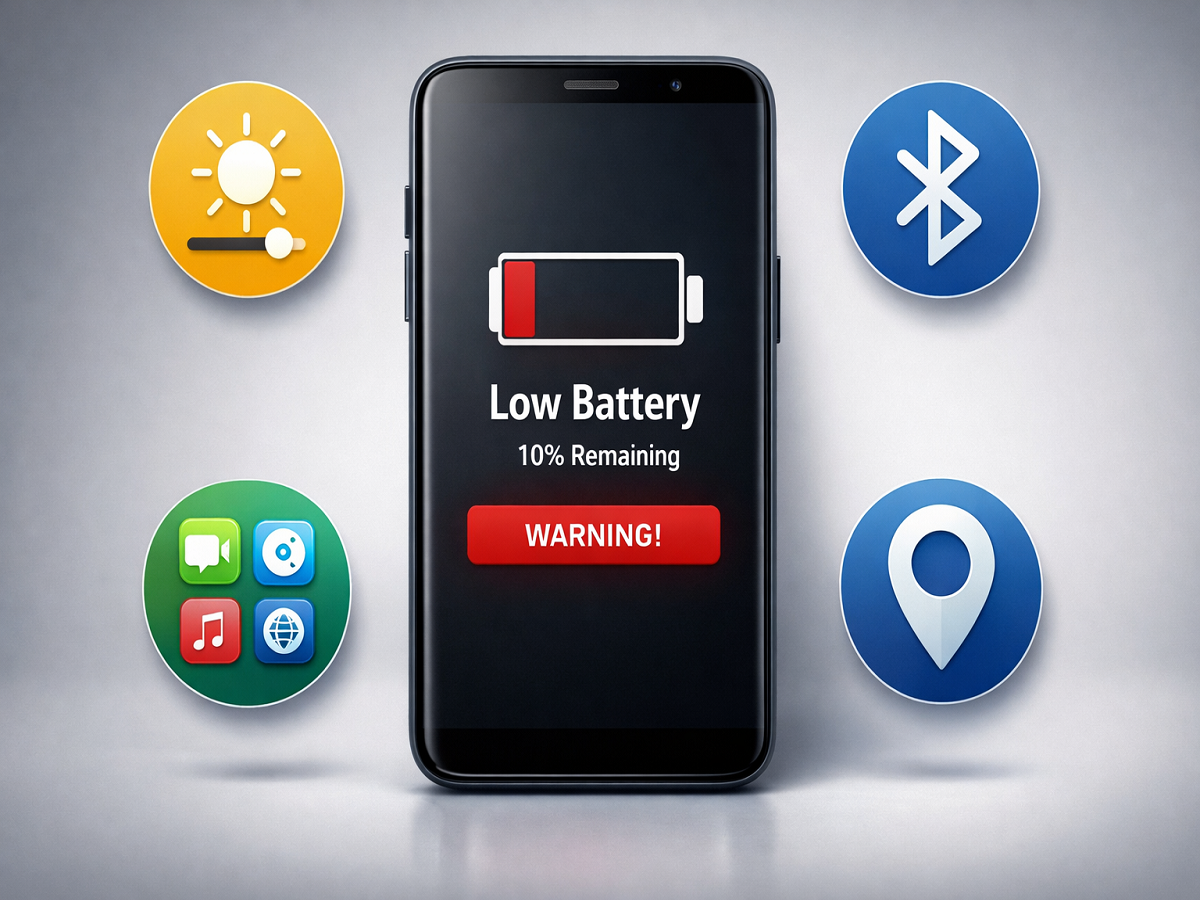
Smartphone Battery Tips: If your phone battery barely survives a few hours despite a full charge, you’re not alone. Many users struggle with fast battery drain due to hidden settings, background apps, and power-hungry features. The good news? With a few simple changes, you can significantly extend your phone’s battery life without needing a new device.
Here are five practical and effective tricks that can help you keep your smartphone running longer throughout the day.
1. Turn Off Auto-Brightness for Better Control
Auto-brightness may seem convenient, but it often increases screen brightness more than necessary. Since the display is one of the biggest battery consumers, this can drain power quickly.
Instead:
- Manually adjust brightness to low or medium
- Increase it only when needed (like outdoors)
This small habit can make a noticeable difference in battery performance.
2. Stop Background Apps from Draining Power
Many apps continue running in the background even after you close them. These apps quietly consume battery, data, and system resources.
To fix this:
- Go to Settings → Battery Usage
- Identify apps using excessive power
- Use Force Stop or restrict background activity
This step alone can significantly improve battery life.
3. Switch Off Location and Bluetooth When Not Needed
Features like GPS (Location) and Bluetooth are often left on unintentionally. Even when you’re not actively using them, they continue to consume power.
Make it a habit to:
- Turn off Location after using maps or ride apps
- Disable Bluetooth when no device is connected
These small changes can help preserve battery throughout the day.
4. Reduce or Disable Vibration
Every vibration—whether for calls, notifications, or typing—activates a motor inside your phone, which consumes extra battery.
To save power:
- Turn off unnecessary vibration alerts
- Disable haptic feedback while typing
- Use ringtone instead of vibration when possible
Reducing vibration can extend battery life more than you might expect.
5. Remove or Limit Power-Hungry Apps
Some apps are known to consume a lot of battery, especially social media and gaming apps.
Examples include:
- Snapchat
- High-performance games
What you can do:
- Uninstall apps you rarely use
- Switch to Lite versions
- Use apps via browser instead of installing them
- Restrict their background activity
This can dramatically reduce battery drain.
Why Your Battery Drains So Fast
Modern smartphones run multiple processes simultaneously—notifications, updates, apps, and connectivity features. While these make phones smarter, they also increase battery usage.
Factors that affect battery life include:
- Screen brightness
- Background apps
- Connectivity features (Wi-Fi, Bluetooth, GPS)
- App optimization
Understanding these can help you manage battery better.
Battery drain is a common issue, but it doesn’t always require expensive solutions. By making a few smart adjustments in your settings and app usage, you can extend your phone’s battery life significantly.
Try these five simple tricks, and you’ll likely notice your battery lasting longer—even with regular usage.