
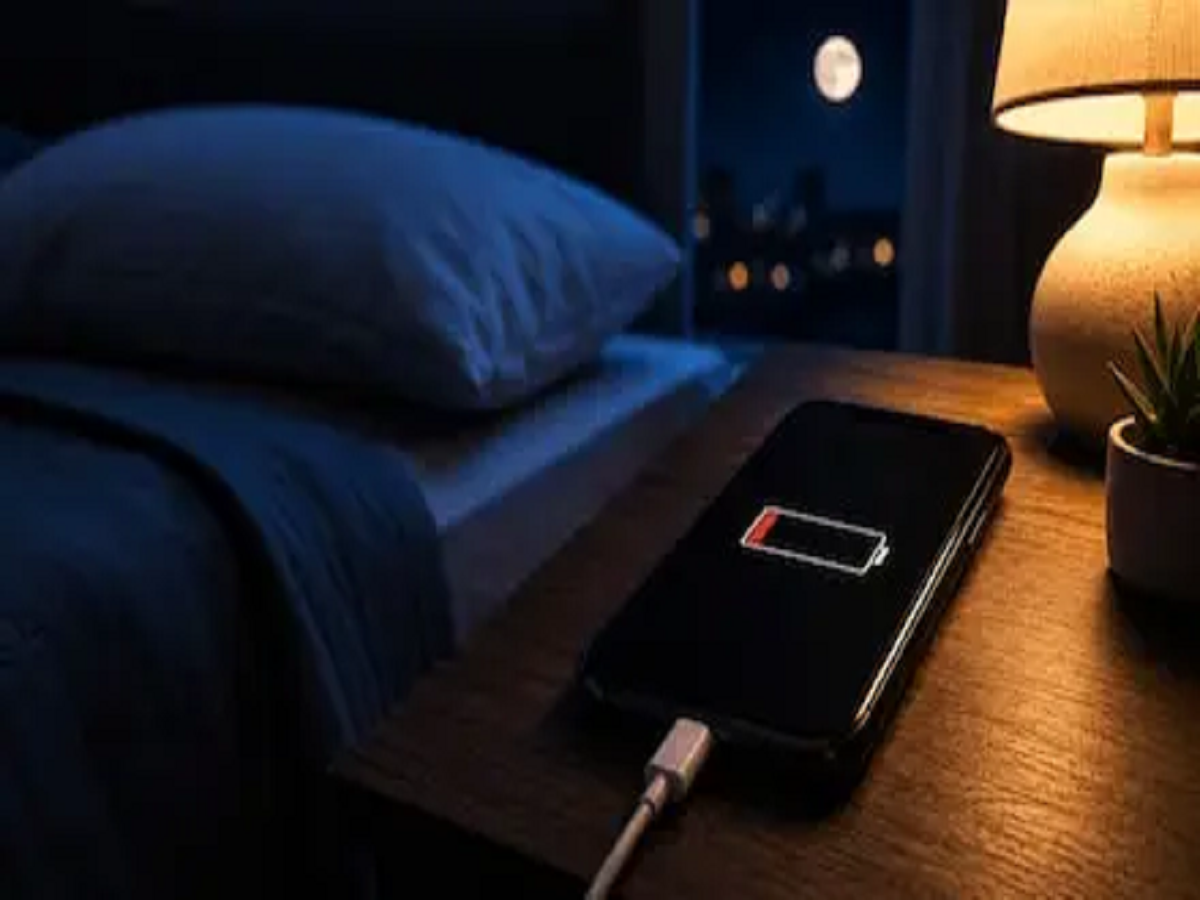
You charge your smartphone before going to bed, leave it untouched overnight, and wake up to find that the battery level has dropped noticeably. Does this automatically mean your phone needs a new battery? Not necessarily.
Even when the screen is switched off, smartphones continue performing several tasks in the background. Apps may sync data, check for notifications, update information, access location services or maintain network connections.
If your phone is losing more battery overnight than expected, these settings and habits are worth checking before assuming that the battery itself is damaged.
1. Find Out Which Apps Are Using Battery in the Background
The first step is to identify the biggest battery consumers.
Both Android phones and iPhones provide battery-usage information in their settings. This can show which apps have consumed the most power over a recent period.
If an app you barely use appears near the top of the list, it may be carrying out excessive background activity.
Consider restricting its background usage if the phone provides that option. However, doing so may delay notifications or syncing for some apps.
2. Check Background App Activity
Many applications continue refreshing content even when you aren't actively using them.
Email, social media, shopping, news and cloud-storage apps are common examples. Background activity can be useful, but allowing every installed application to refresh continuously may consume unnecessary battery.
Review which apps genuinely need unrestricted background access and limit those that don't.
3. Location Access Could Be Running Unnecessarily
Navigation, food delivery, ride-hailing and weather apps often need your location to provide important features.
But does every app need to know where you are all the time?
Review location permissions and check whether apps are allowed to access your location all the time, only while using the app, or never.
For apps that don't require constant tracking, allowing location access only while the app is being used may reduce unnecessary background activity.
4. Poor Mobile Signal Can Increase Battery Consumption
Your phone continuously communicates with cellular networks. In areas with weak coverage, it may need to work harder to maintain or search for a connection.
As a result, battery drain can sometimes be higher overnight if the phone is kept in a room with particularly poor network reception.
If you don't need calls or mobile connectivity while sleeping, Airplane Mode can dramatically reduce wireless activity. Remember, however, that enabling it may prevent regular calls and mobile-network messages from reaching you.
5. Wi-Fi, Bluetooth and Connected Devices
Wi-Fi and Bluetooth are designed to be energy efficient on modern smartphones, so switching them off isn't always necessary.
However, problems can occur if the phone repeatedly attempts to connect to unstable networks or accessories.
Smartwatches, earbuds and other connected devices may also maintain communication with the phone.
If you're troubleshooting unexplained battery drain, temporarily disabling unnecessary connections overnight can help determine whether connectivity is contributing to the problem.
6. Automatic Backups and Updates May Run at Night
Nighttime is often when smartphones perform maintenance tasks.
Cloud photo backups, app updates, system processes and account synchronization may occur while the phone is idle, particularly when it is connected to Wi-Fi.
If you've recently taken many photos or videos, for example, cloud backup activity could temporarily increase power consumption.
Check whether unusually heavy syncing or updates are taking place before assuming there is a hardware problem.
7. Always-On Display and Notifications Can Add Up
Some smartphones can continue displaying the time, notifications and other information while the device is locked.
An Always-On Display is convenient, but it still consumes some energy.
Frequent notifications can also wake parts of the phone repeatedly during the night.
If you're trying to maximize overnight battery life, consider disabling Always-On Display or using a sleep, bedtime or Do Not Disturb mode to reduce unnecessary interruptions.
How Much Overnight Battery Drain Is Normal?
There is no single percentage that applies to every smartphone.
Battery consumption depends on the phone model, battery age, cellular signal strength, connected devices, installed apps and background processes.
A small overnight drop isn't automatically a cause for concern. What matters more is whether battery consumption has suddenly become much worse than it was previously under similar conditions.
When Could the Battery Itself Be the Problem?
Smartphone batteries naturally lose capacity as they age.
If your phone is several years old, shuts down unexpectedly, becomes unusually warm, loses charge rapidly throughout the day or shows significantly reduced battery health, the battery may require professional evaluation.
Some phones provide a battery-health indicator in their settings that can help identify deterioration.
If the battery appears swollen or the phone's body or screen begins separating, stop using the device and seek professional service promptly.
Don't Install Random ‘Battery Saver’ Apps
Third-party apps promising dramatic improvements in battery life may not provide the benefits they advertise. Some can even consume additional resources by constantly running in the background.
Your smartphone already includes built-in battery optimization and power-saving features. Start with those before installing additional software.
Bottom Line
If your phone loses charge


