BUSINESS
PAN-Aadhaar Card: These people's PAN cards have been blocked, and they will now face problems
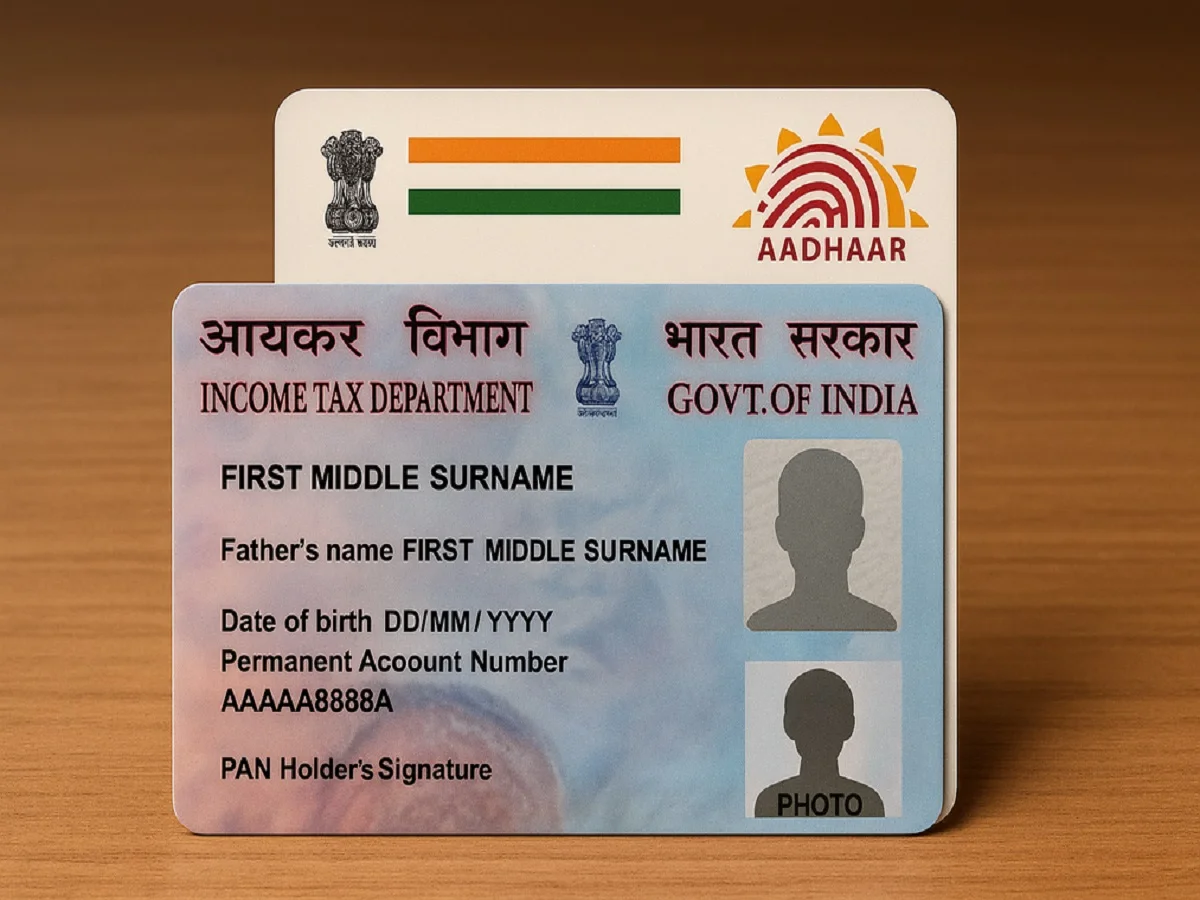
The new financial year has begun on April 1st. With the start of the new financial year, many major changes have also taken place across the country. One of these major changes relates to the PAN card. As part of the changes related to the PAN card, the cardholder's name must now be the same in both the PAN and Aadhaar. If, due to mismatching or any other reason, the name on both is different, the cardholder's PAN will become inactive.
If your name is different in your PAN and Aadhaar, this could be a problem for you. In such a case ,
you can change the name using the steps described below. We've explained how to change your name in both your Aadhaar and PAN.
How to change name in PAN Card?
- Visit the website of NSDL or UTIITSL.
- If you are using the website for the first time, then register and get the login card.
- Now after logging in, you will see the option of Changes/Correction in PAN, click on it.
- Then enter the required basic details like PAN number, name, date of birth and email etc.
- After entering the details you will get a 15 digit token number.
- Then select the name you want to change in the PAN card.
- If documents are asked for, scan and upload them also.
- In the last you will have to pay the fee and submit it.
PC- Odishatv.in