TECH
Now you don't have to worry about payments getting stuck. Which UPI app is the safest? How to use UPI Lite without a PIN code?
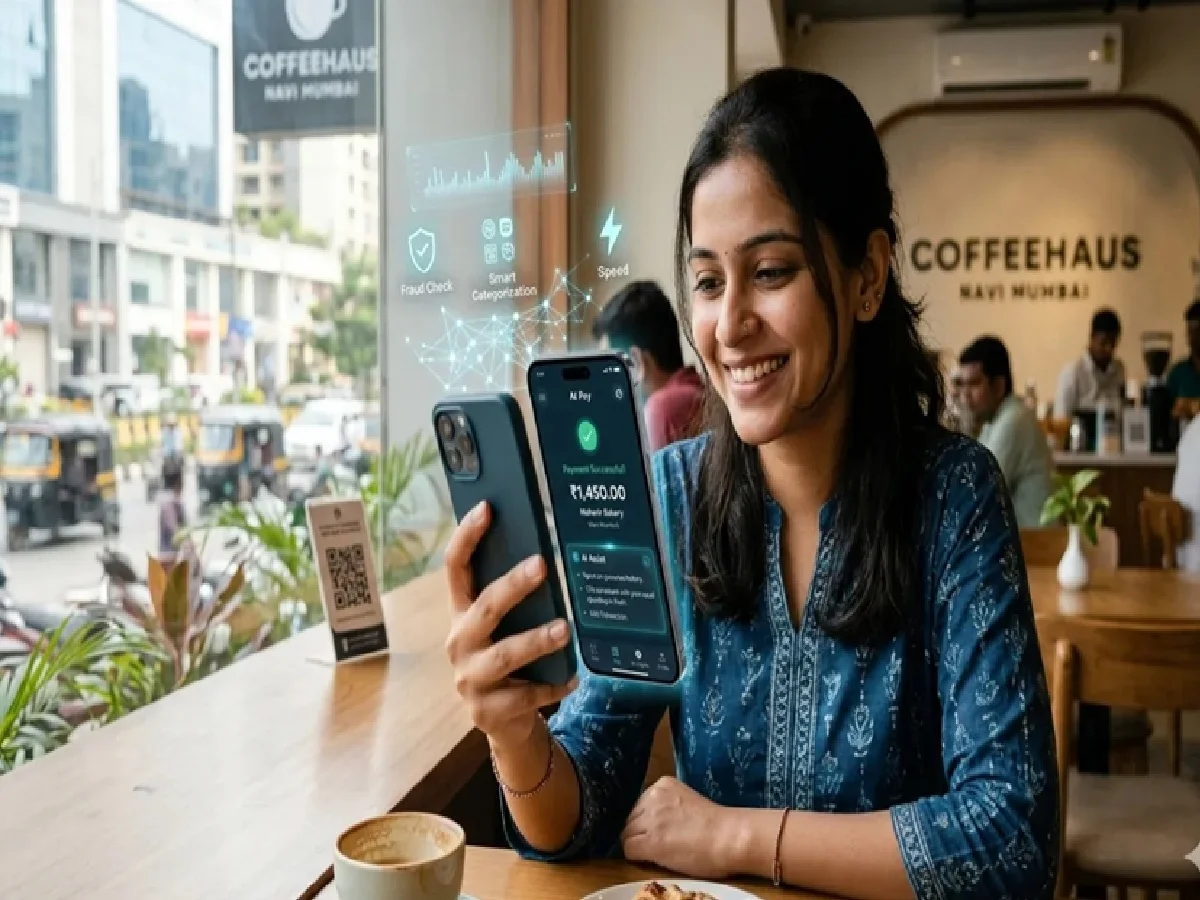
Digital payments have become a part of our everyday lives. However, sometimes payments get stuck or the fear of fraud looms. Fortunately, these issues have become easier to deal with. A great feature called UPI Lite has been introduced, which makes small payments fast and secure without entering a UPI PIN. Furthermore, people often ask which app is the safest.
Let's find out which of the popular apps like PhonePe, Google Pay (GPay), and Paytm is the safest. Let's start with security. PhonePe, GPay, and Paytm all operate under NPCI and RBI regulations, so the basic security requirements are the same.
Which app is more secure?
However, user reviews and expert comparisons in 2026 show that people consider Google Pay the safest. Its AI-based fraud detection is robust, clear messages are displayed when a transaction fails, and the app runs smoothly. PhonePe is also very reliable, has the highest market usage (around 45-48% share), and offers additional features like rewards, bill payments, and investments. Paytm is good, but some regulatory issues have made some users wary.
Which one is right for your business?
Overall, if you're just looking for security and ease of use, Google Pay is the best option. PhonePe, on the other hand, is better suited for features and rewards, and Paytm is better suited for business use.
Now let's move on to the most interesting and useful part: UPI Lite. This is a lightweight version of UPI that creates a small digital wallet on your phone. You first transfer money to it from your bank (the maximum balance now is ₹5,000). Then, payments up to ₹500 (up to ₹1,000 in some apps) can be made without entering a UPI PIN.
What are its benefits?
Reduced risk of fraud
Thieves can't see your PIN without entering it
Payments never get stuck: You don't need to connect to your bank every time for small amounts, so it's fast and reliable
It also works offline (in some versions, like UPI Lite X)
Perfect for small everyday purchases like tea, vegetables, milk and recharges
How to use UPI Lite?
(For example, in Google Pay) Open the app, go to your profile or settings
Select the UPI Lite option and activate it (by linking your bank account and entering your PIN once)
Top up ₹500-₹2,000 from your bank (you can also enable auto-top-up)
When making a payment, if the amount is up to ₹500, the app will automatically offer the option to pay using UPI Lite – just confirm; you don't need to enter a PIN
The steps are similar for PhonePe and Paytm. UPI Lite appears on the home screen. You can activate it and start using it. This means you can stop worrying about fraud and payment delays. Choose a secure app like Google Pay and turn on UPI Lite to make small payments much easier.
PC: Navarastra