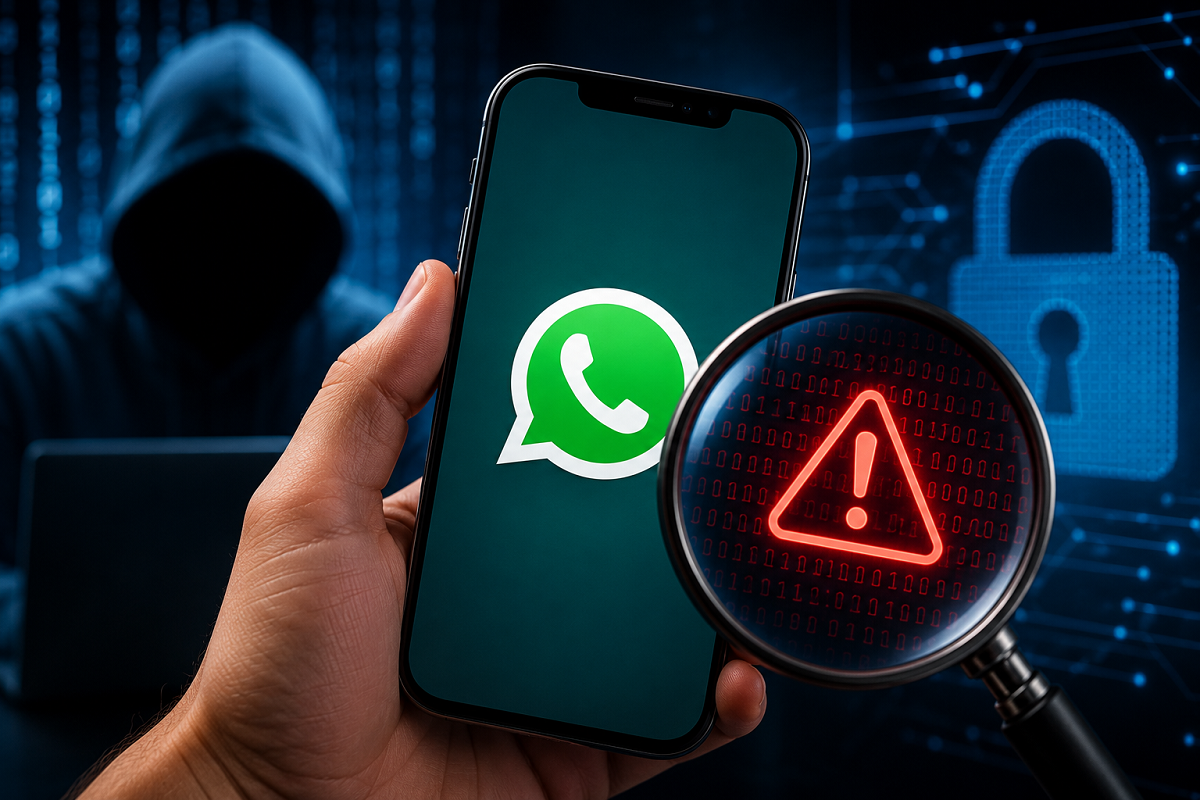
With millions of people using WhatsApp every day for personal and professional communication, protecting your account has become more important than ever. If a WhatsApp account is compromised, cybercriminals may gain access to private chats, contact lists, photos, and other sensitive information. In some cases, they may even impersonate users to scam friends or family members.
Fortunately, WhatsApp provides several security features that can help users detect suspicious activity and regain control of their accounts. Here are some common warning signs and the steps you should take if you suspect your account has been hacked.
Warning Signs Your WhatsApp Account May Be Compromised
1. Messages You Didn't Send
One of the biggest red flags is finding messages in your chats that you never sent. If friends or family tell you they received unusual texts, links, or requests from your account, investigate immediately.
2. Unknown Linked Devices
WhatsApp allows users to access their account on multiple devices through the Linked Devices feature. If you notice a browser or computer you don't recognize, someone may have gained unauthorized access.
To check:
-
Open WhatsApp
-
Go to Settings > Linked Devices
-
Review all active sessions
-
Log out of any unfamiliar devices
3. Unexpected Verification Code Requests
If you receive a WhatsApp verification code without trying to register your account on a new device, someone may be attempting to take over your account.
Never share the six-digit verification code with anyone, even if they claim to be from WhatsApp.
4. Profile Changes You Didn't Make
Be alert if you notice unexpected changes to:
-
Profile photo
-
Name
-
About section
-
Privacy settings
Unauthorized modifications may indicate that someone else has accessed your account.
5. Suspicious Login Notifications
If WhatsApp informs you that your account has been registered on another device or logs you out unexpectedly, verify your account immediately by signing in again using your phone number.
What About the "Blue Screen" or "Blue Color"?
Some social media posts claim that a blue screen or blue-colored interface is a sign of hacking. There is no official evidence from WhatsApp that a blue theme or interface alone indicates an account has been hacked.
Interface colors may change due to:
-
App updates
-
Theme settings
-
Beta features
-
Device display settings
Instead of relying on color changes, focus on verified warning signs such as unknown linked devices, unauthorized messages, or unexpected login activity.
How to Protect Your WhatsApp Account
You can improve your account security by following these steps:
-
Enable Two-Step Verification with a PIN.
-
Never share your verification code with anyone.
-
Regularly review Linked Devices.
-
Update WhatsApp to the latest version.
-
Lock your phone with a strong PIN, password, or biometric authentication.
-
Be cautious of suspicious links and phishing messages.
What to Do If You Think Your Account Is Hacked
If you suspect unauthorized access:
-
Log out of all unknown linked devices.
-
Re-register WhatsApp using your phone number.
-
Enable Two-Step Verification if it isn't already active.
-
Inform your contacts not to respond to suspicious messages sent from your account.
-
Contact WhatsApp Support if you cannot regain access.
Taking prompt action can help prevent further misuse of your account.
The Bottom Line
A hacked WhatsApp account can put your personal information and contacts at risk, but several warning signs—such as unknown linked devices, messages you didn't send, unexpected login alerts, or profile changes—can help you identify suspicious activity early. Enabling WhatsApp's built-in security features and staying alert to phishing attempts are the best ways to keep your account secure.
Disclaimer: This article is for informational purposes only. Security recommendations are based on WhatsApp's available features and general cybersecurity best practices. If you believe your account has been compromised, contact WhatsApp Support through official channels for assistance.