BUSINESS
Instant E-PAN Card: Need a new PAN card? No more waiting in line! Get one in 10 minutes using your mobile
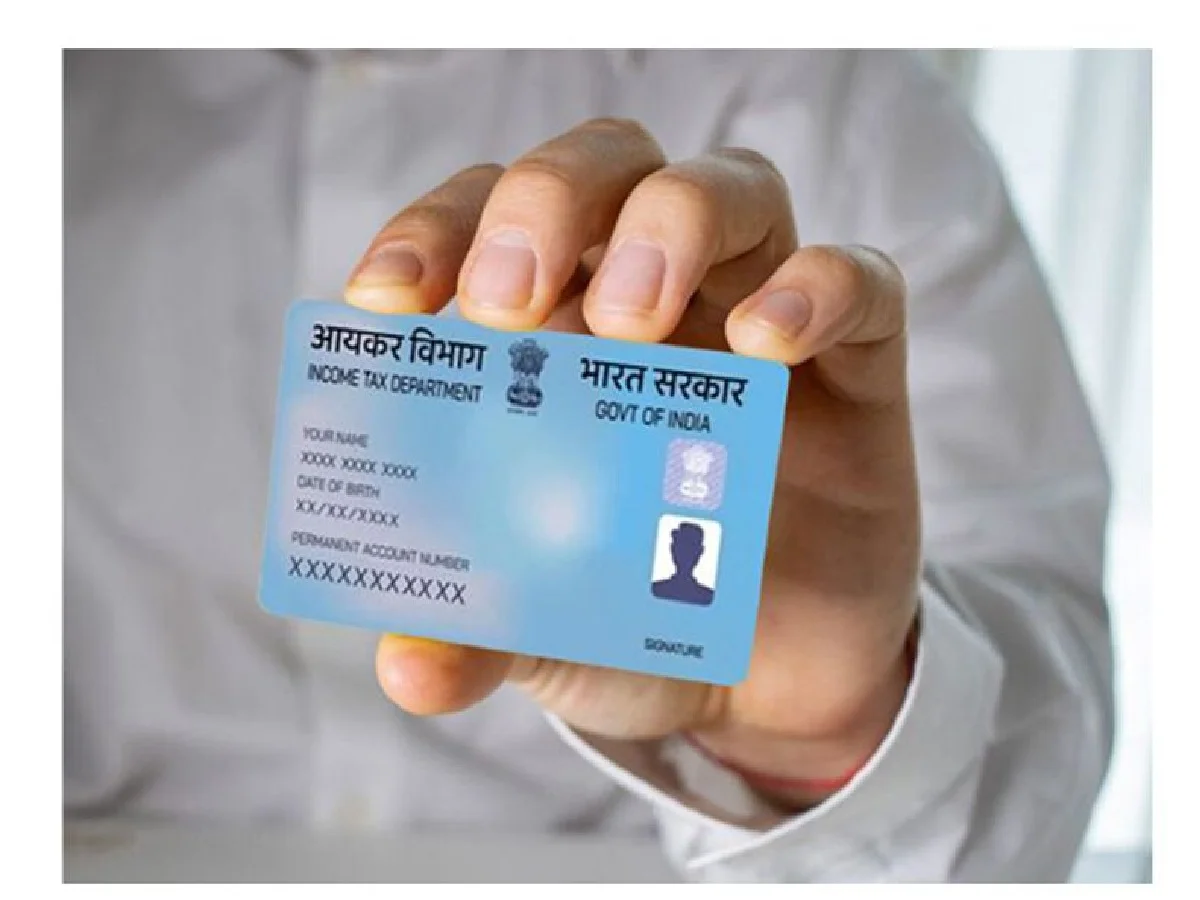
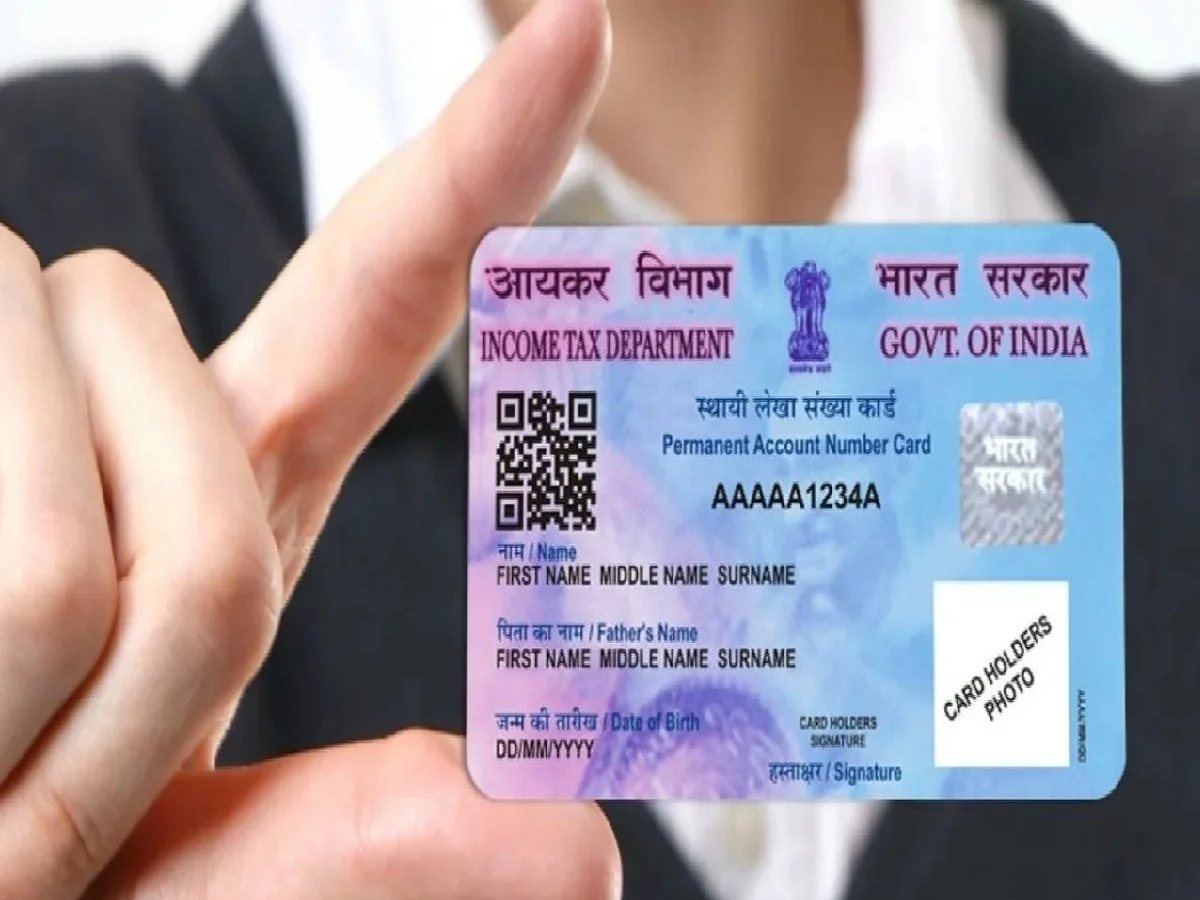
Nowadays, the PAN card has become a vital document. From opening a bank account to transferring money and making large financial transactions, a PAN card is required for many important tasks. Previously, obtaining a PAN card was a daunting task. You had to fill out forms, attach photocopies, visit government offices, and waste days. Now, the process of obtaining a PAN card has become much easier than before. The government's Instant e-PAN facility allows eligible individuals to apply for a PAN card online from the comfort of their homes. The government has launched a new facility called "Instant e-PAN." With this, you can get a PAN card from your mobile phone in just 10 minutes, without paying a single rupee. It's completely free.
No need to pay any agent
Previously, people would go to an agent to get a PAN card and pay them 300-400 rupees. If your mobile number is linked to your Aadhaar card, you can get one yourself. This e-PAN works just like a normal plastic PAN card. Whether for government or private purposes, it works everywhere. This has been made possible by Digital India. The Income Tax Department has introduced this facility to reduce hassles for people.
What is this e-PAN scheme?
This is a completely paperless scheme. You don't need to submit any papers. You don't need to visit a cyber cafe. All you need is a smartphone and internet access. And yes, it doesn't cost a single rupee. For more information, you can visit the government website incometax.gov.in.
What is required to get a PAN card?
There are some requirements for this, please check them first. You must have an Aadhaar card. Your mobile number must be linked to Aadhaar, as OTPs are received on this card. You must not already have a PAN card. Possessing two PAN cards is a crime, punishable by a fine of ₹10,000. Minor children cannot get this. And those who do not have their full date of birth on their Aadhaar card will also be barred from receiving it.
PC: the tribune
How to make PAN card on mobile?
First, open the incometax.gov.in website on your mobile.
On the homepage, you will see 'Quick Links'. Below that, there will be an option called 'Instant e-PAN'. Click on it.
A new page will open; click on the 'Get New e-PAN' button.
Now, enter your 12-digit Aadhaar number, tick 'I confirm' below, and click 'Continue'. A
6-digit OTP will be sent to your Aadhaar-linked mobile number. Enter it.
After entering the OTP, your photo, name, date of birth, and address will automatically appear on the screen.
Check it once and submit it. Done!
You will receive an acknowledgment number. Your PAN card will be ready within 10 minutes. You can download it as a PDF from the same site.
PC: Navarashtra