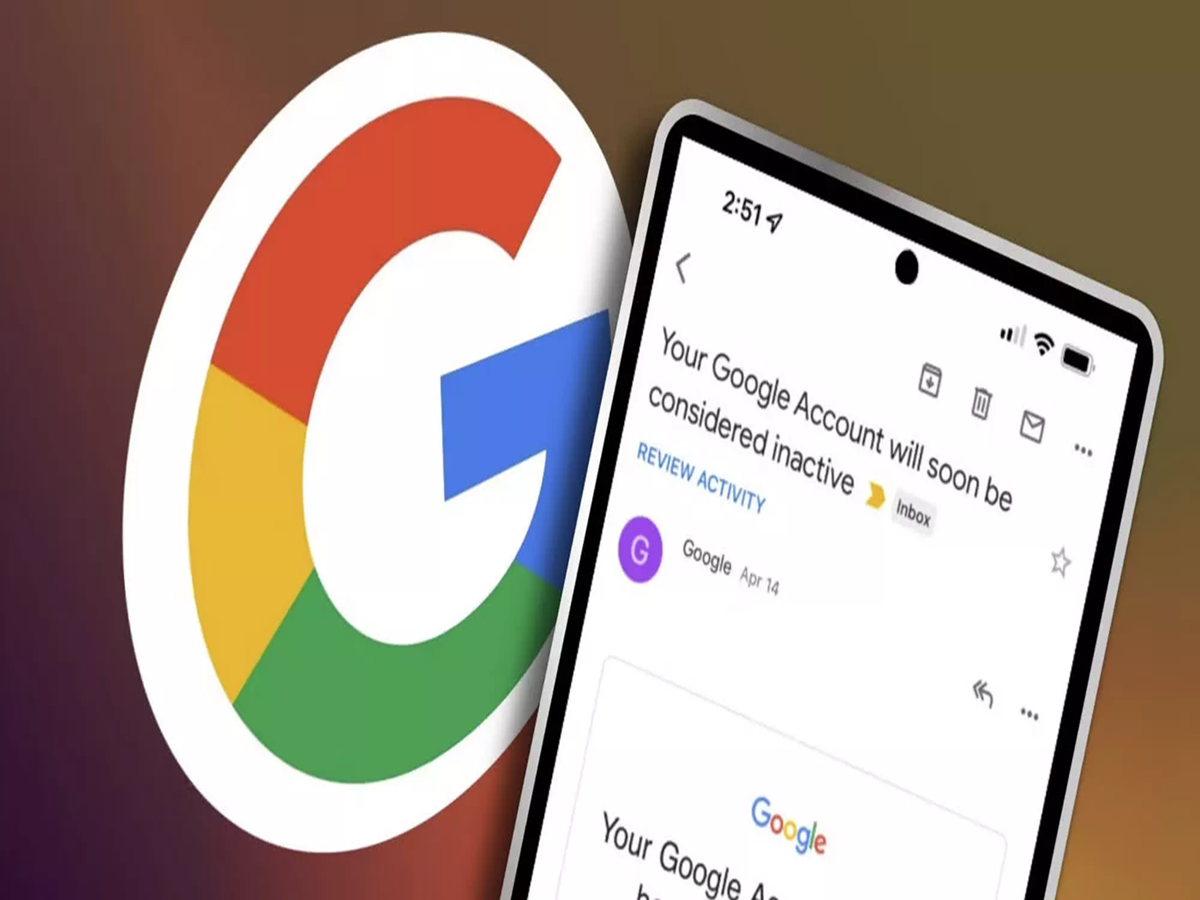
Millions of people use Gmail for banking, UPI apps, Aadhaar, PAN, social media, and office work. But many users don't know that Google can delete personal Google accounts that remain inactive for a long period. If your account is removed, you could lose access to Gmail, Google Photos, Drive, Calendar, and other important services.
Here's everything you need to know to keep your Google account active and secure.
Why can Google delete a Gmail account?
Google's inactive account policy is designed to improve security and reduce the risk of abandoned accounts being misused by hackers.
If a personal Google account remains inactive for more than two years, Google may delete:
-
Gmail emails
-
Google Drive files
-
Google Photos
-
Google Calendar data
-
Contacts
-
Other Google account information
This policy generally applies to personal Google accounts and not to accounts managed by schools, colleges, or businesses.
What counts as account activity?
Your Google account is considered active if you regularly perform activities such as:
-
Signing in to your Gmail account
-
Reading or sending emails
-
Using Google Drive
-
Watching videos on YouTube while logged in
-
Using Google Photos
-
Downloading apps from the Google Play Store
-
Searching on Google while signed in
Even occasional use is enough to keep your account active.
7 easy ways to protect your Gmail account
1. Sign in regularly
Log in to your Google account at least once every few months, even if you don't use Gmail daily.
2. Turn on Two-Step Verification
Enable Two-Step Verification to add an extra layer of protection against hackers.
3. Add a recovery phone number and email
Keeping your recovery details updated makes it easier to regain access if you forget your password.
4. Check Security Alerts
Visit your Google Account's Security section regularly to review login activity and remove unfamiliar devices.
5. Delete suspicious apps
Remove third-party apps that no longer need access to your Google account.
6. Never share verification codes
Google will never ask you to share your OTP or verification code through phone calls, emails, or messages.
7. Back up important files
Store copies of important documents and photos in another secure location to avoid losing valuable data.
How to check if your Google account is secure
You can review your account's safety by opening your Google Account settings and checking:
-
Recent security activity
-
Devices signed in
-
Saved passwords
-
Recovery information
-
Two-Step Verification status
Google also provides personalized security recommendations if it detects any risks.
Why this matters
Today, a Gmail account is often linked to:
-
Aadhaar-related services
-
PAN and Income Tax portal
-
UPI and banking apps
-
DigiLocker
-
Social media accounts
-
Online shopping websites
-
Government portals
Losing access to your Gmail account could make it difficult to recover these connected services.
The bottom line
Your Gmail account is more than just an email address—it acts as the gateway to many essential digital services. Logging in regularly, enabling Two-Step Verification, updating recovery information, and monitoring your account security can help protect your personal data and ensure you never lose access to your Google account.