BUSINESS
EPFO Update: Is the wrong member ID linked to your UAN? You can de-link it from home, rules have changed
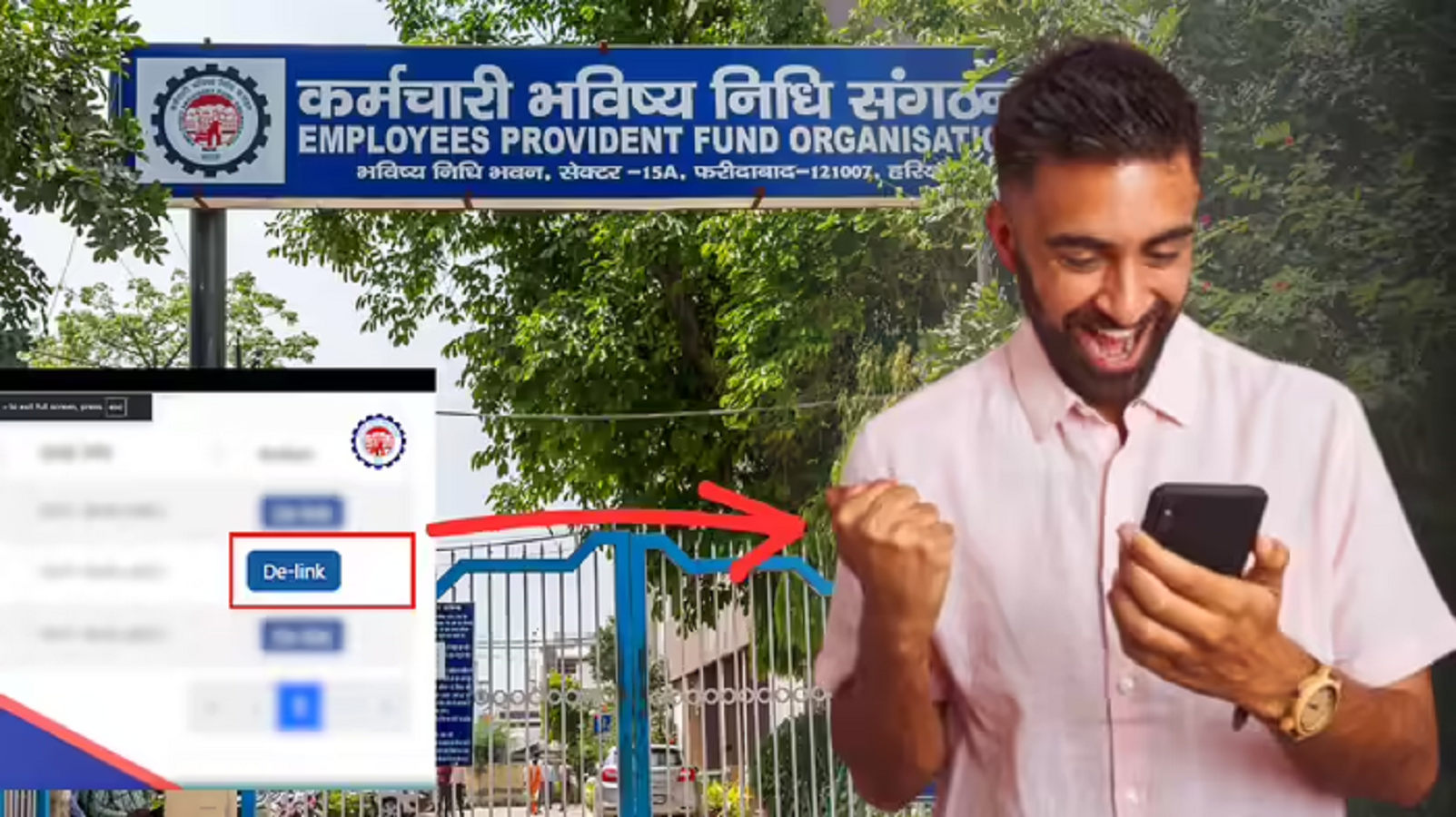
As part of a new update, the EPFO is also offering the ability to delink incorrect member IDs where contributions have been deposited. However, there are some conditions for this. If an incorrect member ID is linked to your UAN, you can remove it online from the comfort of your home.
The EPFO (Employees' Provident Fund Organization) has solved a major problem for working employees. The EPFO recently released a major update. Often, companies mistakenly link a different person's or incorrect Member ID to an employee's UAN (Universal Account Number). This causes significant difficulty for employees transferring or withdrawing PF funds. Additionally, your service history may show employment where you haven't worked. But now this problem can be addressed. Under the EPFO's new facility, you can now delink the incorrect Member ID from your UAN online, even if money has been deposited into it. However, there are some conditions for this. Let's find out.
Changed rules
Previously, there were certain conditions for delinking an incorrect member ID from a UAN. Previously, you could only delete an ID that had no contributions deposited. However, the new circular has changed the rules. Even if you have deposited any contributions to the incorrect member ID, you can still delink the incorrect member ID.
How to D-Link?
- If any wrong ID is visible in your UAN, then follow the steps given below to remove it.
- You will first need to visit the EPFO portal and log in. You will need your UNN and password.
- After this, go to the View section and go to Service History.
- Here you will see all the member IDs linked to UAN.
- Now you have to go to the service details and click on the D-link option appearing in front of the member ID you want to delete.
- The system will then perform a check.
OTP will be asked
- If the date of joining of the member in the member ID is before December 13, 2016 and any contribution has been made on it, then your request will not be accepted.
- If not, you will need to select the reason why you want to delete the member ID.
- Then tick the chatbox and click on the OTP option.
- Now enter the OTP received on the mobile number registered with Aadhaar.
- By doing this, your application will reach the employer who created it.
EPFO Updates
Important things
- If this member ID has not been contributed more than twice, the member ID will be deleted as soon as it is accepted by the employer.
- If contributions have been made more than twice (up to a maximum of six times) on a member ID, and if the employer does not accept the request, the request will be sent to the relevant EPFO regional office. It will then be reviewed.
- Keep in mind that if contribution i.e. money has been deposited in the member ID more than six times, then the wrong member ID will not be de-linked through this process.