TECH
Does your phone overheat in the sun? Try these 5 quick settings to keep your smartphone super cool
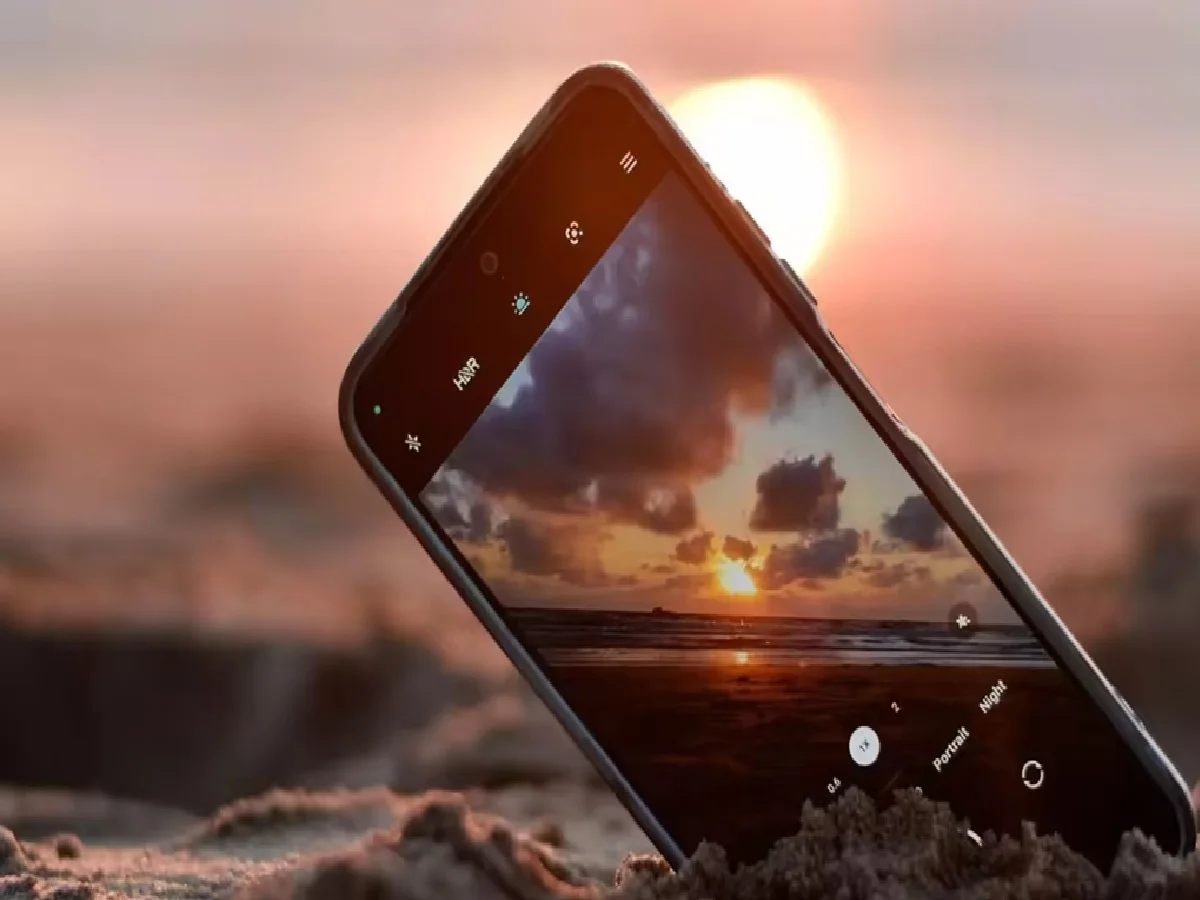
The intense sunlight not only makes people feel hot, but also makes our smartphones hot in our hands. Overheating has become a common problem during the months of March and April due to rising temperatures. Phones often become so hot that they become unbearable to hold. Overheating can lead to complaints like swollen batteries, damaged displays, or phone hangups.
If your phone overheats in the summer, don't worry. There are some settings on your phone that, if changed, can keep your phone cool even in the sun. Let's explore five such important settings.
1. Change the brightness setting.
In the summer, we tend to turn the brightness up to full so the screen looks clear. However, high brightness puts a strain on the battery and causes the processor to overheat.
Keep your phone on auto-brightness or manually lower the brightness. If your phone has an AMOLED screen, use dark mode. This will reduce battery consumption and reduce heating.
2. Turn off font-family:
We often close an app, but it continues to run in the background. These apps constantly use data and battery, increasing the processor's workload.
Go to Settings > Apps >Background App Refresh and turn off this feature for unnecessary apps.This will give the processor a break.
3. Turn off location and connectivity.
When outdoors in the summer, we often keep GPS, Bluetooth, and Wi-Fi on constantly. These three sensors constantly scan the phone, which increases the phone's temperature.
Turn off location (GPS) when not needed. Also, use 'Airplane Mode' in areas where the signal is weak, because the phone has to use more power to find a weak signal, which causes it to heat up.
4. Be careful when gaming and using the camera.
Avoid playing high-graphics games or continuously recording 4K videos on a hot summer afternoon. Both of these tasks push the phone's processor to its maximum capacity, causing the phone to overheat within minutes. Solution: If the phone overheats, stop gaming immediately, remove the cover, and set the phone aside for a while.
5. Don't make this mistake while charging.
Many people have the habit of playing games or watching videos while charging their phone. This mistake can be costly in the summer. Charging already heats up the battery, and the processor also heats up due to use; this can even cause the phone to explode.
Remove the back cover when charging, and don't charge the phone in the sun or on a mattress (sofa/bed).
PC:Rajasthan Khabre