WhatsApp Chat Recovery Guide: Accidentally deleting an important chat on WhatsApp can be frustrating, especially when it contains crucial messages, media, or personal conversations. However, the good news is that recovering deleted chats is often possible—provided you follow the right methods.
Whether you are using Android or iOS, this guide explains three effective ways to restore deleted WhatsApp chats, including cloud backup, local backup, and third-party tools.
Why Chat Backup Is Important
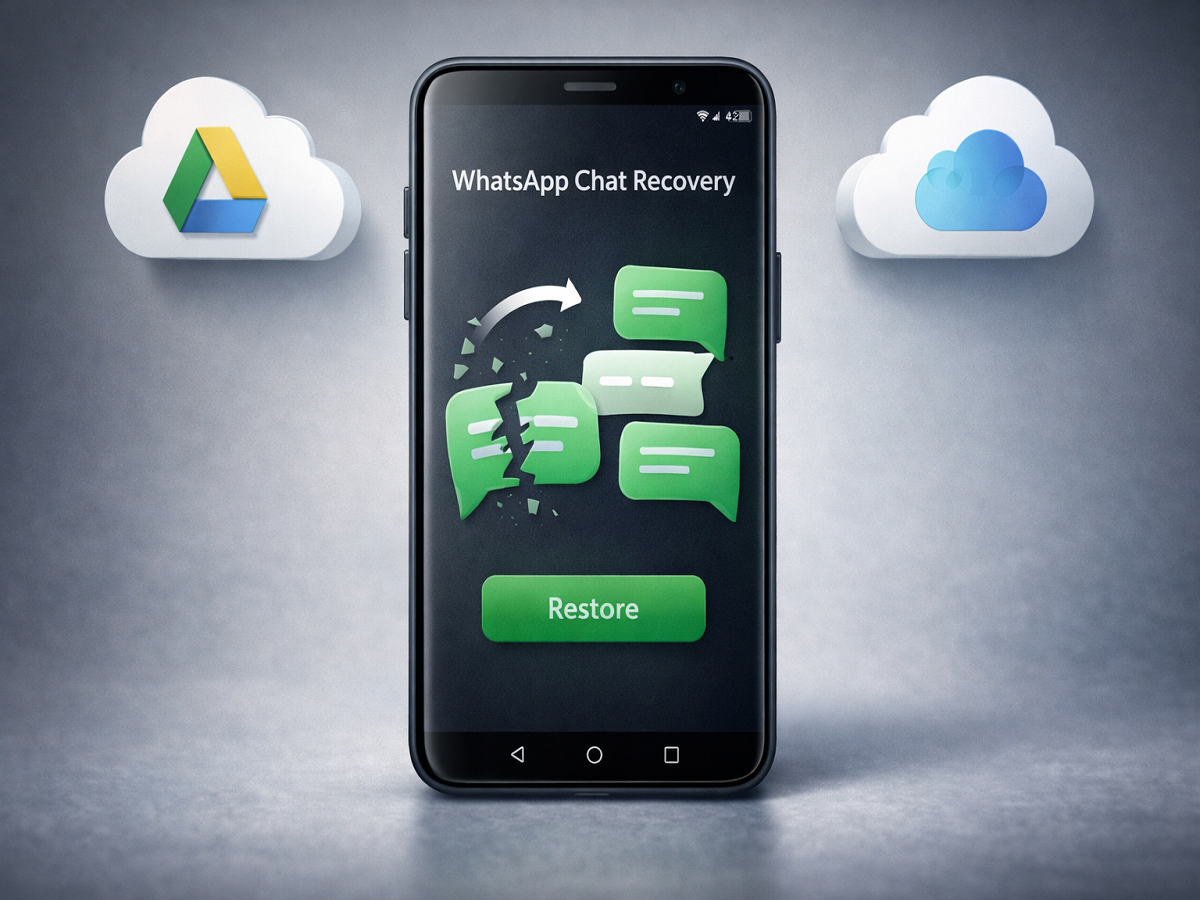
Before diving into recovery methods, it’s important to understand that WhatsApp regularly creates backups if the feature is enabled. These backups are stored on:
- Google Drive (Android users)
- iCloud (iOS users)
If you had backup turned on before deleting the chat, recovery becomes much easier.
Method 1: Restore from Google Drive or iCloud Backup
This is the simplest and most reliable method to recover deleted chats.
Steps to follow:
- Uninstall WhatsApp from your phone
- Reinstall the app from the app store
- Verify your phone number
- When prompted, tap on “Restore” from backup
- Wait for the process to complete
Once done, your deleted chats will reappear—but only if they were included in the last backup.
👉 Important Note: Messages sent or received after the last backup will not be recovered.
Method 2: Recover Chats Using Local Backup (Android Only)
Android users have an additional advantage—local backups stored on the device itself.
Steps to follow:
- Open your phone’s file manager
- Navigate to: /WhatsApp/Databases/
- Locate the latest backup file (format: msgstore-YYYY-MM-DD.1.db.crypt14)
- Rename it to: msgstore.db.crypt14
- Uninstall and reinstall WhatsApp
- Tap Restore during setup
This method allows recovery even without cloud backup, as long as the file exists on your device.
Method 3: Use Third-Party Recovery Tools
If you don’t have any backup, third-party tools may help retrieve deleted chats.
Popular tools include:
- Dr.Fone
- iMyFone
How it works:
- Install the software on your PC or Mac
- Connect your phone via USB
- Enable USB Debugging (for Android)
- Let the software scan your device for deleted data
👉 These tools claim to recover chats directly from device storage.
Warning:
- Always download from official websites
- Read reviews before installing
- Be cautious with paid tools and permissions
Things to Keep in Mind
- Regular backups are the best way to avoid data loss
- Recovery success depends on backup availability
- Avoid using your phone excessively after deletion, as new data may overwrite old data
Losing important WhatsApp chats can be stressful, but recovery is possible if you act quickly and use the right method. Whether it’s restoring from Google Drive/iCloud, using local backups, or trying recovery tools, each method offers a chance to retrieve your data.
To stay safe in the future, make sure to enable automatic backups on WhatsApp and choose a suitable backup frequency.