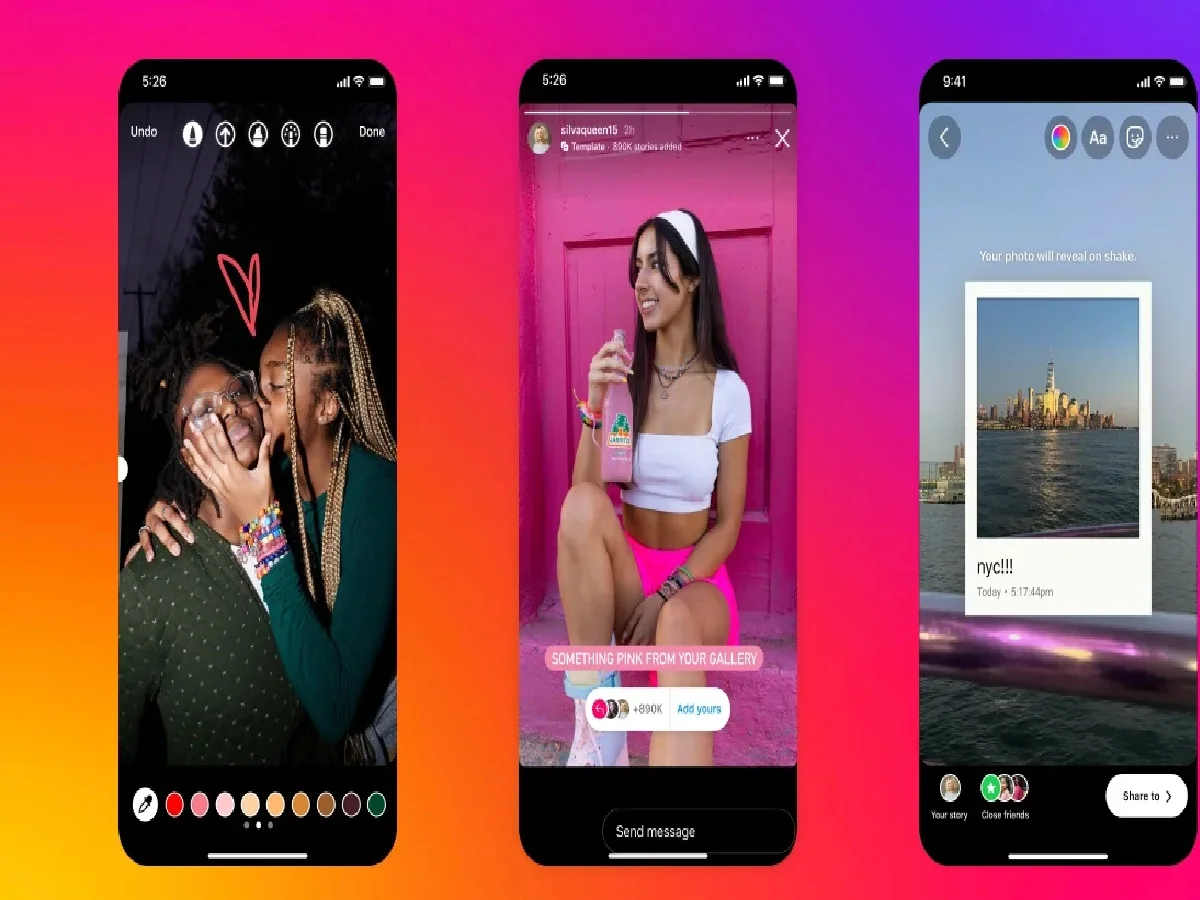
Want to make your Instagram Story more engaging and fun? Instead of just sharing photos or videos, adding the right background music can make viewing your posts even more enjoyable. Instagram's 'Music' feature gives you complete freedom to add your favorite songs to your story, choosing from millions of songs from around the world.
How does it work?
Using this feature is very simple:
Open Instagram and go to the Story option, then select the photo or video you want.
Click on the Stickers icon (square smiley face) at the top.
From there select the 'Music' sticker.
Now find your favorite song in the search bar and tap on it.
You can select the part of the song (up to 30 seconds) you want to play in your story, and choose different styles of displaying the lyrics or song name on the screen. Then share it.
Important things:
You can customize the timing of the song clip to fit the length of your photo or video.
The viewing experience is enhanced by the lyrics appearing on the screen along with the songs.
PC: Instagram