TECH
Arattai now has a WhatsApp-like feature! Chats will never be deleted, and you'll regret not turning them on!
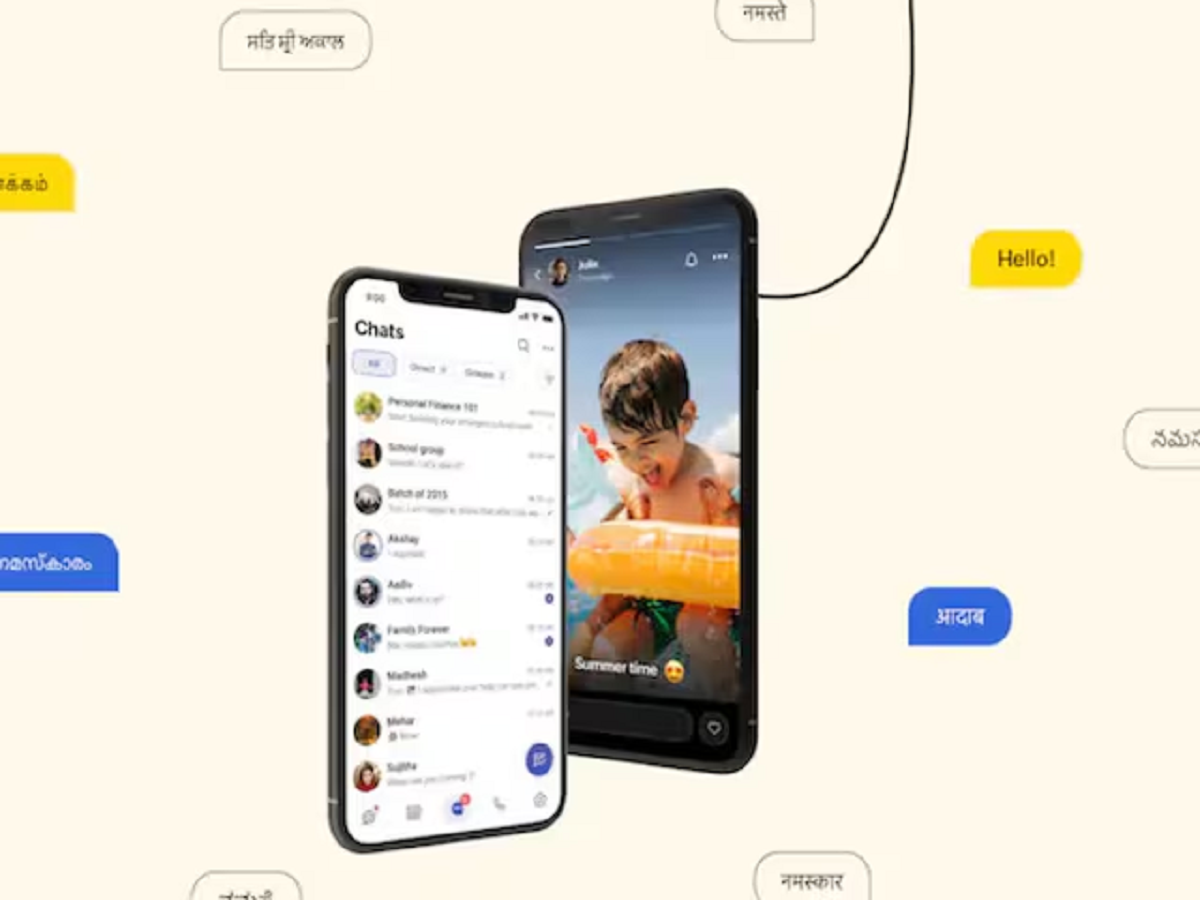
A new chat backup feature has been launched in the Arattai app. Users can now back up chats and media to Google Drive and iCloud. Learn how to turn it on and restore data...
Arattai users have received a major update. After a long wait, the app has added a Chat Backup feature, allowing users to save their chats and media to the cloud. This feature is available on both Android and iOS platforms and is expected to rival popular apps like WhatsApp.
How does the Chat Backup feature work? Arattai's new feature allows users to back up their chat history. Android users can save their chats to Google Drive, while iPhone users can use iCloud.
Most importantly, backups can be encrypted, ensuring your personal chats are completely secure. You can also choose whether to include only text or photos, videos, and documents.
How to turn on Chat Backup?
To use the backup feature in Arattai, first update the app, then follow these steps:
- Open the Arattai app
- Go to Settings and then Chats
- Tap on “Chat Backup”
- Select your Google Drive or iCloud account
- Click on “Enable Backup” or “Back Up Now”
- Set the frequency of auto backup (Daily, Weekly, Monthly)
If you want, you can also turn on encrypted backup and generate a recovery key.
How to restore chats?
If you're using a new phone or reinstalling the app, you can easily restore chats:
- Install and open Arattai
- Login with your account
- Select the “Restore Backup” option
- Select a backup from Google Drive or iCloud
- Wait for the process to complete
Important things to keep in mind
- Maintain a good internet connection during the backup (Wi-Fi is preferred)
- Have enough space on your phone and cloud storage
- Have the correct Google or Apple account logged in
- Including media increases the backup size
- Turn on encryption and keep the recovery key safe
- Keep apps and devices updated
Arattai's new Chat Backup feature will prove to be very useful for users. It will not only keep chat data safe but also make data transfer easier when switching devices.
If you use Arattai, then definitely turn on this feature so that your important chats always remain safe.
PC: news18