Apple Wallet and Apple Pay are terms that iPhone users often hear together, so it's easy to assume they refer to the same thing. In reality, they perform different functions.
The easiest way to understand the difference is this: Apple Wallet is the digital place where supported cards, tickets and passes are stored, while Apple Pay is Apple's payment system for making eligible transactions using supported payment cards added to Wallet.
In markets where the relevant features are supported, the two services work closely together. But having Apple Wallet on an iPhone does not automatically mean every Apple Pay feature is available in that country.
Here's a closer look at the difference between Apple Wallet and Apple Pay and how the payment system works.
What Is Apple Wallet?
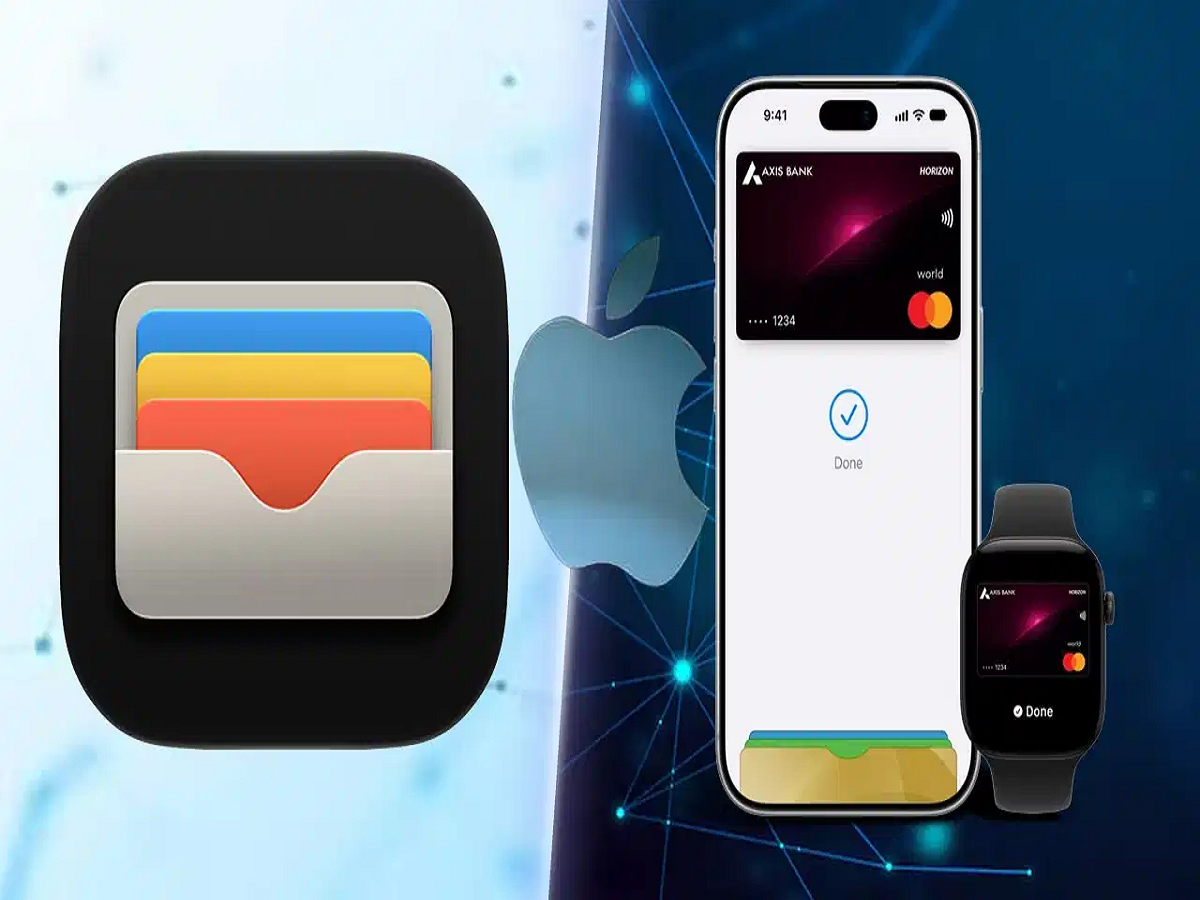
Apple Wallet is an app available on compatible Apple devices. Think of it as the digital equivalent of the physical wallet you carry in your pocket.
Depending on the country, issuer and service provider, Wallet can hold supported items such as:
-
Credit and debit cards
-
Boarding passes
-
Event and concert tickets
-
Loyalty and rewards cards
-
Transit cards
-
Digital keys
-
Certain identification documents
-
Other compatible passes
Some Wallet functionality is also available through Apple Watch, allowing users to access compatible passes and payment cards from their wrist.
Importantly, the exact cards and passes that can be added to Wallet vary by region.
What Is Apple Pay?
Apple Pay is Apple's contactless and digital payment service.
Where Apple Pay is officially supported, users can add eligible payment cards to Apple Wallet and then use those cards to make purchases at participating stores, inside apps and on supported websites.
So, Wallet stores and manages the eligible payment card, while Apple Pay provides the payment mechanism.
This is why the terms are related but shouldn't be used interchangeably.
How Does Apple Pay Work in a Store?
At a shop with a compatible contactless payment terminal, an eligible iPhone can be used to make an Apple Pay transaction.
On supported Face ID iPhones, users typically double-click the side button and authenticate themselves. Depending on the device and configuration, authentication can involve Face ID, Touch ID or the device passcode.
The iPhone is then held near the contactless reader to complete the transaction.
This eliminates the need to physically insert or swipe the card in many circumstances.
The precise process can vary depending on the Apple device, payment card and market.
Apple Pay Can Also Work Online and Inside Apps
Apple Pay isn't limited to physical shops.
On supported websites and applications, customers may see Apple Pay as one of the available checkout methods.
Instead of manually typing a card number, expiry date and other payment information every time, users can select Apple Pay, choose an eligible payment method and authenticate the transaction.
This can make checkout faster while reducing the amount of card information that needs to be entered directly into a merchant's website or app.
Again, Apple Pay must be supported by the merchant, payment provider, card issuer and region.
What Happens to Your Card Number When Using Apple Pay?
Security is an important part of Apple's payment architecture.
When an eligible payment card is added for use with Apple Pay, the system does not simply rely on sending the actual card number to every merchant during each transaction.
Instead, a device-specific number associated with the card is created and securely stored. Apple refers to this as a Device Account Number in its documentation.
Sensitive payment information is protected using hardware and security mechanisms including the device's Secure Element.
When an Apple Pay transaction is performed, the payment uses the device-specific information together with a transaction-specific security code rather than simply handing the merchant the user's actual card number.
This reduces exposure of the physical card number during the transaction.
Does the Merchant Get Your Actual Card Number?
With Apple Pay transactions, merchants generally do not receive the actual credit or debit card number stored for Apple Pay.
Instead, the payment system uses the device-specific account information required to process the transaction.
This is one of the major differences between Apple Pay and manually entering the number printed on a physical payment card.
It also means that the number associated with Apple Pay on a particular device may not match the last digits printed on the physical card.
Why Does Apple Pay Require Face ID or Touch ID?
Apple Pay is designed to require authentication for most purchases.
Before a transaction is approved, the device verifies that an authorised user is attempting to make the payment.
Depending on the device, this can involve Face ID, Touch ID or a passcode.
This adds another security layer compared with simply having possession of the physical device.
Authentication is also used for eligible online and in-app Apple Pay transactions.
Can You Check the Apple Pay Card Number in Wallet?
Users can view information associated with eligible cards through the Wallet app.
The available menu and terminology can vary depending on the iOS version and card issuer, but users can generally open Wallet, select the relevant payment card and access its card details.
Apple may display the last few digits of the device-specific number associated with Apple Pay.
These digits can differ from those printed on the physical card because Apple Pay uses a device-specific payment credential.
Apple Wallet Can Be Useful Even Without Apple Pay
This is one of the biggest reasons to understand the difference between the two services.
Apple Wallet can still have functionality even in a market where Apple Pay payment services are unavailable or limited.
For example, supported boarding passes, tickets and other digital passes may work through Wallet independently of whether local banks support Apple Pay.
Therefore, seeing the Wallet app on an iPhone does not by itself confirm that the user can add a local bank card and make Apple Pay transactions.
What Is Apple Cash?
Apple Cash is yet another service, and it should not be confused with either Apple Wallet or Apple Pay.
In supported markets, Apple Cash allows eligible users to send and receive money and maintain an Apple Cash balance.
The Apple Cash card appears inside Wallet and can be used within Apple's supported payment ecosystem.
Users may be able to send or request money through supported Apple services, add funds using eligible payment methods and transfer available balances under applicable conditions.
However, Apple Cash is geographically restricted and is not available worldwide. Eligibility requirements also apply.
Therefore, instructions written for Apple Cash users in one country should not automatically be assumed to work elsewhere.
Apple Wallet vs Apple Pay vs Apple Cash
The difference can be understood simply:
Apple Wallet = The digital wallet app that stores supported cards, passes, tickets and other eligible items.
Apple Pay = The payment technology used to make eligible contactless, in-app and online purchases with supported payment methods.
Apple Cash = A separate money-transfer and stored-value service available to eligible users in supported markets.
They can work together, but they are not three names for the same feature.
Is Apple Pay Available Everywhere?
No. Apple Pay availability depends on the country or region, participating banks, card networks and other local payment partners.
Similarly, individual Wallet features—including IDs, transit cards, digital keys and payment cards—can vary considerably by market.
Users should therefore check Apple's current country-specific availability and their bank or card issuer's support before trying to set up Apple Pay.
The Bottom Line
If you remember just one thing, remember this: Apple Wallet stores; Apple Pay pays.
Wallet acts as the digital home for compatible payment cards, boarding passes, tickets and other supported items. Apple Pay, where available, uses eligible payment credentials from Wallet to complete secure transactions.
Apple Cash is a separate feature again, designed primarily for sending, receiving and managing money in markets where it is officially offered.
Understanding these differences becomes especially important as Apple expands its payments and Wallet ecosystem because the presence of Apple Wallet on an iPhone does not automatically mean that Apple Pay or Apple Cash is available with every bank or in every country.