LIFESTYLE
Aadhaar update: How to change your registered mobile number on the app? Here are the steps
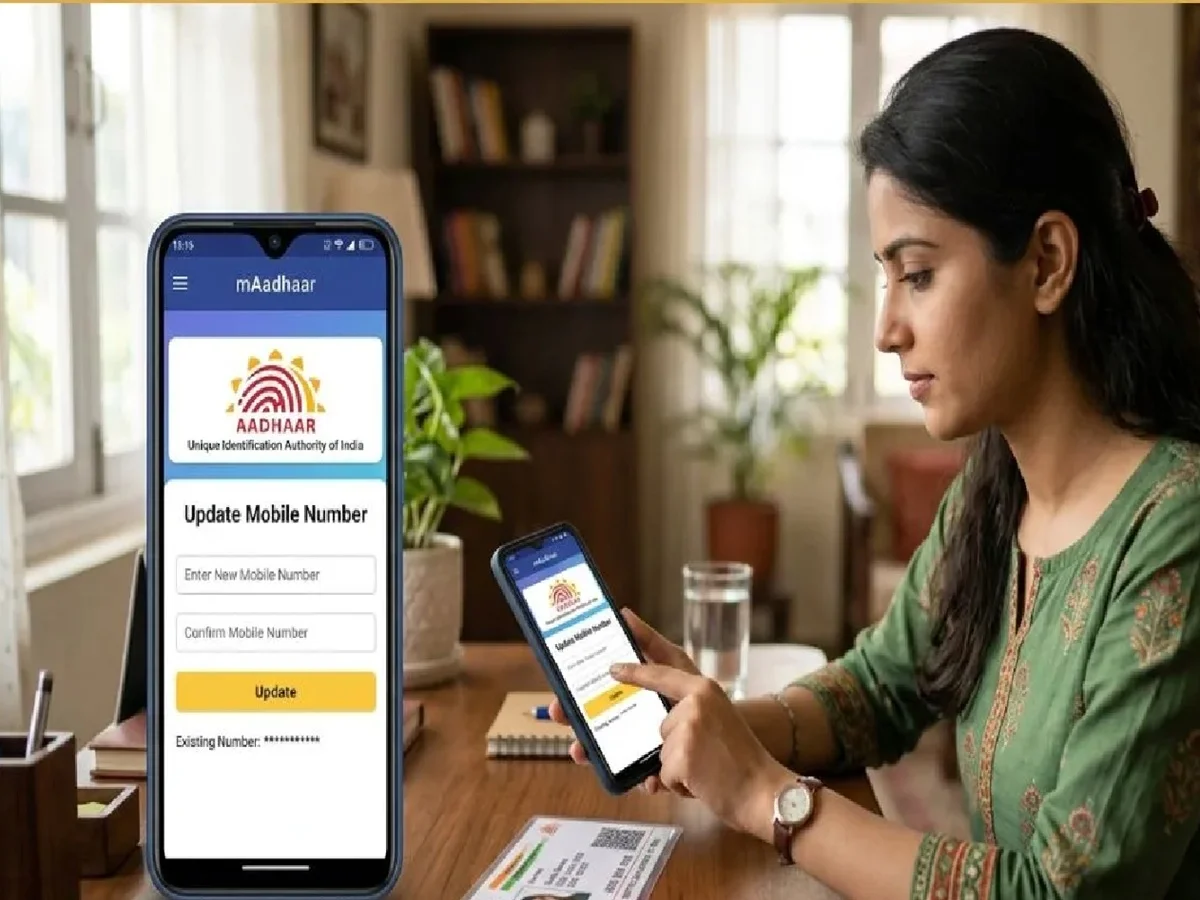
Aadhaar is one of the most essential documents in our daily lives. It's used for many purposes, such as opening a bank account or getting your child admitted to school. However, sometimes you need to update your Aadhaar details, and visiting an Aadhaar center can be challenging. Now, the process for some updates has become easier, as the Aadhaar app allows users to digitally update their registered mobile number. Here's everything you need to know about this process and what important things you should keep in mind before getting started.
What you need to know before updating the number?
Before starting the process, make sure you have access to the mobile number currently registered with your Aadhaar. The current number is required for authentication during the update process. If you no longer have access to your registered mobile number, you may not be able to use the app-based feature to change it.
How to start using Aadhaar App?
First, download the official Aadhaar app on your smartphone. Make sure you use the official UIDAI platform to access the app. Avoid downloading Aadhaar-related applications from unknown websites or unverified sources. Once the app is installed, open it and follow the on-screen instructions to begin the mobile number update process.
How can you update the mobile number?
In the Aadhaar app, look for the option to update your registered mobile number. Enter the required information and complete the authentication process as prompted. Check the details carefully before submitting the request. Follow all the verification steps displayed in the app to complete the process.
Why is the registered number important?
The mobile number linked to your Aadhaar plays a crucial role in authentication. It can be used to receive OTPs and other important communications related to Aadhaar services. Therefore, keeping your registered number updated can make it easier to access various Aadhaar-related services when needed.
Aadhaar information is sensitive, so users should exercise caution when using online services. Download the Aadhaar app only from official UIDAI channels and avoid sharing the OTP or personal details with anyone. If you still have your current registered mobile number, the app-based feature can make it easier to update your Aadhaar-linked mobile number, eliminating the need to visit an Aadhaar cente
PC: News24online