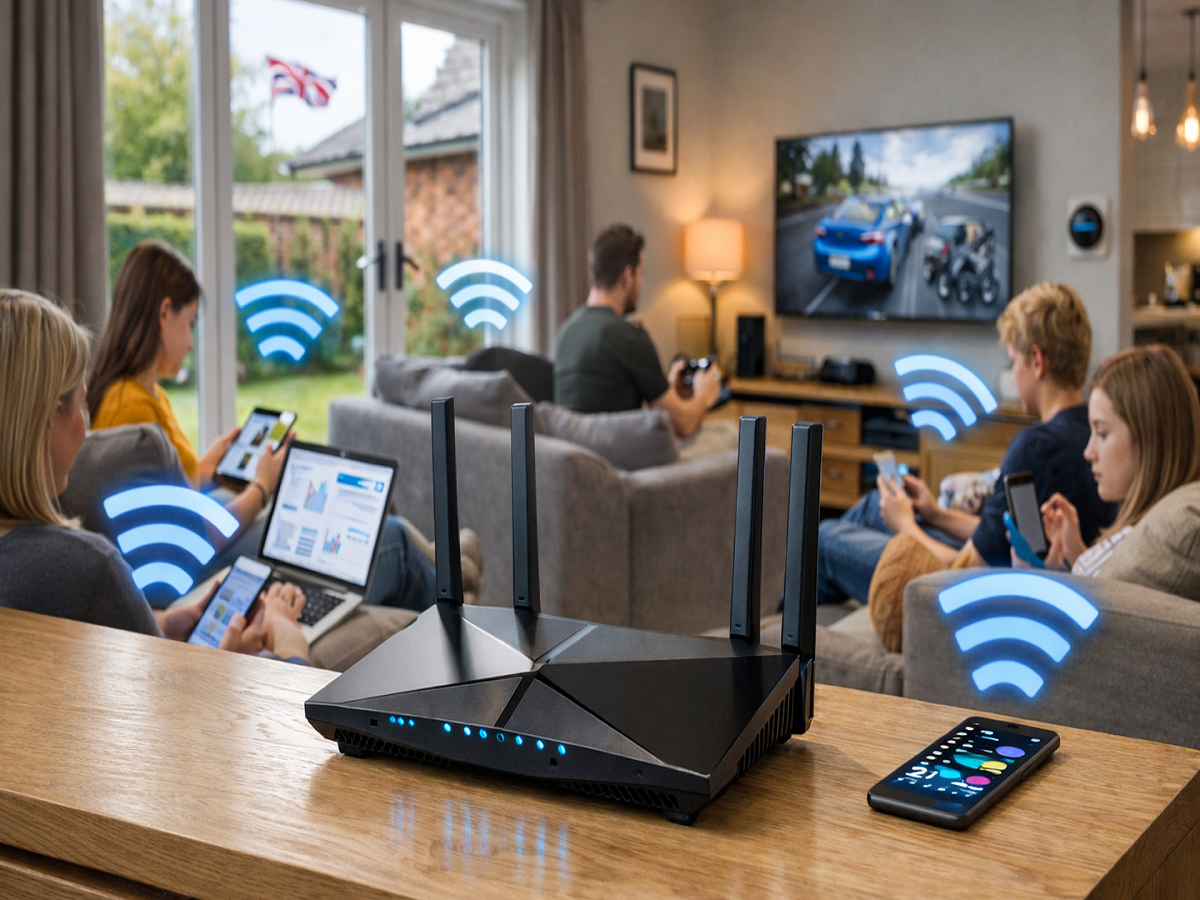
Your home Wi-Fi network connects almost every digital device around you, from smartphones and laptops to smart TVs, cameras and speakers. But if the network is poorly secured, hackers may find opportunities to access connected devices or misuse your internet connection.
Fortunately, improving Wi-Fi security doesn't require expensive equipment. A few simple changes can make your home network considerably safer.
Give your Wi-Fi a strong password
Avoid using simple passwords based on your name, phone number, birthday or house name. A strong Wi-Fi password should be long, unique and difficult to guess.
If you've been using the same password for several years, changing it is a good first step.
Use the latest security standard available
Log in to your router's settings and check the wireless security option. If your router and devices support it, use WPA3.
If WPA3 isn't available, WPA2-AES is generally preferable to older security standards. Avoid outdated options such as WEP.
Change the router's administrator password
Your Wi-Fi password and router administrator password serve different purposes. The administrator password gives access to the router's settings, so leaving the default credentials unchanged can create an unnecessary security risk.
Set a unique administrator password that isn't the same as your Wi-Fi password.
Create a separate network for guests
Instead of sharing your primary Wi-Fi password with every visitor, activate the router's Guest Network feature.
This creates a separate connection for guests and can help prevent their devices from having unnecessary access to devices connected to your main network.
Keep smart devices on a separate network
Smart bulbs, cameras, TVs and other IoT devices can increase the number of devices connected to your network.
If your router supports multiple networks or VLAN-style isolation, consider placing less-trusted smart devices on a separate network. This can limit the potential impact if one of those devices develops a security problem.
Turn off features you don't use
Router features such as WPS, remote administration and other external-access services can increase the attack surface when they're unnecessary.
Check your router settings and disable features you don't need. If you require remote access, make sure it is protected with strong authentication and updated firmware.
Don't ignore firmware updates
Routers also need security updates. Manufacturers periodically release firmware containing bug fixes and security patches.
Check your router's administration page for firmware updates and enable automatic updates if your model supports them.
One final security check
After changing your settings, review the list of connected devices shown in your router's administration panel. If you see an unfamiliar device, investigate it rather than assuming it belongs to someone in your household.