TECH
Your Smartphone Battery May Be Draining Faster Than You Think! 7 Settings You Should Change Right Now
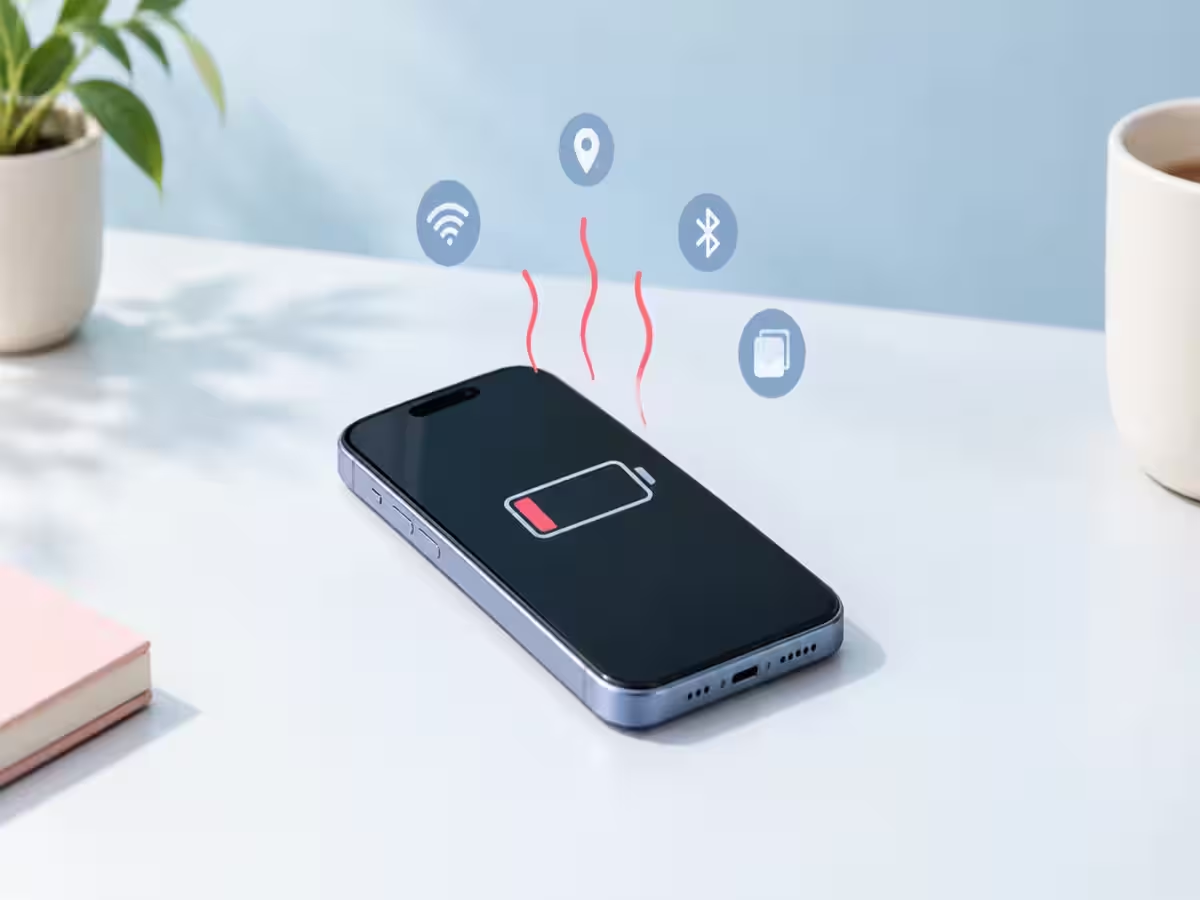
Smartphones have become an essential part of everyday life, but one common problem continues to frustrate users: battery drain. Even when a phone is not being used extensively, its battery percentage can drop quickly. While an ageing battery may be one reason, certain apps and background settings can also consume power without users realising it.
The good news is that a few simple changes can help improve battery life without affecting the overall smartphone experience.
1. Restrict background app activity
Several applications continue running in the background even after users close them. Social media, shopping and location-based apps may regularly refresh their content, consuming battery in the process. Reviewing background app activity and restricting unnecessary apps can help reduce power consumption.
2. Reduce screen brightness
The display is one of the major power-consuming components of a smartphone. Keeping brightness at maximum throughout the day can drain the battery faster. Users can enable adaptive brightness or manually lower the brightness level to save power.
3. Turn off unnecessary location access
Many applications request access to a phone's location, even when the feature is not essential for their functioning. Allowing every app to access location services can increase battery consumption. Users should review app permissions and allow location access only when required.
4. Check which apps consume the most battery
Both Android and iPhone devices offer built-in battery usage reports. These reports show which applications are consuming the most power. If an app is using an unusually high amount of battery, users can restrict its background activity, update it or uninstall it if it is no longer needed.
5. Avoid unnecessary notifications
Every notification can activate the display or trigger background activity. Although individual notifications may consume very little power, receiving frequent alerts from multiple applications can contribute to battery drain. Turning off notifications from unnecessary apps can help.
6. Use dark mode where available
On smartphones with OLED or AMOLED displays, dark mode can help reduce power consumption because darker pixels use less energy than bright ones. Users can enable dark mode through the display settings, particularly if they prefer using their phones with a darker interface.
7. Keep your smartphone updated
Software updates often include bug fixes, performance improvements and battery-related optimisations. Running outdated software can sometimes lead to unnecessary battery consumption. Users should regularly check for official system and app updates.
When should you consider replacing your battery?
If your smartphone continues to lose charge quickly despite changing these settings, the battery itself may have degraded. Lithium-ion batteries gradually lose their capacity over time. Checking the battery health section, where available, can help users understand whether a replacement is worth considering.
Making these small adjustments can help users get more out of their smartphone's battery. However, actual improvements will depend on the device, battery condition, network strength and individual usage habits.