TECH
Your Smart TV Is Connected to the Internet, But Are You Protecting It? 7 Settings You Should Check
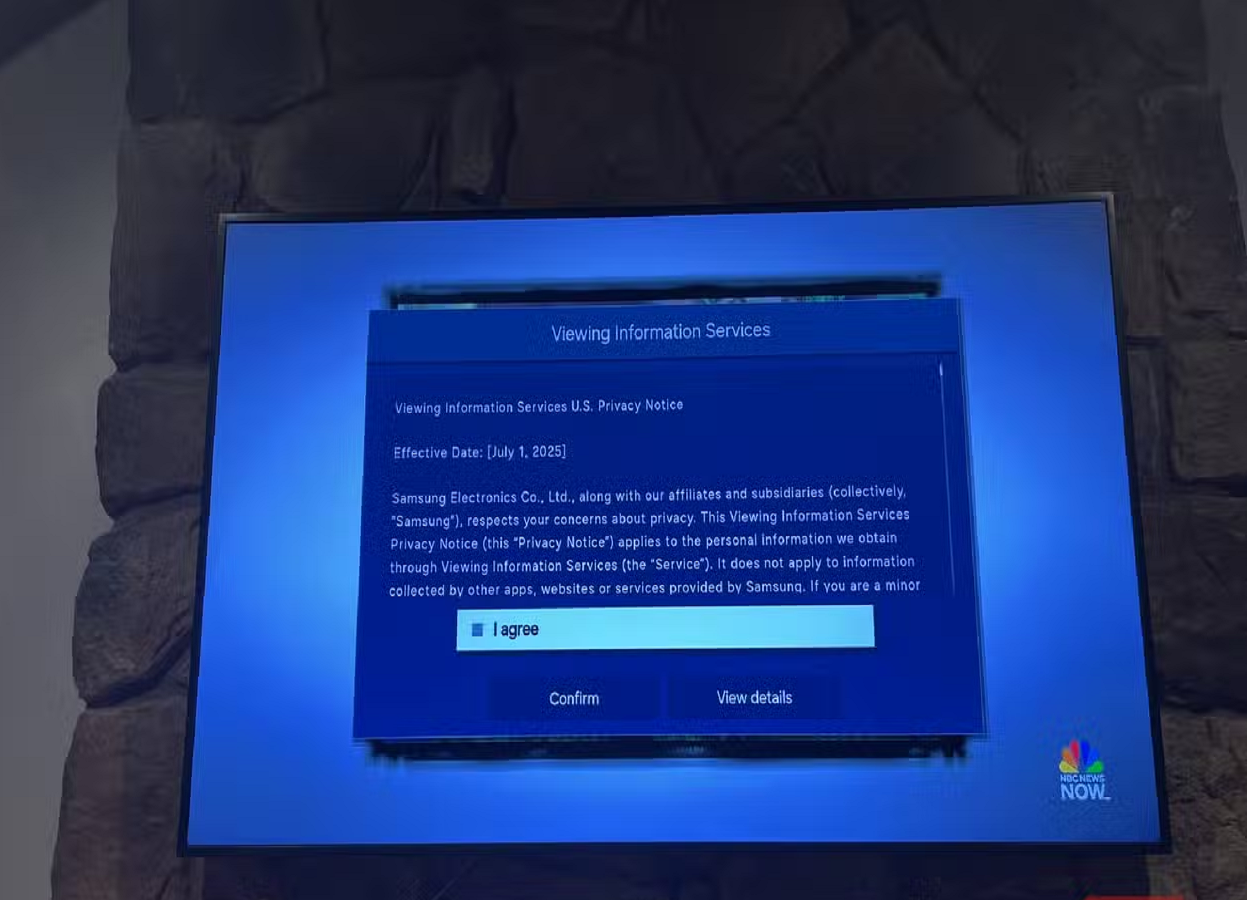
Smart TVs have evolved into full-fledged entertainment computers. They stream movies, connect to Wi-Fi, run apps, store viewing information and sometimes even interact with other smart devices in your home.
However, many people pay attention to smartphone and laptop security while completely ignoring their television. If your TV is connected to the internet, a few basic security and privacy settings are worth checking.
Review the apps installed on your TV
Over time, your smart TV can accumulate apps that you no longer use. Some may continue to receive updates or retain access to information associated with your television.
Go through the installed apps and remove anything you don't need. Keeping only essential applications can also free up storage and reduce unnecessary background activity.
Check your privacy settings
Smart TVs may collect information about viewing habits, device usage and interactions to personalise recommendations or advertising.
Open your TV's privacy settings and review the available options. If you aren't comfortable with certain types of data collection, disable them where the television allows you to do so.
Turn off automatic connections you don't need
Some televisions can automatically connect to nearby devices or networks for casting and other features.
If you rarely use these functions, consider disabling unnecessary connection options. This can reduce the number of ways other devices can interact with your television.
Don't use the same password everywhere
Your smart TV account may be connected to an email address or streaming services.
Avoid using the same password across multiple accounts. If one service suffers a data breach, a reused password could potentially put your other accounts at risk.
Using unique passwords or passkeys wherever supported is a better approach.
Keep the TV software updated
Firmware updates aren't only about adding new features.
Manufacturers can also use software updates to fix security vulnerabilities and improve the stability of the television.
Check your TV's system-update section and enable automatic updates if the option is available.
Be careful when installing unknown apps
Depending on the television platform, users may have different options for installing applications. Avoid downloading apps from untrusted sources simply because they promise free movies, premium features or access to content that normally costs money.
Unofficial software can introduce security and privacy risks.
Consider what information appears on your screen
Your television may display notifications from connected accounts or devices. If you're using the TV in a shared space, think carefully about whether personal information, account names or messages could appear on screen.
You can also review which devices are connected to casting or screen-sharing features.
A smart TV deserves smart security
Your television may not contain as much sensitive information as your smartphone, but it is still an internet-connected device inside your home.
Removing unused apps, reviewing privacy controls, using strong passwords, restricting unnecessary connections and keeping the software updated are simple steps that can improve your TV's security without affecting your everyday viewing experience.