Smartphones have become an essential part of everyday life. We use them for banking, shopping, social media, navigation, work and entertainment. But while smartphones make life easier, some settings can also allow apps and services to collect more information than users realize.
The good news is that you don't need to stop using your favorite apps to improve your privacy. A few simple changes in your phone's settings can reduce unnecessary tracking and protect your personal information.
Check which apps have your location
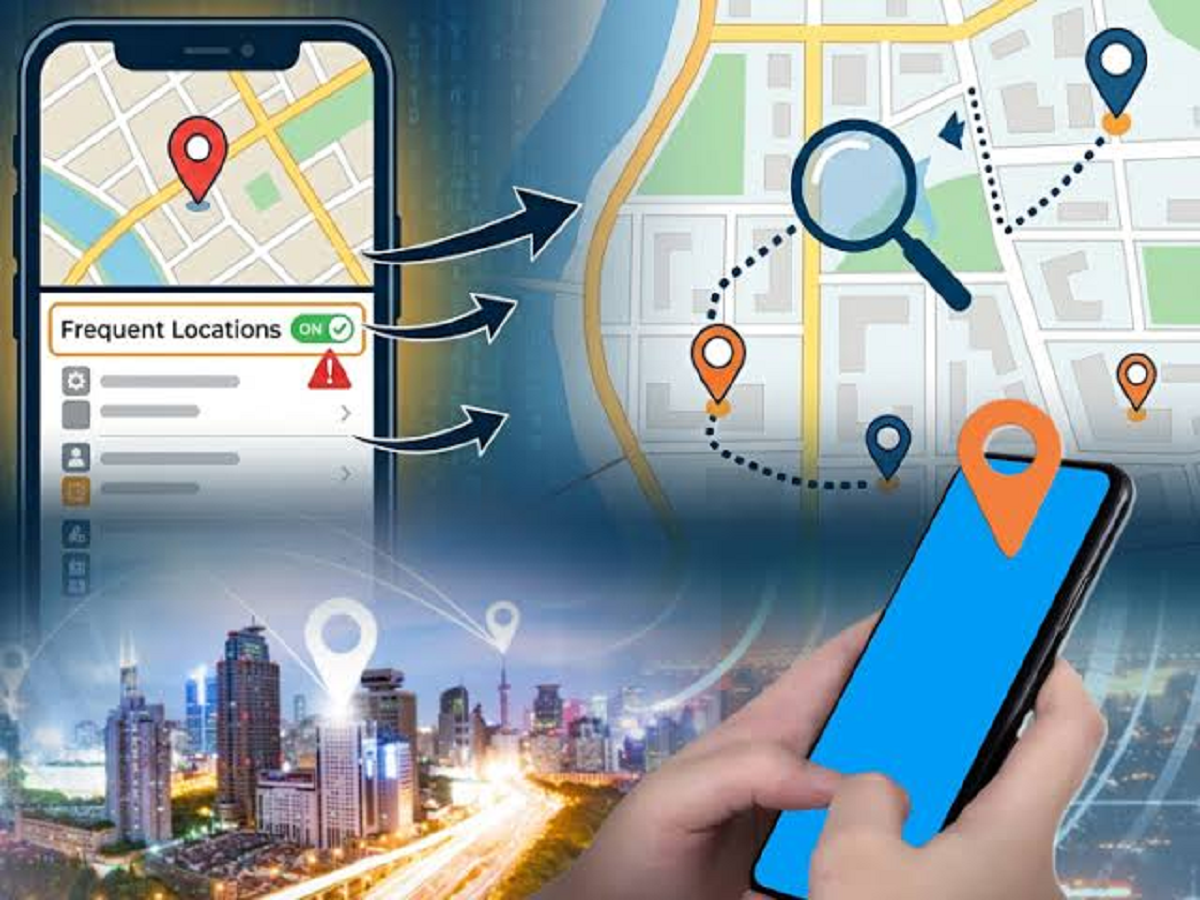
Location access is useful for navigation, food delivery and ride-booking apps. However, not every app needs to know where you are.
Open your phone's privacy settings and check which applications have location permission. If an app doesn't genuinely need your location, change its access to "Don't Allow" or "While Using the App."
This can reduce unnecessary background location collection.
Review camera and microphone permissions
Many applications request access to your camera and microphone. While some apps need these permissions to function, others may not.
Go through the permission manager on your smartphone and check which apps can access your camera or microphone. Remove access from applications that don't require it.
You can always grant the permission again when necessary.
Turn off unnecessary notifications
Notifications aren't just annoying—they can also reveal sensitive information on your lock screen.
Messages, banking alerts, OTPs and other private notifications may become visible to anyone who can see your phone.
Check your notification settings and disable notifications that you don't need. For sensitive applications, consider hiding message previews when the phone is locked.
Delete apps you no longer use
Unused apps can continue receiving updates, storing data or retaining permissions.
If you haven't used an application for months, consider uninstalling it. Besides improving privacy, removing unnecessary apps can free up storage space and reduce background activity.
It's particularly worth checking old shopping, travel, gaming and social-media applications.
Use two-factor authentication
A strong password alone may not be enough to protect important accounts.
Wherever possible, enable two-factor authentication (2FA) for your email, social-media, cloud-storage and other important accounts. With 2FA enabled, someone who obtains your password may still need an additional verification code or authentication method to sign in.
Your primary email account deserves particular attention because it may be used to reset passwords for other services.
Keep your phone updated
Software updates aren't only about adding new features. They frequently include security patches that fix vulnerabilities discovered after an operating system or app was released.
Turn on automatic updates where practical and regularly update important applications through your phone's official app store.
Avoid downloading system updates or apps from suspicious websites.
Be careful with public Wi-Fi
Free Wi-Fi at airports, hotels, cafes and other public locations can be convenient, but users should avoid treating every network as trustworthy.
Before connecting, verify the network name with the establishment. When using an unfamiliar public network, avoid sensitive activities such as banking if you can use mobile data instead.
Also disable automatic Wi-Fi connections to unknown networks.
Your privacy depends on small decisions
You don't need to make drastic changes to use your smartphone more safely. Reviewing permissions, limiting location access, protecting notifications, enabling 2FA and keeping software updated can make a meaningful difference.