TECH
Your Phone Has a Secret Emergency Toolkit: 8 Features You Should Set Up Before You Actually Need Them
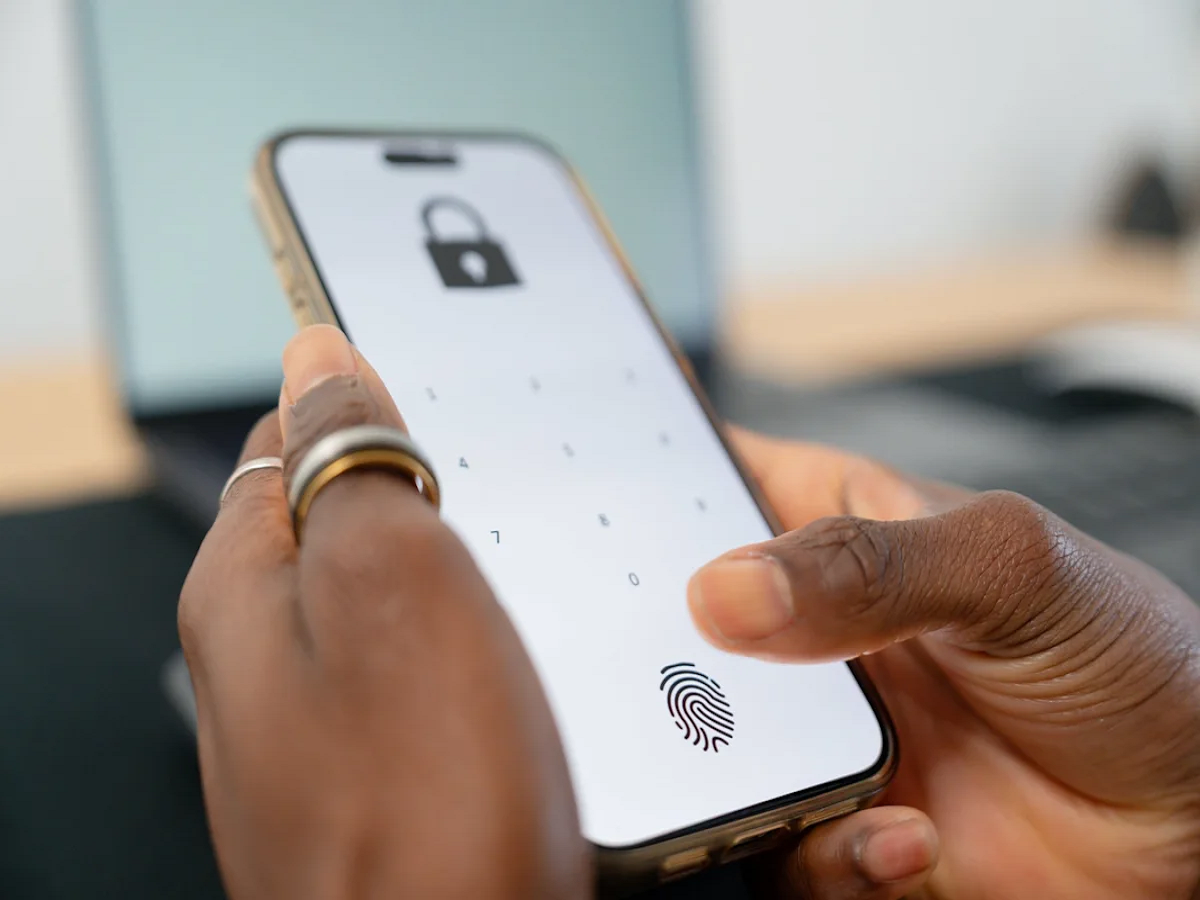
Your smartphone is probably the device you carry everywhere, but most people use only a fraction of the safety features built into it.
Modern Android phones and iPhones can offer tools for emergencies, including location sharing, emergency contacts, crash detection on supported devices, medical information and alerts for dangerous situations.
The important part is setting these features up before an emergency happens. When something goes wrong, you may not have enough time—or even the ability—to configure them.
1. Add Emergency Contacts
Your phone can make it easier for someone to contact your family if you are unable to do so yourself.
Add one or more trusted people as emergency contacts through your phone's safety or health settings.
Depending on the device, emergency information may also be accessible from the lock screen without requiring the phone to be unlocked.
2. Set Up Emergency SOS
Many modern smartphones include an Emergency SOS function.
Depending on the phone and region, activating it through a specific button combination can contact emergency services, alert selected contacts or share your location.
Check exactly how the feature works on your phone and learn the activation method beforehand.
3. Turn On Location Sharing When You Need It
Location sharing can be useful when travelling, meeting someone at an unfamiliar place or dealing with an emergency.
Instead of repeatedly sending your location manually, supported services can allow you to share your live or current location with selected contacts.
Remember to review who has access and turn off sharing when you no longer need it.
4. Keep Your Medical Information Updated
Some smartphones allow users to store basic emergency medical information.
Depending on the device, this may include allergies, medications, blood type or other information that you choose to provide.
If you use this feature, keep the information accurate and only enter details you're comfortable storing on the device.
5. Don't Ignore Crash Detection Features
Certain newer smartphones and smartwatches can detect signs of a serious crash using sensors and software.
On supported devices and in supported regions, the system may prompt the user to contact emergency services if it detects a potentially severe incident.
Because availability varies by device and country, check your manufacturer's documentation to see whether your phone supports it.
6. Download Important Maps Before Travelling
Emergency situations aren't the only reason your phone's offline capabilities matter.
If you're travelling to an area with unreliable mobile connectivity, downloading maps in advance can help you navigate even when a data connection isn't available.
This is especially useful for road trips, remote areas and locations with inconsistent network coverage.
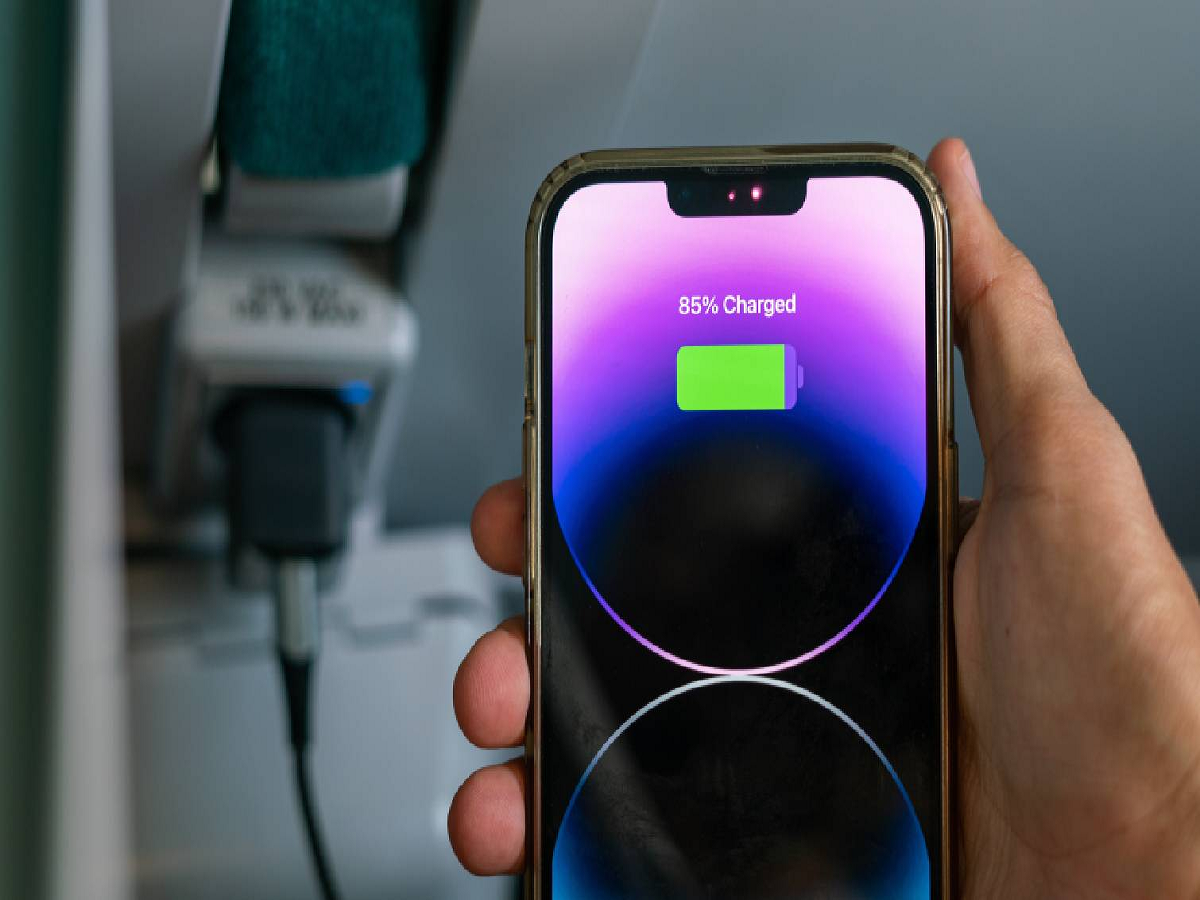
7. Keep Your Phone's Battery From Becoming the Weak Link
A safety feature is of little use if your phone is dead.
If you're heading out for a long journey, especially into an unfamiliar or remote area, charge your phone beforehand and consider carrying a power bank.
You can also enable battery-saving modes when you know you'll be away from a charger for an extended period.
8. Learn the Emergency Number for Your Location
Your phone can help you contact emergency services, but knowing the appropriate emergency number is still important.
In India, 112 is the unified emergency number for several types of emergency assistance.
Save important local contacts as well, particularly if you frequently travel or live away from your usual city.
What You Should Check Today
Take five minutes to explore your phone's safety settings.
Look for:
-
Emergency SOS
-
Emergency contacts
-
Medical information
-
Location sharing
-
Crash detection, if supported
-
Personal safety features
-
Emergency alerts
-
Battery-saving options
Also make sure your operating system is updated, because safety features and their availability can change with software updates.
One More Thing: Test Without Triggering an Emergency
Don't experiment by accidentally activating an emergency call.
Instead, read your phone manufacturer's instructions and understand what happens when you press the relevant buttons or use the emergency shortcut.
Knowing the procedure in advance can prevent confusion when every second matters.
Bottom Line
Your smartphone isn't just a communication and entertainment device. It can also serve as a basic safety toolkit.
Emergency contacts, SOS functions, location sharing, medical information and offline maps are features that most people hope they never need—but setting them up takes only a few minutes.
The best time to discover how your phone's emergency features work is before you need them.