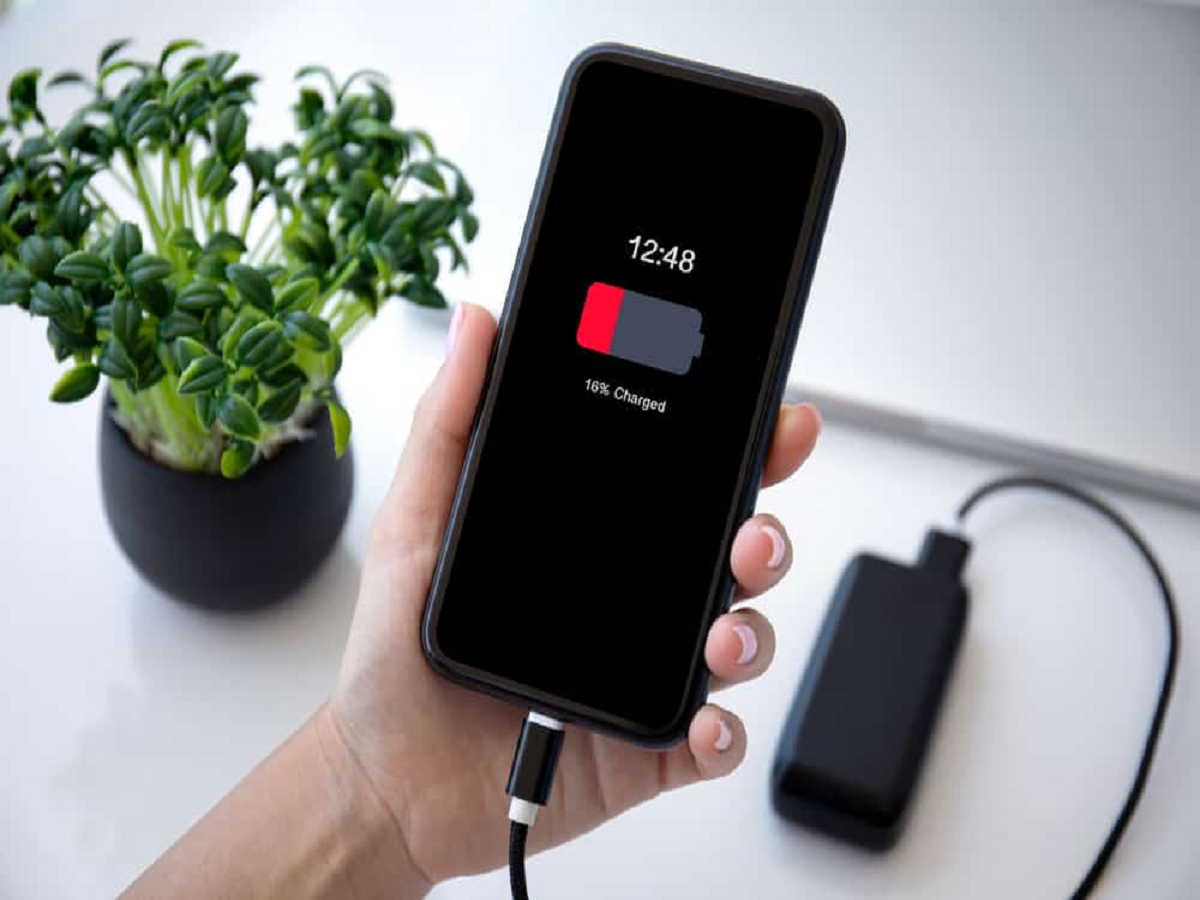
Has your phone started losing battery much faster than it used to? Before buying a new battery or blaming the latest software update, there are several less obvious reasons that could be draining your phone throughout the day.
From weak network signals to apps running silently in the background, here are some things worth checking.
1. Poor Network Signal
When your phone struggles to maintain a mobile network connection, it may use more power searching for a stronger signal.
This can be particularly noticeable in areas with weak indoor coverage, basements or remote locations.
If your phone consistently shows very low signal strength, this could be one reason for unusually high battery consumption.
2. Apps Running in the Background
Some apps continue performing tasks even after you stop using them.
Social media, navigation, cloud-storage and messaging apps can periodically refresh information, synchronize data or use location services.
Check your phone's battery settings to see which apps are consuming the most power.
3. High Screen Brightness
The display is often one of the biggest sources of battery consumption.
Keeping brightness at maximum for long periods can drain the battery considerably faster.
Using automatic brightness or lowering the brightness manually when you're indoors can help extend battery life.
4. Location Services
GPS and location-based services can consume additional power, particularly when apps repeatedly request your location.
Review which apps have location permission and disable access for applications that don't actually need it.
5. Always-On Display
Always-on displays are convenient because they allow you to see notifications, time and other information without unlocking the phone.
However, they can consume additional battery throughout the day.
If battery life is more important to you than having information constantly visible, consider reducing or disabling this feature.
6. Too Many Push Notifications
Every notification can wake your phone's display, activate background processes or trigger other activity.
You don't necessarily need notifications from every application.
Turning off unnecessary alerts can reduce interruptions and may provide a small improvement in battery life as well.
7. Extreme Temperatures
Heat can be particularly harmful to smartphone batteries.
Leaving your phone in direct sunlight, inside a hot car or near a heat source can cause the device to become unusually warm and may accelerate battery degradation over time.
Try to keep your phone away from excessive heat whenever possible.
8. An Ageing Battery
Sometimes the simplest explanation is that the battery itself has degraded.
Lithium-ion batteries naturally lose capacity as they go through charging cycles. As the battery ages, your phone may not last as long between charges even if your usage hasn't changed.
Most modern smartphones provide a battery-health section where you can check the condition of the battery.
A Simple Battery Check Can Reveal the Problem
If your phone suddenly starts losing battery quickly, don't immediately assume that the battery needs replacement.
Open the battery settings and look at which apps and features have consumed the most power. Check your screen usage, network signal, location permissions and battery health.
A few small changes can sometimes make a noticeable difference.
And if the battery is old, overheating, swelling or behaving unusually, stop using the device and have it inspected by a qualified service professional.
Your phone's battery isn't always dying because you use it too much—the real culprit could be quietly running in the background.