If you have ever had to carry a heavy plastic folder filled with old prescriptions, blood test reports, and X-ray films to a hospital visit, you know how stressful managing your health paperwork can be. Losing a single paper summary can mean repeating expensive diagnostic tests.
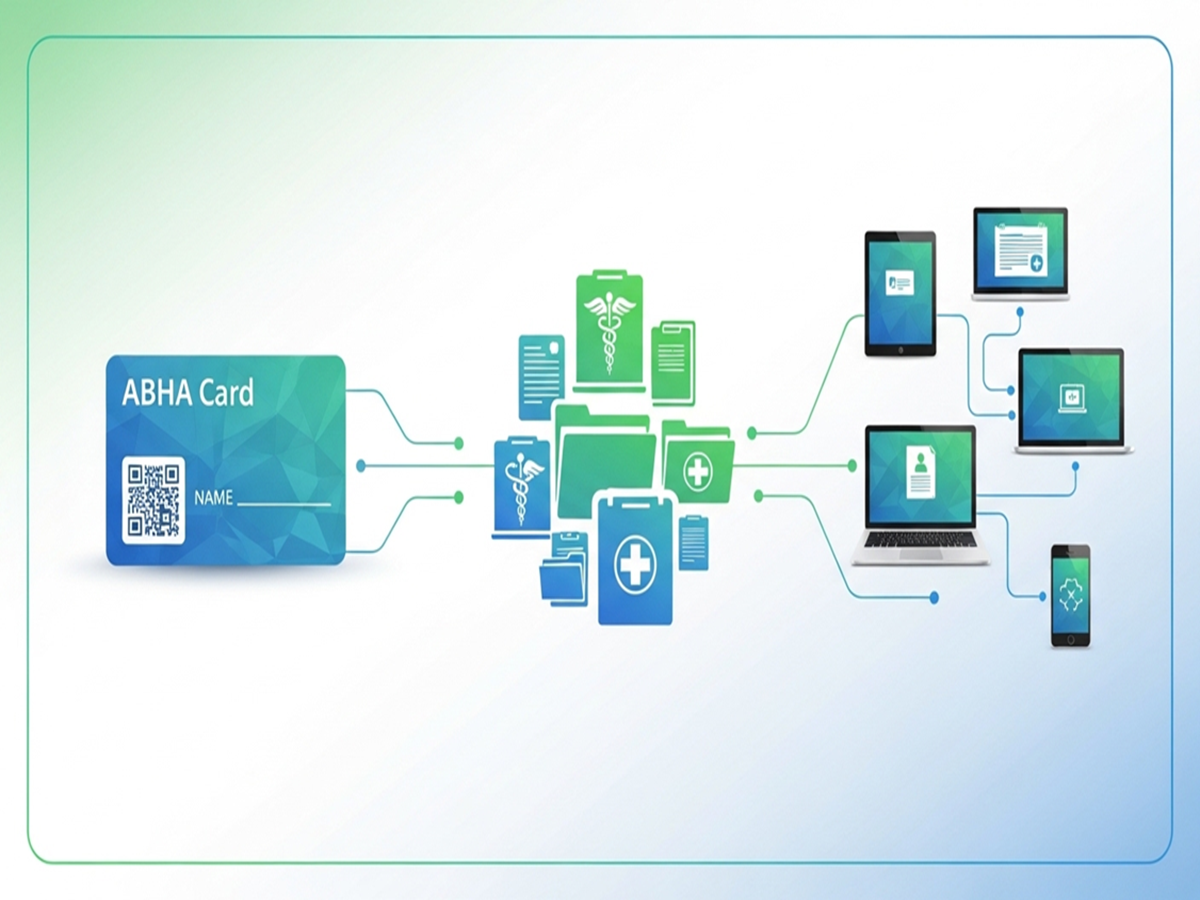
To build a paperless healthcare system, the government launched the Ayushman Bharat Health Account (ABHA) under the National Digital Health Mission. It functions as a secure digital locker and medical passport, consolidating your entire medical history into one accessible profile.
1. What is an ABHA Card?
An ABHA card provides you with a unique 14-digit Health ID. It does not replace your private health insurance or standard public insurance schemes like the Ayushman Card (PM-JAY). Instead, it is an informational tool designed to securely tie your diverse medical footprints together.
Absolute Privacy Control: Setting up an ABHA card is completely voluntary. Crucially, your medical records are never shared automatically. A doctor or hospital can only view your past prescriptions or diagnostic history after you grant explicit, time-limited digital consent via your smartphone. You can revoke this permission at any point.
2. Key Benefits of Digatizing Your Health Profile
By creating a centralized health ID, navigating clinics and emergency care becomes streamlined.
| Feature | How It Helps You |
| Unified Health Timeline | Automatically links consultation notes, lab reports, discharge summaries, and vaccine certificates across different hospitals. |
| Scan & Share Registration | Instead of waiting in long hospital OPD registration queues, you can scan a QR code at the reception desk to instantly share your basic profile info. |
| Verified Doctor Registry | Connects you directly to the Healthcare Professionals Registry (HPR), ensuring you only consult pre-verified, qualified practitioners. |
| Emergency Readiness | Allows you to appoint a trusted family nominee who can access your medical background securely if you are incapacitated during a medical emergency. |
3. Step-by-Step: Activating Your Health Account
Creating your digital health passport takes under three minutes and can be completed online for free.
Pro-Tip for Fast Claim Approvals: Linking your ABHA ID to your existing commercial or corporate health insurance policy allows empaneled hospitals to securely access your data during hospitalization. This drastically accelerates the validation of cashless medical claims.