
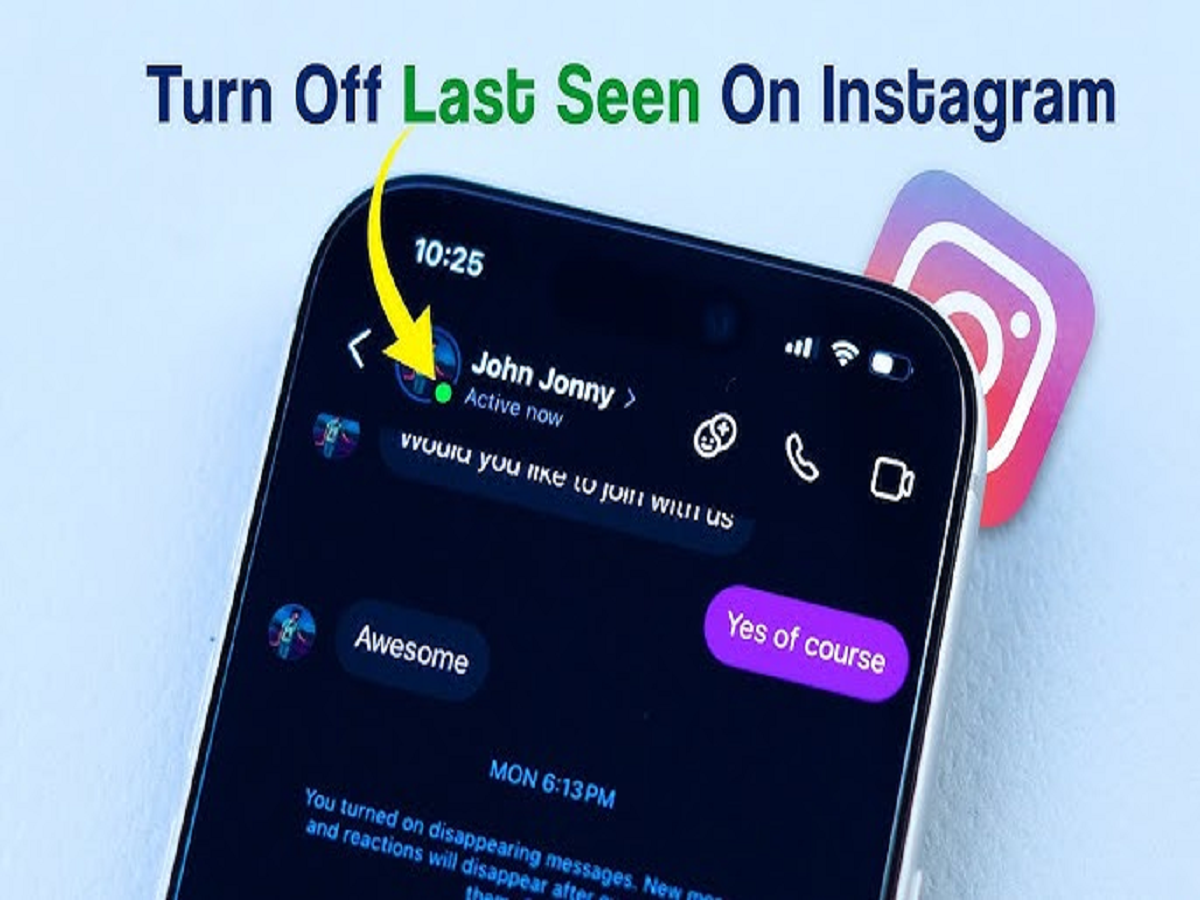
Many Instagram users don’t realize that the app shows their real-time activity to others. Through the Active Status feature, your followers or friends can see when you’re online or when you last used the app. While this may feel useful, it can also create unnecessary pressure to reply instantly to DMs.
The good news is that Instagram allows you to turn this feature off easily. Once disabled, you can scroll, watch reels, or reply at your own pace—without anyone knowing when you’re active. Keep in mind, though, that after switching it off, you also won’t be able to see other users’ online or last seen status.
How to turn off Active Status on Android
Start by opening the Instagram or Instagram Lite app on your Android phone. Go to your profile and tap the three-line menu in the top-right corner. From there, open Settings and Activity, scroll down, and tap on Messages and story replies. You’ll see the option Show Activity Status—simply turn off the toggle next to it.
How to turn off Active Status on iPhone
Open the Instagram app on your iPhone or iPad and go to your profile. Tap the three-line menu at the top, then select Settings and Activity. Next, open Messages and story replies. Here, you’ll find Show Activity Status. Turn off the toggle, and your online status will no longer be visible.
Important things to remember
After disabling Active Status, the green dot that shows you’re online will disappear for everyone. Your followers won’t be able to see when you’re active or when you last used Instagram. At the same time, you also lose access to viewing others’ online or last seen status.



