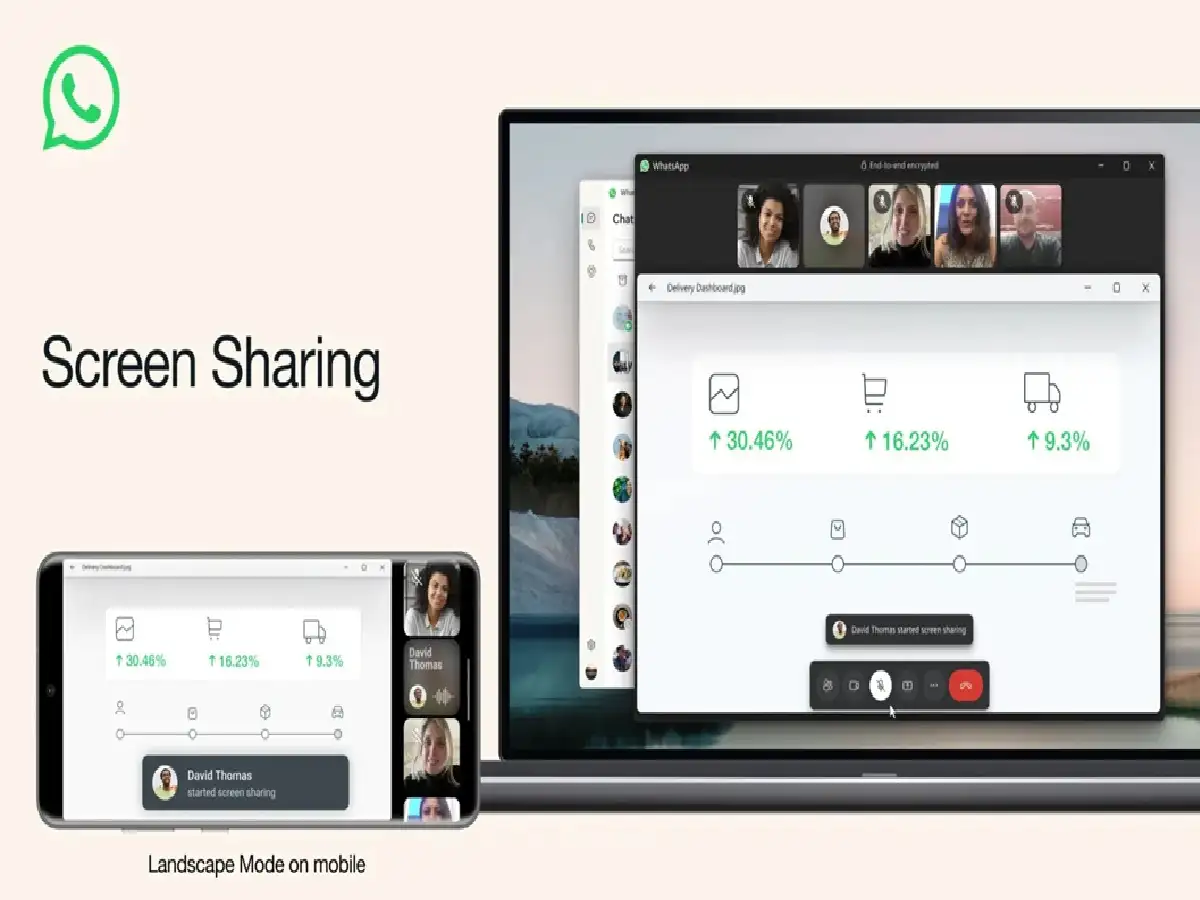
WhatsApp offers a unique feature that allows users to share their screen during a video call. This feature is cross-platform compatible, allowing users to easily show a live view of their screen to one or more people on the call.
TVMore videos
To share your screen on a WhatsApp video call, you need to follow these steps:
1. Make sure you have the latest version of WhatsApp installed on your device.
2. Start a video call with one or more contacts.
3. During a video call, you'll see a new 'Share' icon at the bottom of the screen. It resembles a phone with an arrow pointing out of it.
4. You'll then be asked to grant screen share access to WhatsApp. Tap 'Start Now' or 'Start Broadcast' to confirm. Your screen will then be streamed to the other party. You'll see a red bar at the top of your screen indicating that you're sharing your screen.
5. To stop sharing your screen, tap the red bar and select 'Stop' or 'Stop Broadcast'. Alternatively, you can tap the 'Share' icon again and select 'Stop Sharing'.
PC: Indianexpress