
TECH
WhatsApp Secret Code for Chat Lock: Step-by-Step Guide to Hide and Protect Your Private Conversations
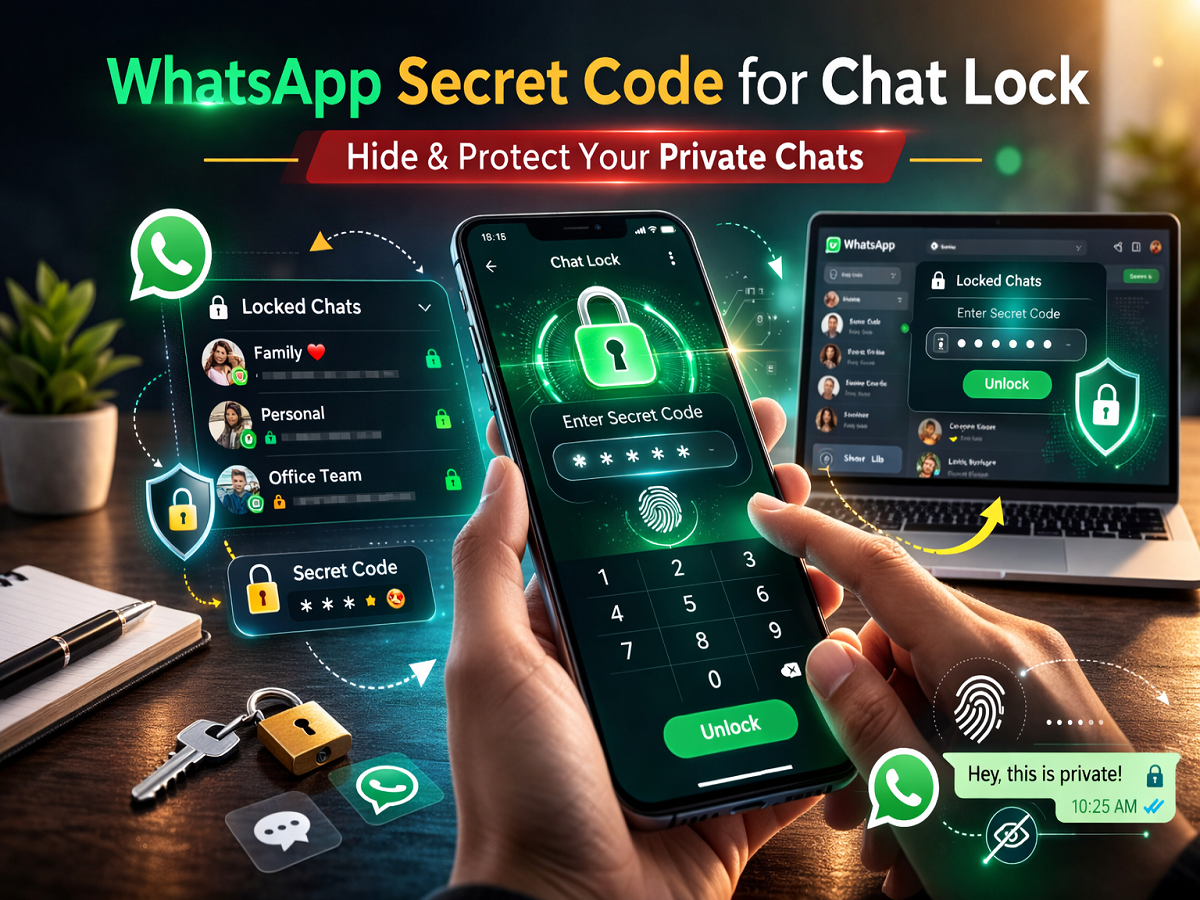
Privacy has become a top priority for messaging app users, and WhatsApp continues to roll out new tools to strengthen chat security. Earlier, the platform introduced the Chat Lock feature, allowing users to secure specific conversations with biometric authentication. Now, the app has enhanced this protection with the Secret Code feature — an extra privacy layer designed to keep sensitive chats completely hidden.
If you often share your phone with others or simply want tighter control over private messages, this feature can be extremely useful. Here’s everything you need to know about using Secret Code for Chat Lock on WhatsApp.
What Is WhatsApp Secret Code for Chat Lock?
The Secret Code is an advanced privacy option that lets users assign a custom password to their locked chats. Once enabled, your protected conversations are moved to a Locked Chats folder that stays hidden from the main chat list.
The key advantage is stealth: the locked chats folder itself can be concealed and only appears when the correct secret code is entered in search. This makes it significantly harder for anyone with temporary access to your phone to discover private conversations.
Key benefits:
-
Adds an extra security layer beyond fingerprint or Face ID
-
Hides the Locked Chats folder from plain view
-
Supports words or emojis as the secret code
-
Ideal for shared-device situations
How to Set a Secret Code for Chat Lock
Follow these simple steps to activate the feature:
Step-by-step instructions
-
Open WhatsApp and go to the Chats tab.
-
Swipe down on the chat list to open the Chat Lock folder.
-
Tap the three-dot menu in the top-right corner.
-
Select Chat Lock settings.
-
Tap Secret Code.
-
Create your unique code (you can use words or emojis).
-
Tap Next.
-
Re-enter the code to confirm.
-
Tap Done.
-
Turn on Hide Locked Chats.
Once completed, your locked chats will become invisible unless the secret code is entered.
How to Lock Individual WhatsApp Chats
Before using Secret Code effectively, you need to lock specific conversations.
Here’s how:
-
Open WhatsApp.
-
Long-press the chat you want to secure (or swipe left on iPhone).
-
Tap Lock Chat.
-
Choose Lock This Chat with Fingerprint (Android) or Face ID (iPhone).
The selected conversation will now move to the Locked Chats section.
How to Access Your Locked Chats
After enabling Secret Code and Chat Lock, your protected messages stay hidden from the main chat list.
To view them:
Method 1: Using search
-
Go to the Chats tab.
-
Enter your secret code in the search bar.
-
The Locked Chats folder will appear.
Method 2: Via Locked Chats
-
Open Chats.
-
Tap Locked Chats.
-
Verify with fingerprint or Face ID.
Once unlocked, you can read or send messages normally.
Important Things to Remember
Before using this feature, keep these tips in mind:
-
🔐 Choose a secret code that is easy for you to remember but hard to guess
-
📱 Biometric authentication is still required to open locked chats
-
👀 Hidden chats won’t appear in the main list
-
⚠️ If you forget the secret code, accessing hidden chats may become difficult
-
🔄 Keep your WhatsApp app updated for the latest security features
With the introduction of Secret Code for Chat Lock, WhatsApp has taken another strong step toward improving user privacy. The feature combines biometric protection with a hidden access method, making private conversations far more secure than before.
Whether you want to safeguard sensitive discussions or simply maintain personal privacy on a shared device, enabling Secret Code is a smart move. As WhatsApp continues to enhance its security toolkit, users can expect even more robust privacy controls in future updates.


